
Designers
Clean up layer structure before handing SVG assets to clients or teammates.
- Layer recoloring
- Structural cleanup
- Naming conventions
- Delivery export
SVG Layer Editor separates top-level SVG elements into editable layers so users can recolor, reorder, rename, and export cleaned SVG structures for further stamp work.
Turn top-level SVG elements into independent editable layers so you can hide, lock, recolor, rename, reorder, and export them in one workspace.
Upload an SVG, edit top-level layers, then export the updated file.
0 layers · 0 visible · 0 groups
Preview
viewBox: 0 0 520 360
Top-level <g>, <rect>, <path>, <text>, and similar nodes are separated into editable layers as soon as the SVG loads.
Toggle visibility, lock editing, recolor, adjust opacity, drag to reorder, rename on double-click, and remove layers when needed.
See the merged result live, zoom the canvas, inspect the generated SVG source, and export an updated .svg file.
AI Summary
SVG Layer Editor separates top-level SVG elements into editable layers so users can recolor, reorder, rename, and export cleaned SVG structures for further stamp work.
4.8(942)
Why users choose this layer workflow
The value is not only opening an SVG, but turning its top-level structure into something easier to inspect, edit, and export.
Top-level nodes are separated into manageable layers without manual setup.
Manage visibility, lock state, color, opacity, and order per layer.
Inspect the merged result while adjusting the SVG layer structure.
Useful for complex SVG handoff and cleaner team collaboration.
Copy the updated SVG source or export a cleaned .svg file.
Helpful for border, text, emblem, and decorative layer cleanup.
When an SVG needs recoloring, layer cleanup, or ordering changes, this workspace is more useful than a basic preview tool.
When an SVG needs recoloring, layer cleanup, or ordering changes, this workspace is more useful than a basic preview tool.

Best for reorganizing SVG assets so they are easier to maintain, edit, and reuse in stamp workflows.
Turns top-level <g>, <path>, <text>, and similar nodes into manageable layers.
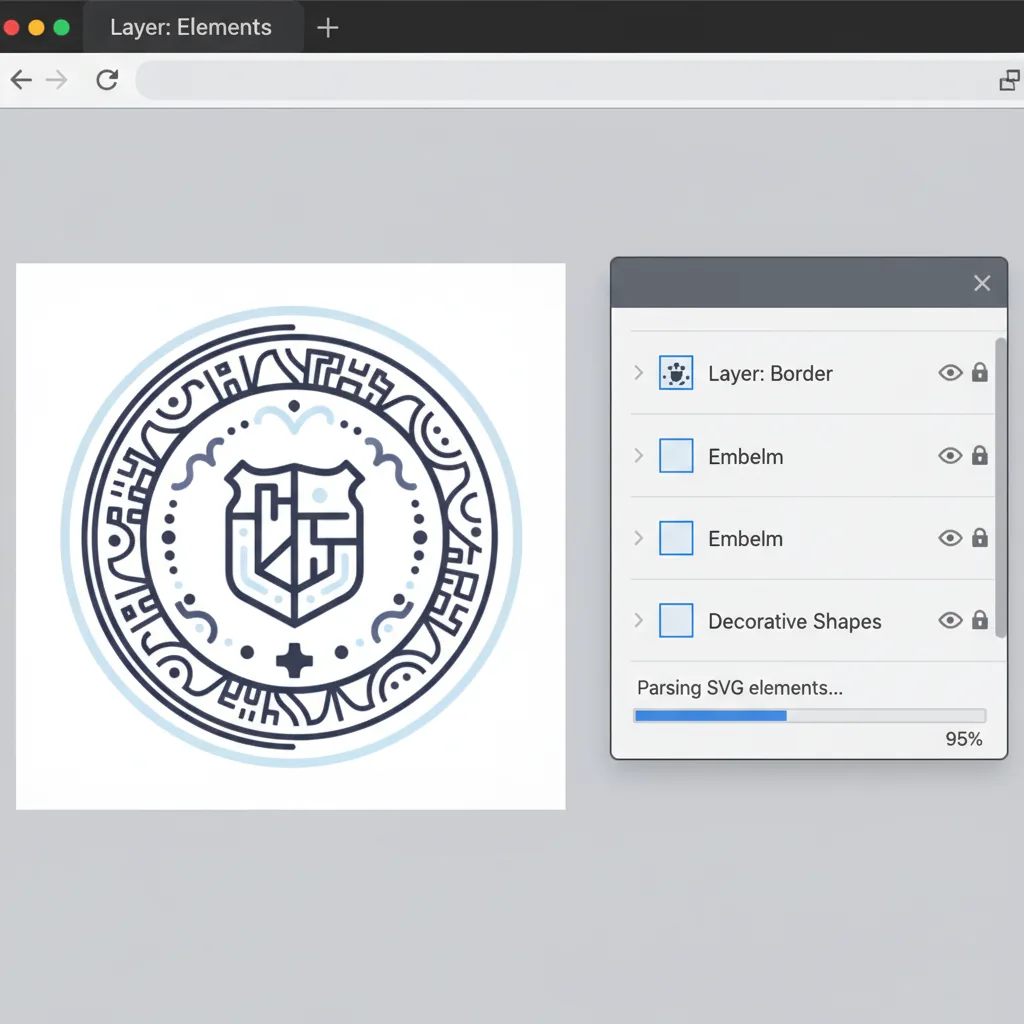
Hide or lock layers temporarily while editing the rest of the structure.

Useful for unifying stamp tones and reducing visual clutter.
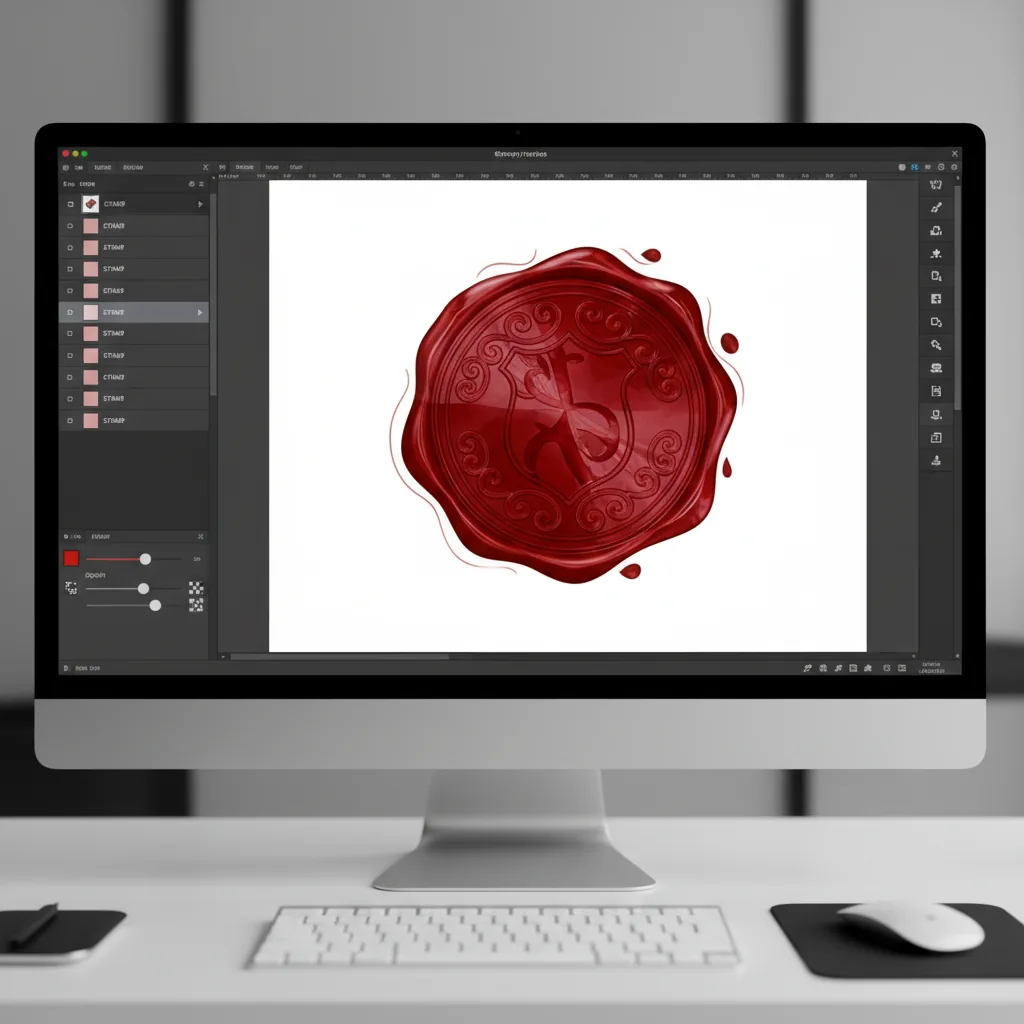
Adjust the front-to-back relationship of borders, text, and artwork layers.

Clean naming makes SVG handoff and later maintenance easier.

Copy the updated source or export the reorganized SVG as a file.

Who it is for
Especially useful for stamp, badge, icon, and emblem files that need continued structure cleanup.
Clean up layer structure before handing SVG assets to clients or teammates.

Maintain company seals, standard SVG marks, and reusable graphic assets.

Prepare SVG files before embedding them into pages, systems, or content workflows.
Comparison
The point is not only opening an SVG, but restructuring it into something cleaner and easier to export.
| Feature | SVG Layer Editor | Generic design tool | Desktop software | Manual service |
|---|---|---|---|---|
| Layer parsing | ✅ Automatic top-level parsing | ⚠️ Structure is not always preserved | ⚠️ Depends on manual interpretation | ⚠️ Depends on designer workflow |
| Per-layer control | ✅ Visibility, lock, color, opacity | ⚠️ Limited for SVG structure work | ✅ Possible but heavier | ❌ Requires revision cycles |
| Layer reordering | ✅ Drag and reorder | ⚠️ Structure may shift | ✅ Possible | ❌ Slower to revise |
| SVG export | ✅ Export a refined SVG | ⚠️ Structure may change | ⚠️ Needs extra validation | ⚠️ Depends on deliverables |
| Overall efficiency | ✅ Purpose-built for layer cleanup | ⚠️ More general-purpose | ⚠️ Powerful but heavier | ❌ More communication overhead |
Key questions about SVG layer editing
Import, separate, organize, export
Best for stamp SVGs, emblem graphics, and reusable multi-layer assets that need further cleanup.
Convert a raster stamp into SVG first, then continue refining it with layer editing
Try Stamp PNG to SVG →Take the refined stamp asset and place it on PDF pages with layered editing
Try Add Stamp to PDF →