
Business operations teams
Clean up company seals, archive scans, and reusable contract stamp assets.
- Contract seal cleanup
- Approval stamp reuse
- Archive scan digitization
- Shared asset output
Connected online stamp workflow that extracts white-background stamp images into transparent PNG, converts them into SVG, and moves them into Stamp Edit for continued editing.
Run stamp extraction, transparent PNG cleanup, SVG vectorisation, Stamp Edit handoff, and template saving as one connected workflow instead of bouncing between separate tools.
Workflow controls
Start by extracting a transparent stamp PNG from a white background, then vectorise that cleaned result and move it into the editor.
Step 1: Extract a transparent PNG
The final output is an editable SVG, ready for continued work in Stamp Edit and template saving.
Higher values remove more paper tone and faint background noise.
Higher values preserve softer ink edges and lighter stamp transitions.
Controls the transparent margin kept around the extracted stamp.
Step 2: Convert the transparent PNG into SVG
The extracted transparent PNG is sent to the vectorisation API so the result can be imported into Stamp Edit.
Recommended default for high-contrast stamps and single-colour ink impressions.
Higher thresholds remove faint paper tone and residual noise more aggressively, but can also trim softer stamp edges.
Enable this when the stamp artwork is light and the background is dark.
Waiting for a stamp image
Start by uploading a stamp image on a white or light background.
The transparent PNG will appear here
After upload, the page will automatically extract a transparent PNG and crop the excess space.
The SVG result will appear here
After extraction, click "Convert to SVG" and the vector result will appear here.
Source size
—
Output size
—
Background sample
—
Stamp coverage
—
After opening Stamp Edit, signed-in users can save the current design to 'My Templates' and reuse it later.
Upload once and continue through extraction and vectorisation without repeating the job across multiple tool pages.
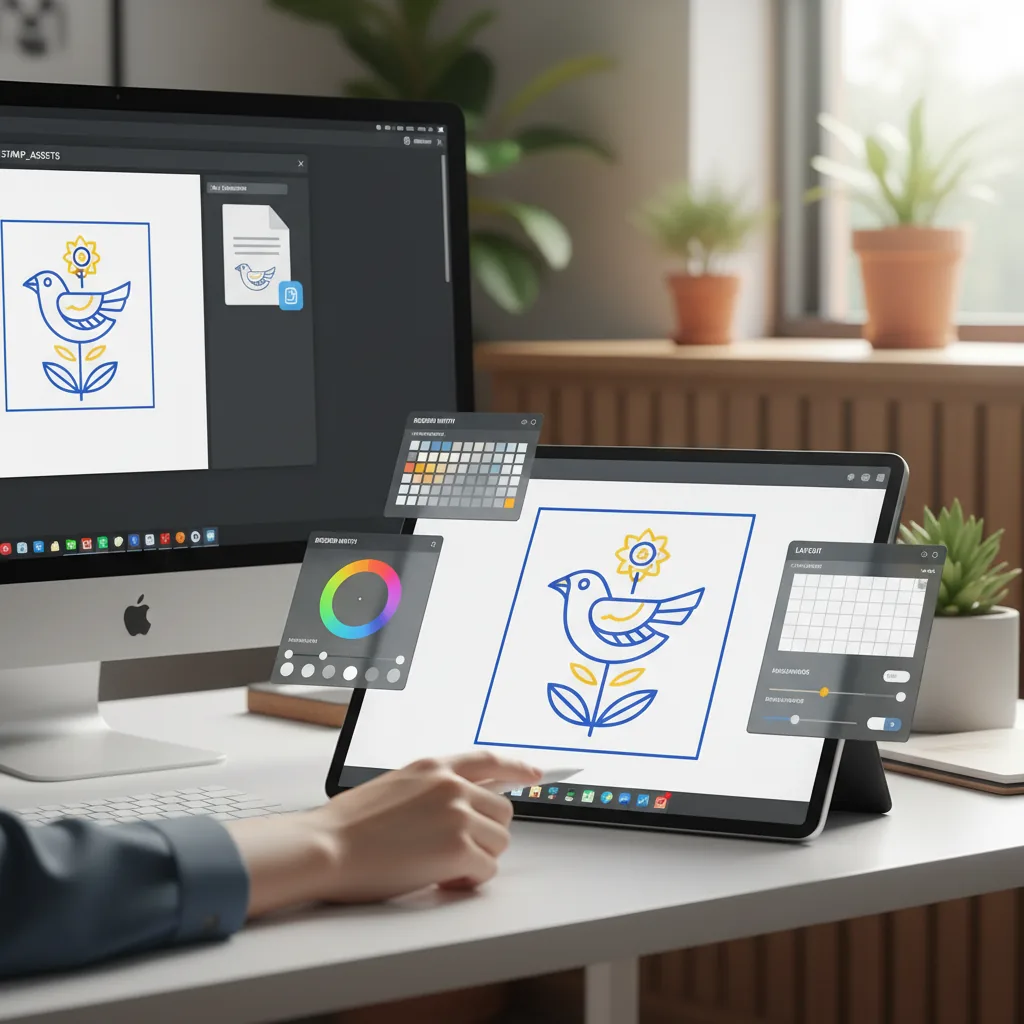
The SVG result can move straight into Stamp Edit for recolouring, borders, text changes, and layout work.
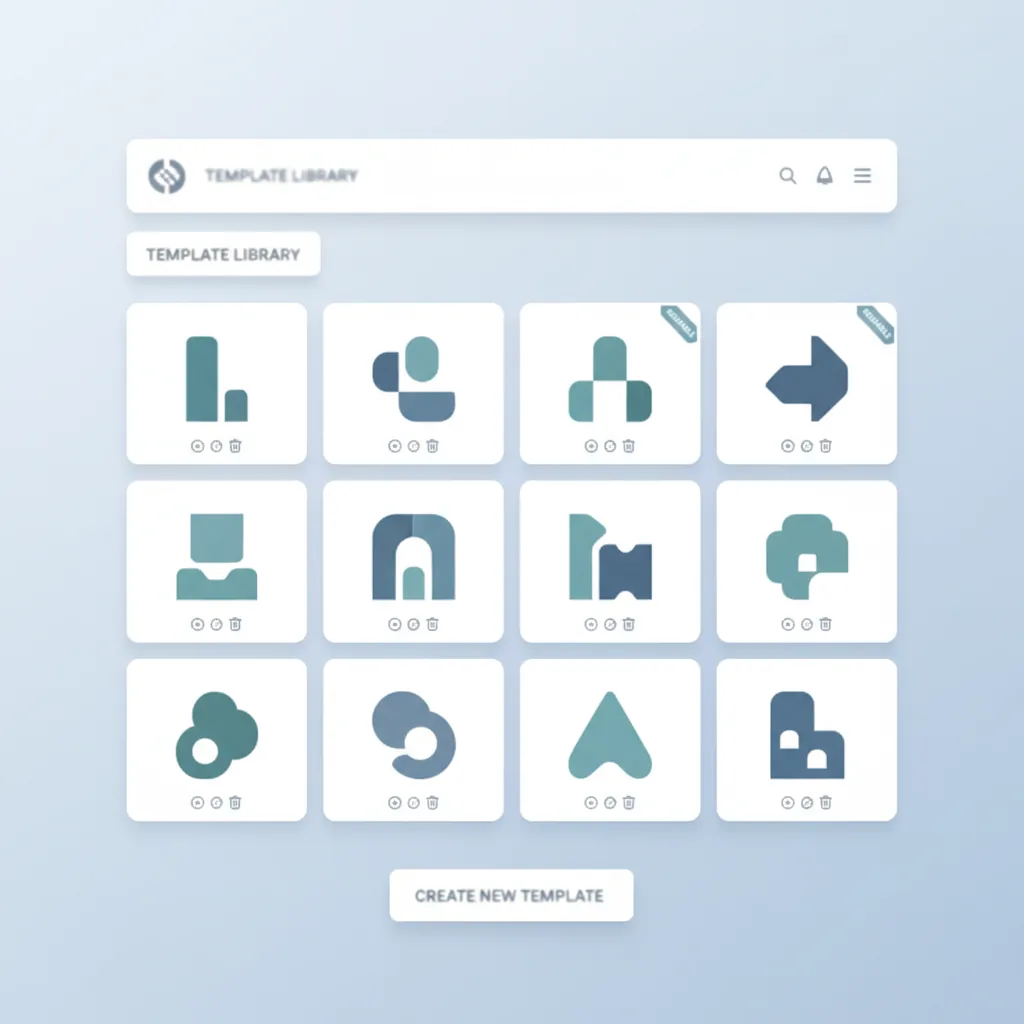
After editing, save the cleaned result as a reusable template for future document work.
AI Summary
Upload Stamp Online keeps white-background stamp cleanup, transparent PNG extraction, SVG vectorization, and Stamp Edit handoff on one page so scanned stamp artwork can be turned into reusable templates faster.
4.9(1368)
Why users choose this connected workflow
No repeated uploads across separate tool pages. Extraction, vectorization, and editing stay connected in one workflow.
Turn white-background stamp images into transparent PNG before moving forward.
One upload carries through extraction, vectorisation, and editing.
The SVG result can move directly into Stamp Edit for layout and recolouring.
Background cleanup, edge preserve, threshold, and presets can be adjusted to fit the stamp condition.
Signed-in users can save cleaned stamp results as reusable templates.
Best for scans, screenshots, and light-background stamp images.
This page is not an isolated uploader. It connects the most common stamp-cleanup actions into one ordered workflow.
This page is not an isolated uploader. It connects the most common stamp-cleanup actions into one ordered workflow.

The page is ideal for turning white-background scans and old stamp images into cleaner, editable assets.
Supports PNG, JPG, and WEBP inputs from scans, screenshots, and paper documents.
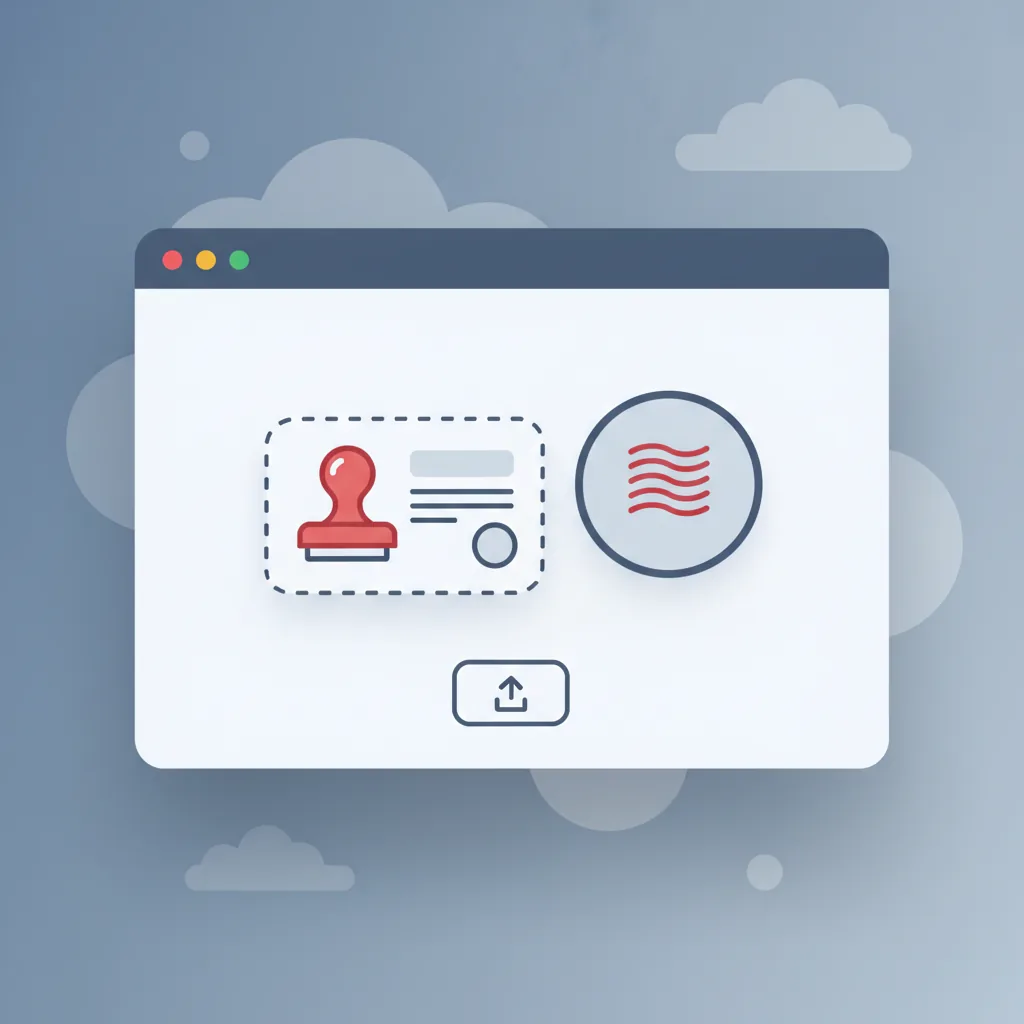
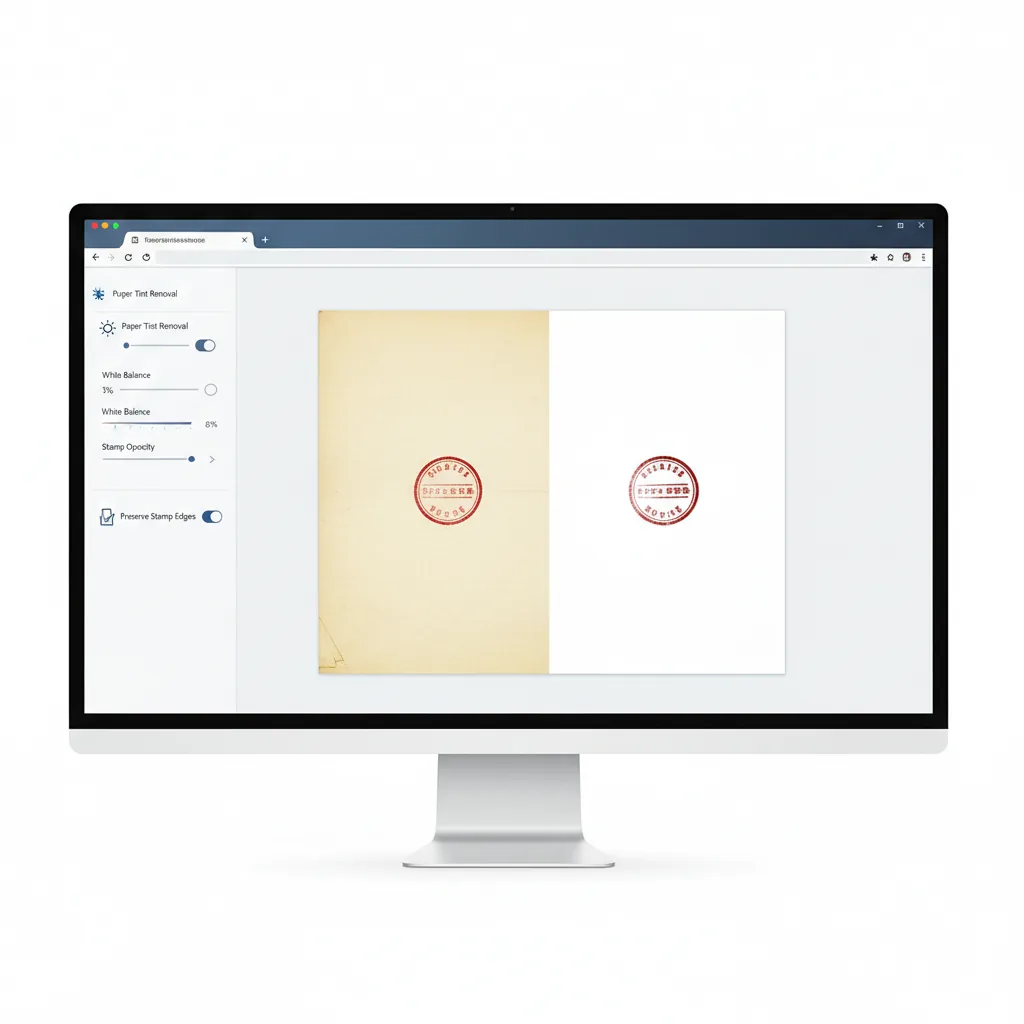
Removes paper tint and background noise before downstream editing.
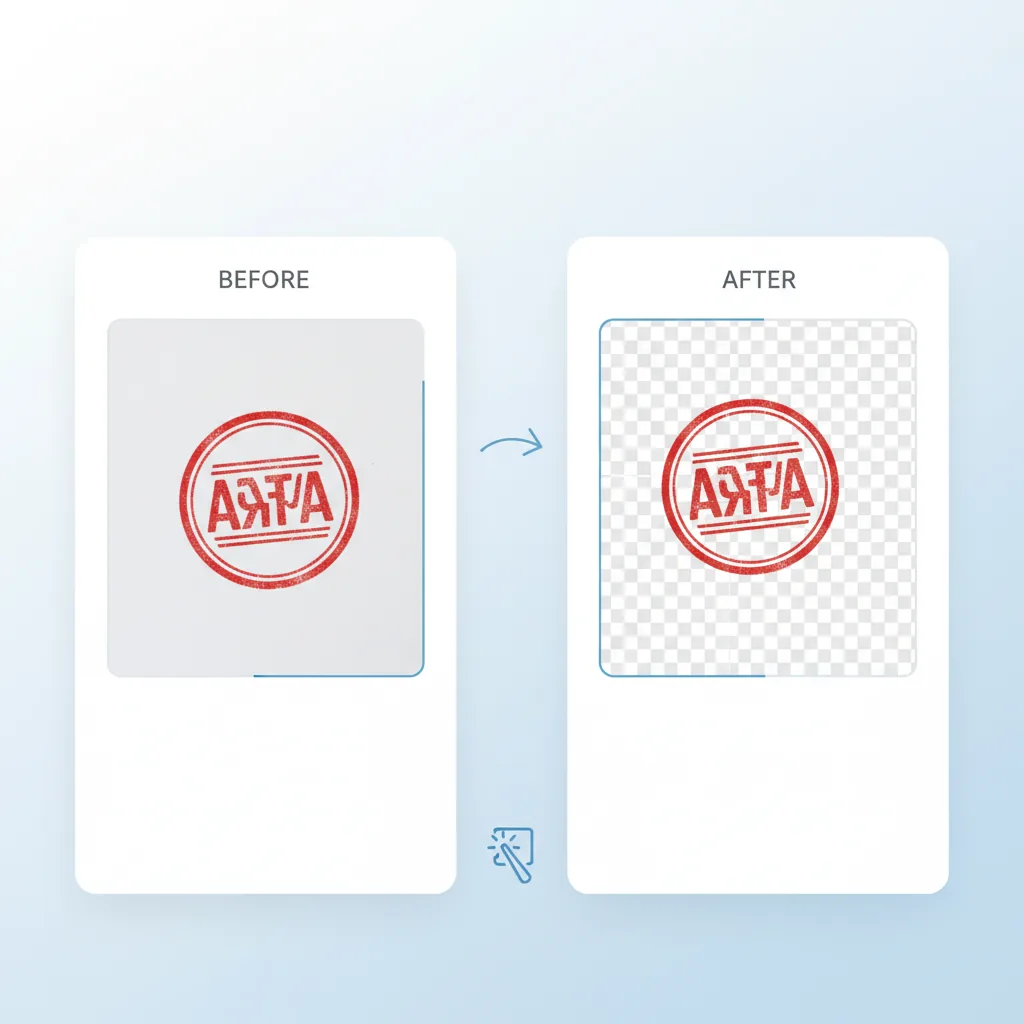
Balance clean backgrounds with softer stamp edge retention.
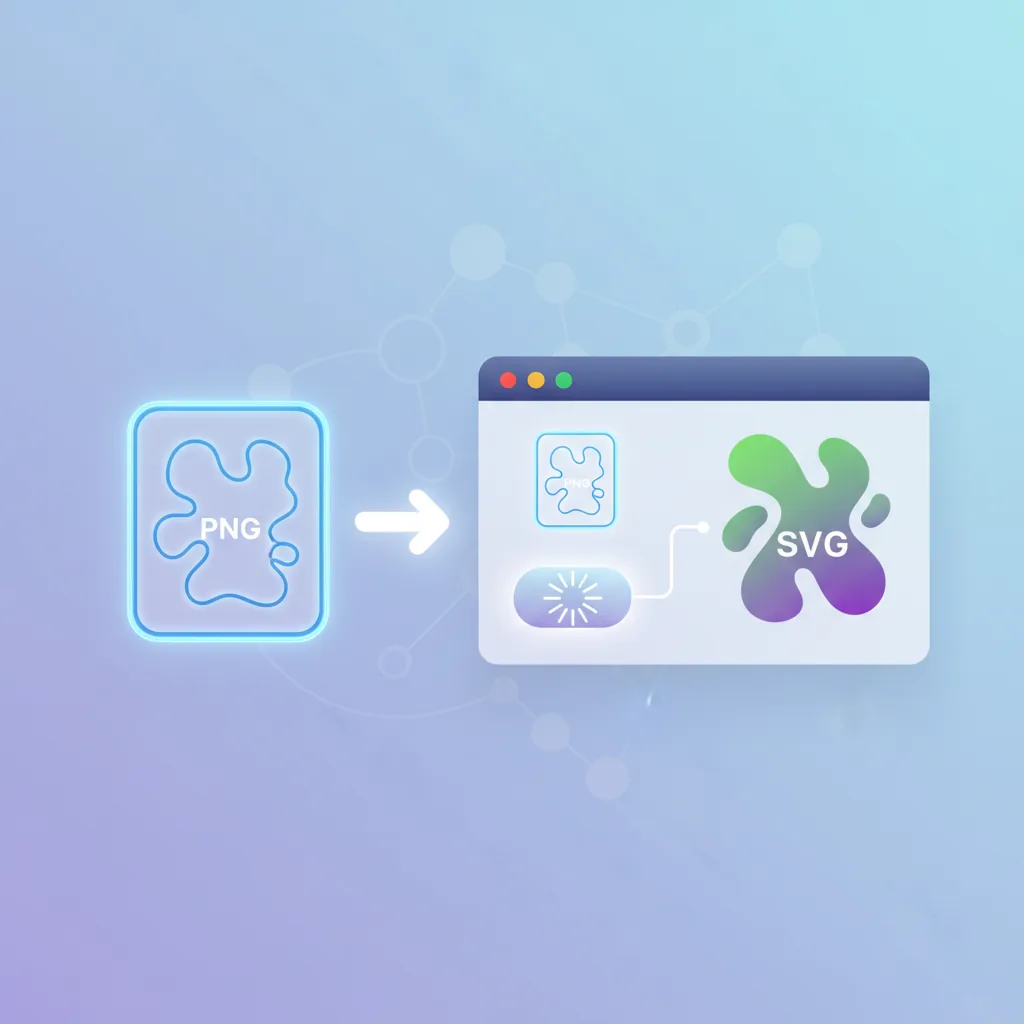
Converts the cleaned result into a more editable and scalable vector structure.
Open the result in Stamp Edit for recolouring, border work, and layout changes.
Turn cleaned stamp outputs into reusable templates for repeat jobs.
Who it is for
Especially useful when a raw scan needs to move all the way from source image to reusable stamp template.
Clean up company seals, archive scans, and reusable contract stamp assets.

Prepare stamp assets for PDF workflows, approvals, and document systems.

Refine old stamp artwork before using it in layouts, packaging, and reusable brand assets.
Comparison
The main difference is not one individual step, but keeping the whole cleanup chain in one place.
| Feature | Upload Stamp Online | Manual multi-tool flow | Desktop image software | Outsourced service |
|---|---|---|---|---|
| Upload count | ✅ One upload across the workflow | ⚠️ Often repeated uploads | ⚠️ Repeated import/export locally | ❌ Back-and-forth file delivery |
| Transparent extraction | ✅ Built in | ⚠️ Usually manual cleanup | ✅ Possible but heavier | ⚠️ Depends on service quality |
| SVG conversion | ✅ Continues after extraction | ❌ Not the core workflow | ⚠️ Extra work required | ⚠️ Depends on deliverables |
| Further editing | ✅ Direct Stamp Edit handoff | ⚠️ Rebuild work often needed | ✅ Flexible but heavier | ❌ Revisions cost more time |
| Template reuse | ✅ Save as template | ⚠️ Manual organization | ⚠️ File-based reuse | ❌ Hard to build a template library |
Real jobs usually need more than extraction alone
Before this workflow, extraction, SVG conversion, and editing were split across multiple pages. Now the whole chain stays in one place.
The biggest gain is moving straight from transparent cleanup into an editable SVG without restarting the job.
I care most about reusable outputs. Once the stamp is cleaned and edited, saving it as a template makes repeat work much easier.
Before this workflow, extraction, SVG conversion, and editing were split across multiple pages. Now the whole chain stays in one place.
The biggest gain is moving straight from transparent cleanup into an editable SVG without restarting the job.
I care most about reusable outputs. Once the stamp is cleaned and edited, saving it as a template makes repeat work much easier.
These quotes illustrate common workflows and are not legal or compliance guidance.
Key questions about the connected upload-stamp workflow
Upload, extract, vectorize, edit, save
Perfect for teams and individuals who need a connected cleanup workflow instead of one isolated stamp-processing step.
Repair blurry, broken, or noisy stamp images first, then continue the full workflow
Try AI Stamp Image Repair →If you already have a transparent PNG, jump directly into the standalone vectorisation flow
Try Stamp PNG to SVG →