
3-vaiheinen PDF-leimausprosessi
Leimaa PDF-tiedostoja sekunneissa
Lataa PDF-tiedosto, lisää leimoja, allekirjoituksia tai merkkejä ja vie valmis lähetettävä tiedosto yhdessä työssä.
Aloita
Lataa ja leimaa PDF-tiedostosi
Valitse Lataa PDF tiedostollesi tai Kokeile esimerkki-PDF:tä kokeaksesi koko prosessin välittömästi.
Ei rekisteröitymistä vaaditaKäsitellään paikallisesti selaimessaVälitön PDF-vienti
Local browser editor
Add Stamp to PDF
Upload a PDF, place stamps, signatures, shapes, and sketch marks directly on top, then export a new PDF.
0 Pages0 Marks
Get started in 3 steps
Upload a PDF, choose a stamp preset, click anywhere to place it, then download the result.
01
Step 1 Upload PDF
Upload your local PDF and let the workspace render pages.
02
Step 2 Add stamp
Choose a stamp/signature preset, click to place, drag to adjust.
03
Step 3 Download
Export a new stamped PDF in one click.
Drop a PDF here, or click to upload
Local processing, no server upload
Works with multi-page PDFs
Export stamped PDF instantly
Näin aloitat 10 sekunnissa
Napsauta "Valitse PDF" työtilassa, valitse sitten leima-esiasetus ja napsauta sivua sen sijoittamiseksi.
Miksi Stamp Maker
- Tulos ensin -prosessi: sijoita leima ensin, hienosäädä myöhemmin.
- Rakennettu monisivuisille laskuille, sopimuksille ja hyväksynnöille.
- Paikallinen käsittely auttaa vähentämään yksityisyysongelmia.
Suositut käyttötarkoitukset
LaskutSopimuksetHyväksyntä dokumentitKuititAllekirjoitetut lomakkeetSisäinen tarkistus
Tarvitsetko ensin mukautetun sinetin? Suunnittele se Leimanluoressa ja palaa sitten leimaamaan PDF-tiedostosi.
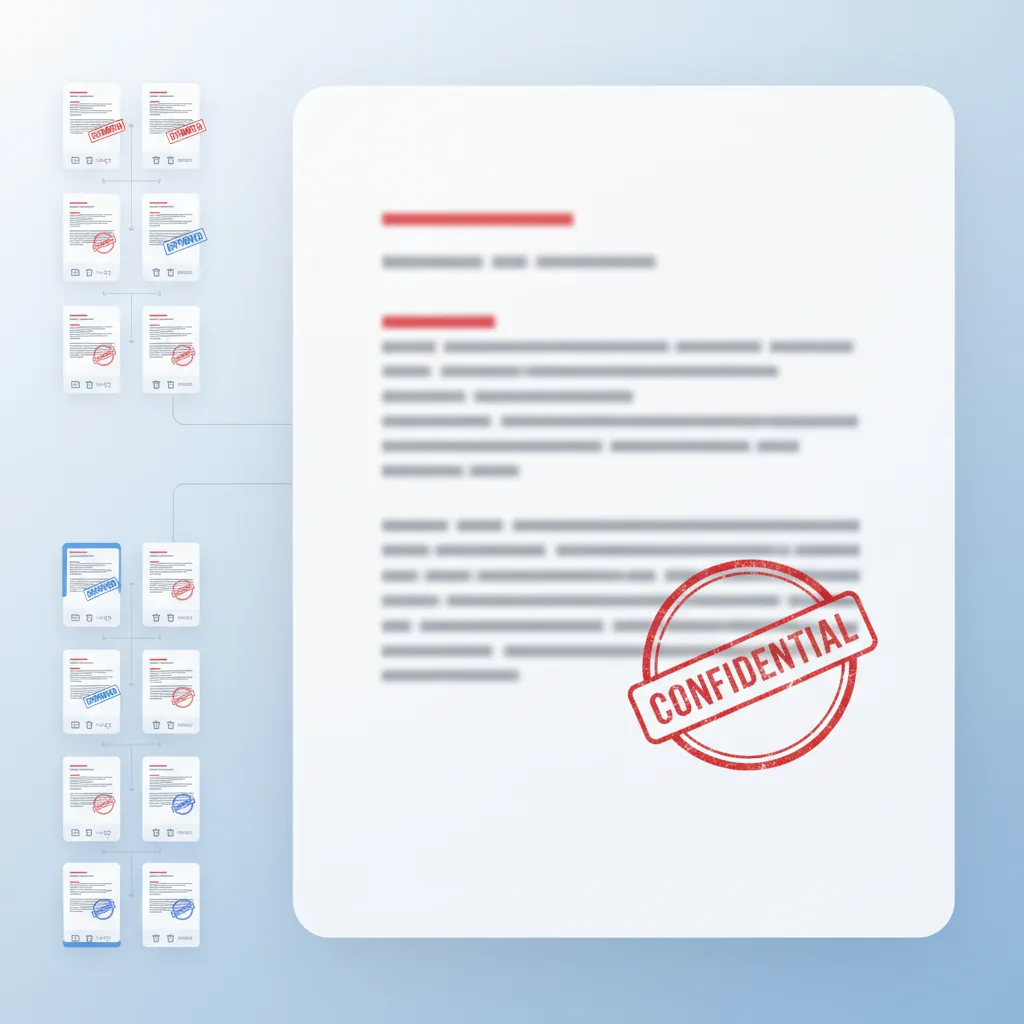
Avaa LeimanluojaaKolmen sarakkeen PDF-työtila
Sivun esikatselut jäävät vasemmalle, muokkaus jää keskelle ja sivutason tasoryhmät jäävät oikealle.
Leima, allekirjoita, muoto, piirrä
Yhdistä hyväksymisleimat, allekirjoitukset, muotohuomautukset ja vapaankäden tarkistusmerkit yhdessä työssä.
Yksinkertaiset sivumuokkaukset
Monista tai poista sivuja, pidä päällekkäiset ryhmiteltynä sivun mukaan ja vie muokattu PDF-järjestys.
AI
AI Yhteenveto
Add Stamp to PDF on ilmainen selaintyökalu, jonka avulla voit lisätä leimoja, allekirjoituksia ja huomautuksia PDF-tiedostoihin sekunneissa. Ominaisuuksiin kuuluu kolmen sarakkeen työtila sivun pienoiskuvilla, keskeisellä muokkausalustalla ja sivunakohtaisella tasojen hallinnalla tarkkaan leiman sijoittamiseen. Ei rekisteröitymistä vaadita—lataa, leimaa ja vie suoraan selaimestasi paikallisella käsittelyllä yksityisyyden vuoksi.
4.9(1893)
Miksi käyttäjät luottavat tähän PDF-leimaustyökaluun
Rakennettu luotettaviin PDF-leima töihin
Latauksesta leimattu vienti kaikki pysyy yhdessä selaintyössä.
💸
Ilmainen aloittaa
Lataa PDF-tiedostoja ja lisää leimoja ilman kustannuksia.
⚡
Ei pakollista rekisteröitymistä
Kokeile leimaus työtä ennen kuin sitoudut tiliin.
🧠
TE-apuinen sijoittaminen
Älykäs leiman sijoittaminen ja tasojen hallinta nopeampiin töihin.
🔒
Paikallinen käsittely
PDF-tiedostoja käsitellään selaimessasi, pitäen dokumentit yksityisinä.
✅
Puhtaat tulosteet
Vie leimattuja PDF-tiedostoja ilman vesileimoja tai laadun heikkenemistä.
👀
Välitön esikatselu
Näe leiman muutokset välittömästi ennen lopullista vientiä.
Käyttötarkoitukset
Yleiset PDF-leimaus työt
Sopimusten hyväksynnästä laskujen leimaukseen, nämä ovat yleisimmät tavat, joilla käyttäjät käyttävät leimoja PDF-dokumenteissa.


Sopimusten hyväksymis työt
Sijoita yrityssinetit ja hyväksymisleimat sopimuksiin ja sopimuksiin ennen lopullista vientiä.
Laskujen ja kuittien leimaus
Käytä talousleimoja ja hyväksymismerkkejä laskuihin, kuiteille ja maksudokumentteihin.
Dokumentin huomautus ja tarkistus
Lisää allekirjoituksia, muotohuomautuksia ja vapaankäden merkkejä dokumentin tarkistukseen ja palautteeseen.
Monisivun leiman käyttö
Käytä leimoja useiden sivujen yli sivunakohtaisella tasojen hallinnalla ja esikatselulla.
Miksi ammattilaiset valitsevat tämän PDF-leimaustyökalun
Täydellinen PDF-huomautus työtila rakennettu todellisiin liiketuloksiin
Älä vain sijoita leimoja satunnaisesti. Kolmen sarakkeen rajapintamme auttaa sinua hallitsemaan leimoja, allekirjoituksia ja huomautuksia sivunakohtaisella tarkkuudella.
Miksi ammattilaiset valitsevat tämän PDF-leimaustyökalun
Älä vain sijoita leimoja satunnaisesti. Kolmen sarakkeen rajapintamme auttaa sinua hallitsemaan leimoja, allekirjoituksia ja huomautuksia sivunakohtaisella tarkkuudella.
Sivun pienoiskuvat vasemmalla, muokkaus keskellä ja tasojen hallinta oikealla täydelliseen hallintaan.

Enemmän kuin vain perus PDF-leimaus
Työ, joka etenee lopulliseen toimitukseen asti
Yhdistä leimat, allekirjoitukset ja huomautukset yhdessä rajapinnassa täydelliseen PDF-dokumentin valmisteluun.
Enemmän kuin vain perus PDF-leimaus
Yhdistä leimat, allekirjoitukset ja huomautukset yhdessä rajapinnassa täydelliseen PDF-dokumentin valmisteluun.
- Lataa mikä tahansa PDF ja aloita leimojen sijoittaminen välittömästi ilman asennusta.
- Yhdistä hyväksymisleimat, allekirjoitukset, muotohuomautukset ja vapaankäden huomautukset yhdessä työssä.
- Hallitse tasoja sivun niin, että jokaisella PDF-sivulla on oma organisoitu leimajoukkonsa.
- Vie lopullinen PDF kaikilla leimoilla valmiina allekirjoitukseen tai jakeluun.

Ydin PDF-leimaus ominaisuudet
Ominaisuudet, joihin käyttäjät luottavat eniten
Sopimusten hyväksynnästä laskujen leimaukseen nämä ominaisuudet kattavat yleisimmät PDF-huomautus työt.
PDF lataus ja esikatselu
Lataa PDF-tiedostoja ja esikatsele jokaista sivua ennen leimojen ja huomautusten lisäämistä.
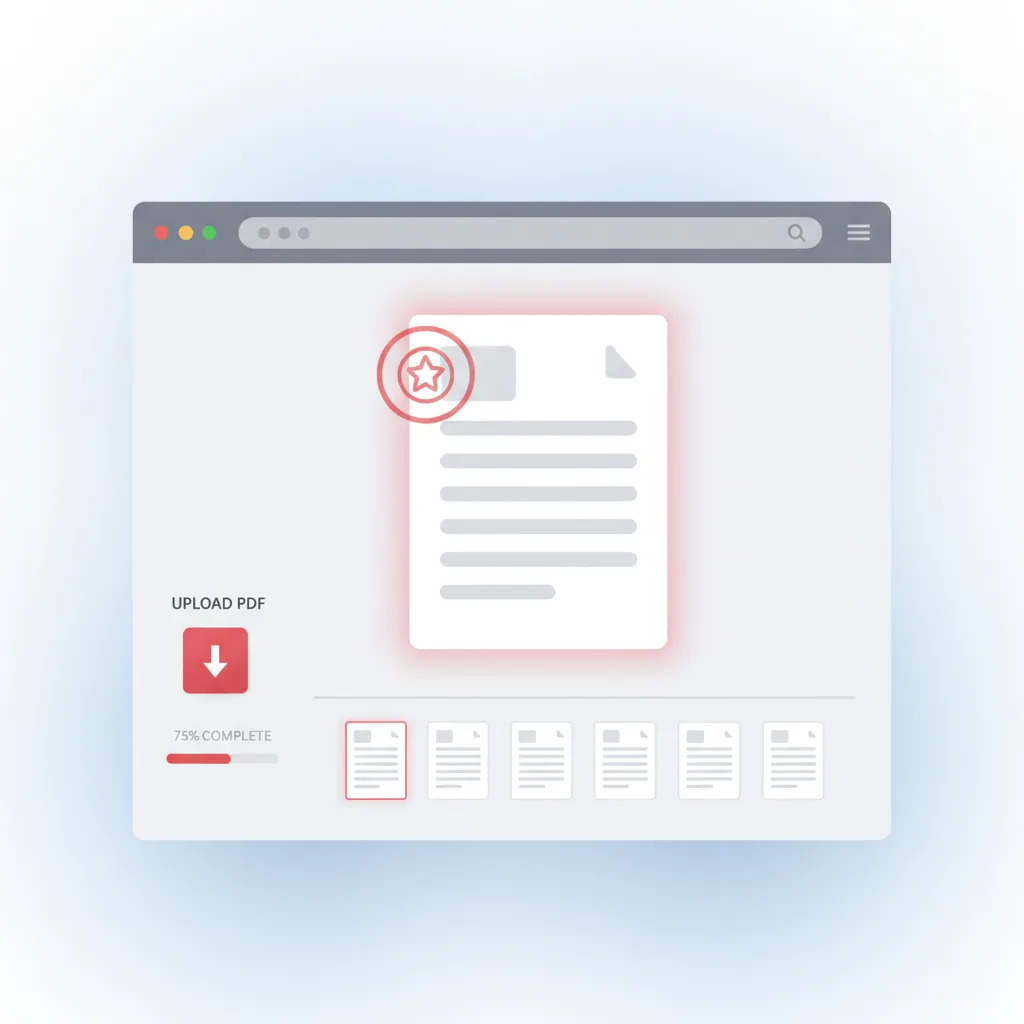
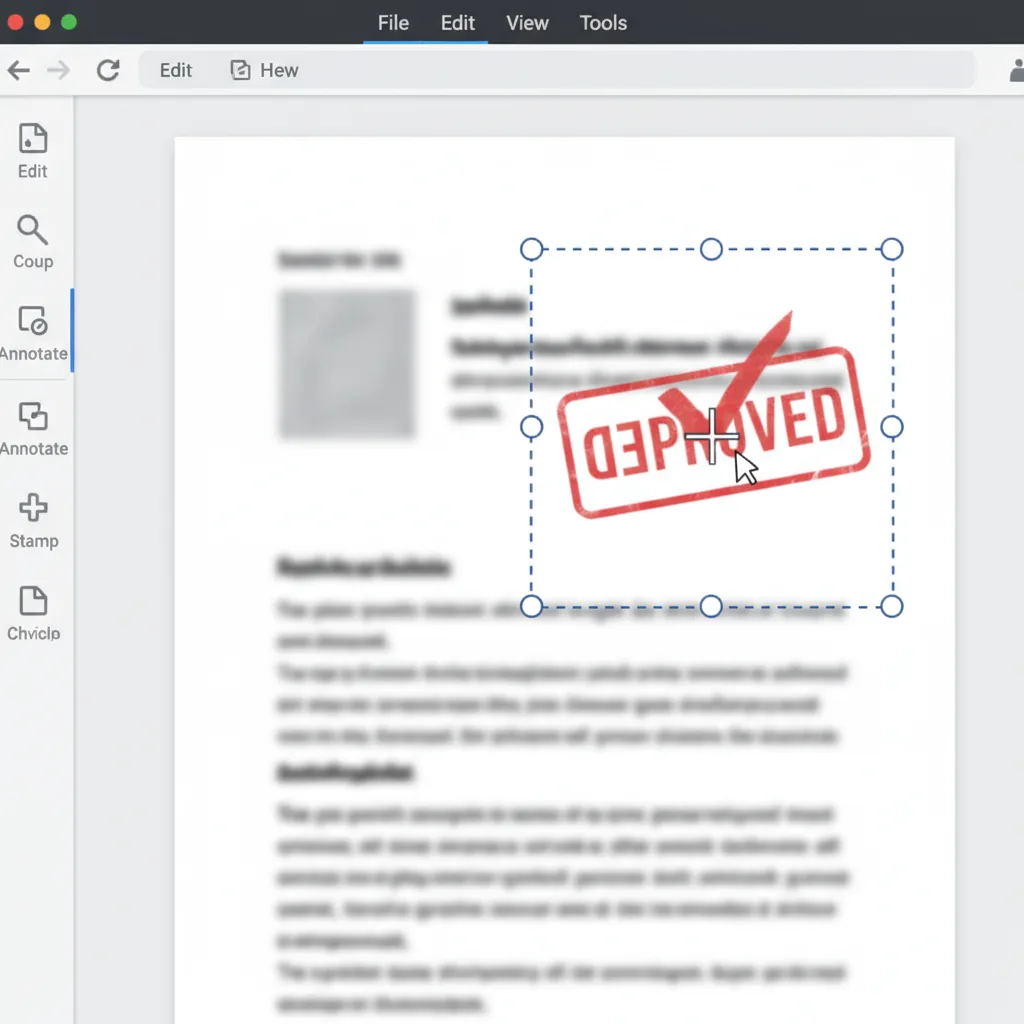
Leiman sijoittaminen
Sijoita leimat, allekirjoitukset ja muodot tarkasti mille tahansa PDF-sivulle.
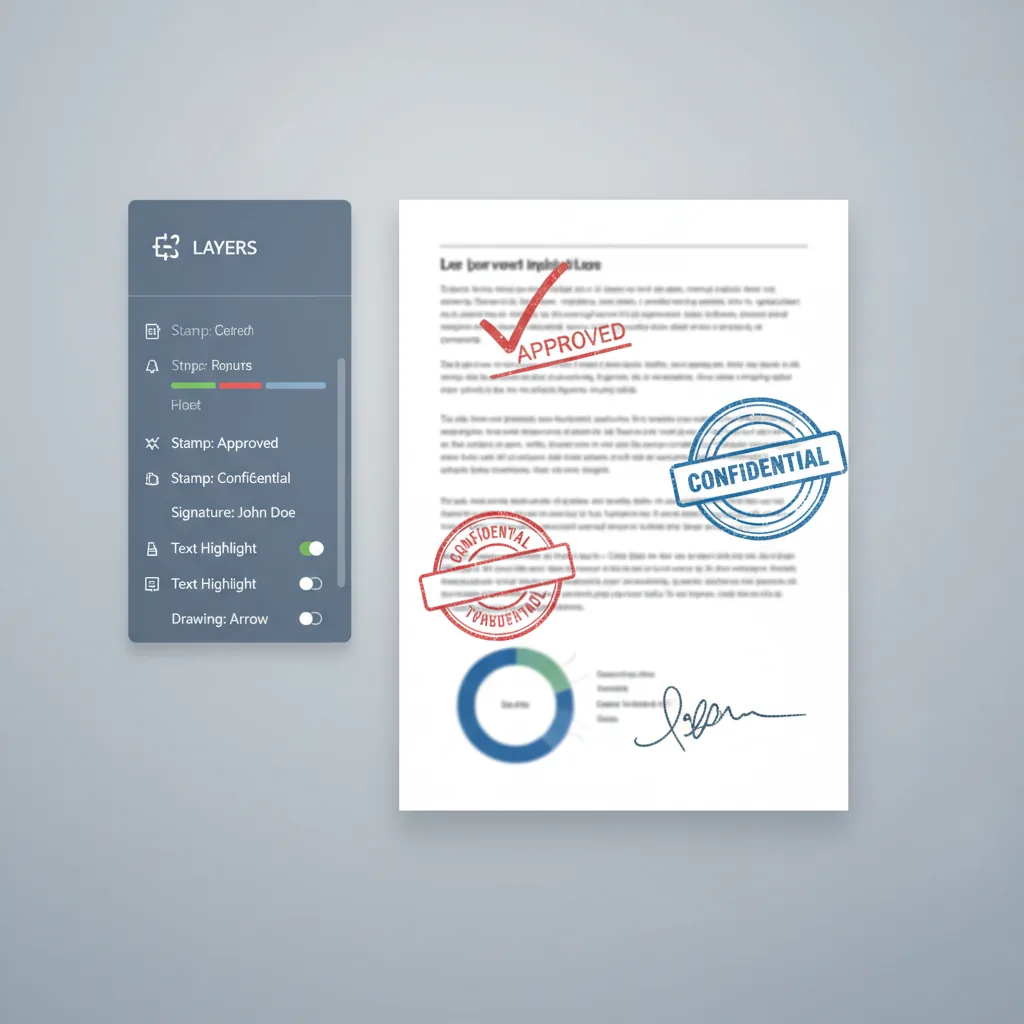
Tasojen hallinta
Järjestä leimat tasoihin riippumattomalla hallinnalla jokaiselle elementille.
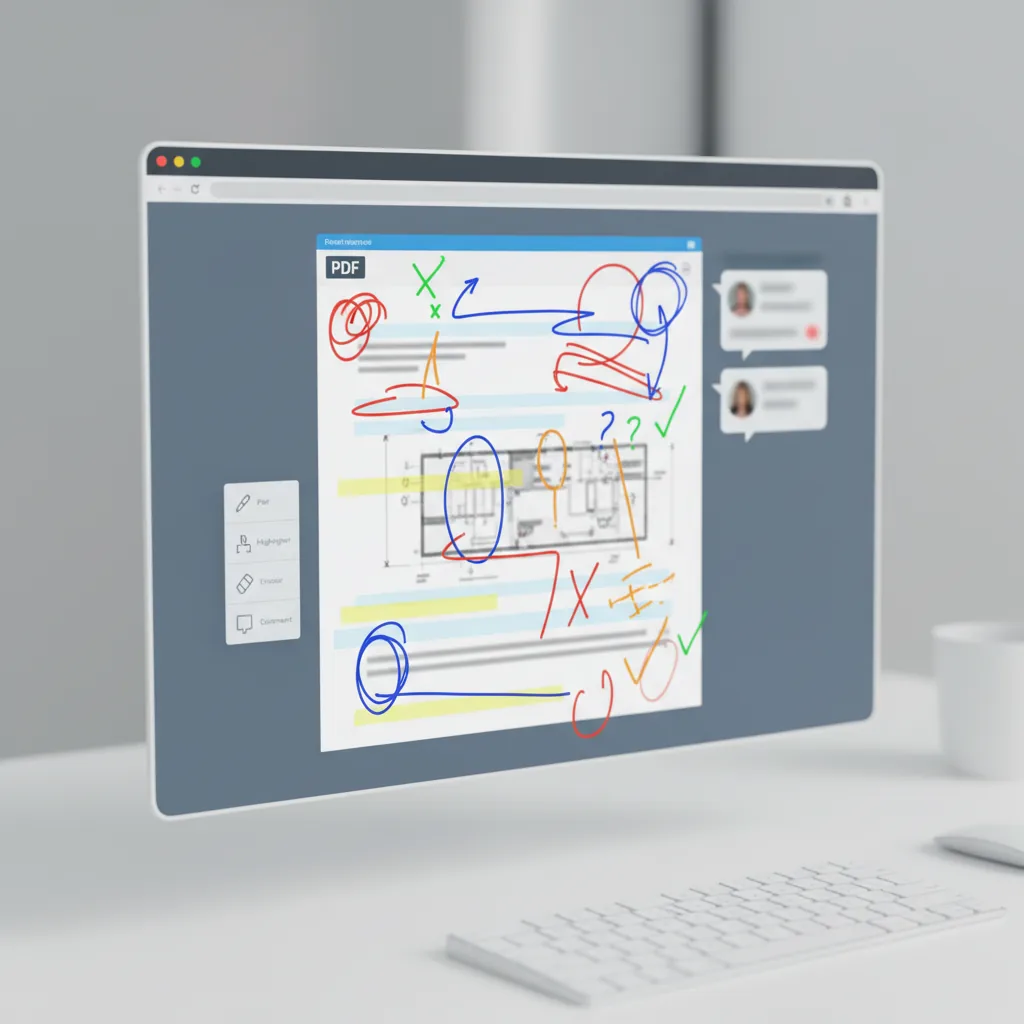
Vapaankäden piirto
Lisää vapaankäden huomautuksia, tarkistusmerkkejä ja mukautettuja luonnoksia dokumentteihin.
Sivutoiminnot
Monista, poista tai järjestä sivuja uudelleen ennen lopullisen PDF:n viemistä.
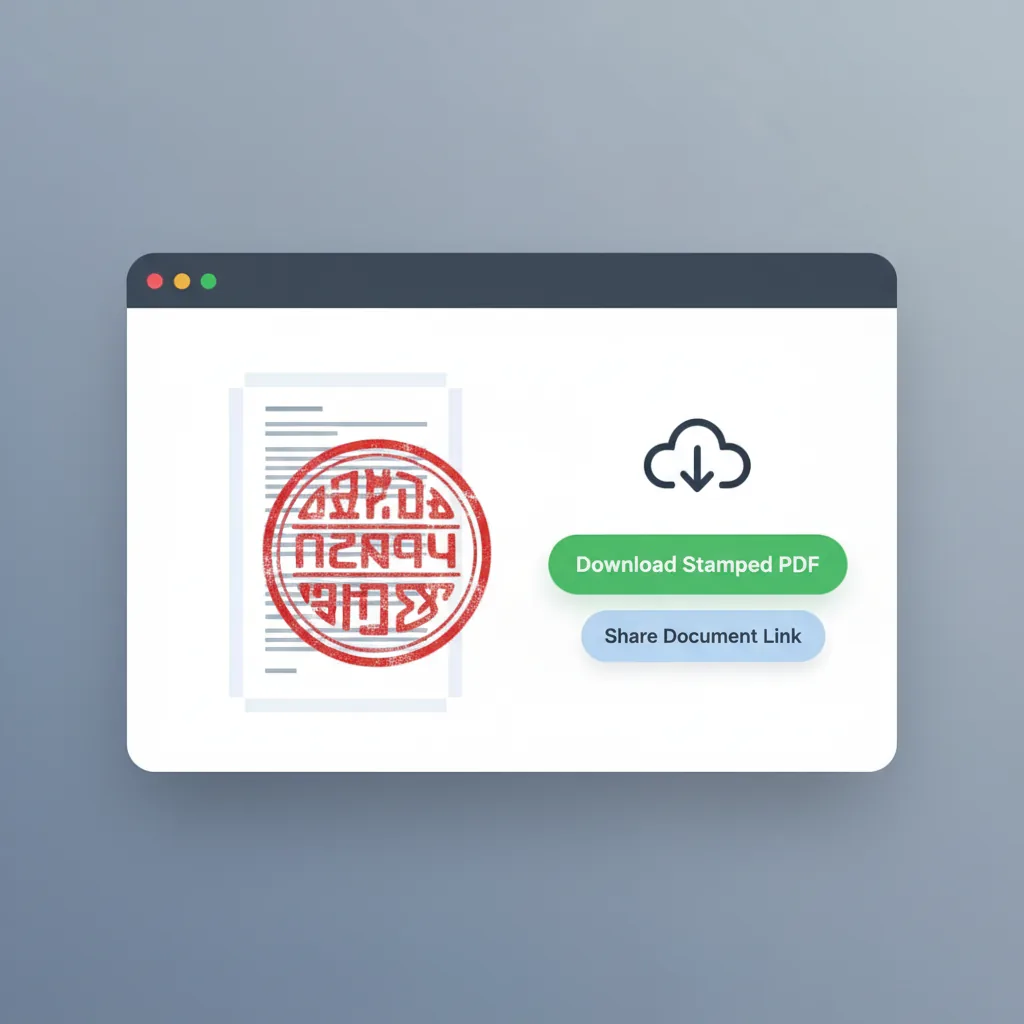
PDF-vienti
Vie leimattu PDF kaikilla huomautuksilla valmiina käyttöön.
Kenelle se on
Tiimit ja yksilöt, jotka säännöllisesti leimaavat PDF-tiedostoja
Työkalu sopii ihmisille, jotka tarvitsevat lisätä leimoja, allekirjoituksia ja huomautuksia PDF-dokumentteihin.
Sopimuspäälliköt
Lisää yrityssinetit ja hyväksymisleimat sopimuksiin ja sopimuksiin ennen lopullista vientiä.
- Yrityssinetin sijoittaminen
- Sopimusten hyväksymis työt
- Monisivun leiman käyttö
- Johdonmukainen dokumentti brändäys
Tallennustiimit
Käytä hyväksymisleimoja ja allekirjoituksia laskuihin, kuiteihin ja maksudokumentteihin.
- Laskujen leimaus
- Kuiteiden hyväksymis merkit
- Erä dokumenttikäsittely
- Talous työn integrointi
Oikeudelliset ammattilaiset
Lisää allekirjoituksia ja oikeudellisia leimoja sopimuksiin, vahvistuksiin ja oikeudellisiin dokumentteihin.
- Dokumentin allekirjoittaminen
- Oikeudellisen leiman käyttö
- Sopimuksen huomautus
- Yhteensopivuus merkitseminen
Toimistonhallitsijat
Leimaa virallisia dokumentteja, sisäisiä lomakkeita ja yrityksen kirjeenvaihtoa tehokkaasti.
- Virallinen dokumentin leimaus
- Sisäisen lomakkeen huomautus
- Kirjeenvaihdon merkitseminen
- Arkistointituki
Dokumentin tarkistajat
Lisää tarkistusmerkkejä, kommentteja ja huomautuksia dokumentteihin hyväksymisprosessien aikana.
- Tarkistus huomautukset
- Hyväksymis merkin sijoittaminen
- Palautteen korostaminen
- Versiohallinnan tuki
Pienyritysten omistajat
Käytä liiketoiminnan leimoja ja allekirjoituksia tarjouksiin, tilauksiin ja asiakasdokumentteihin.
- Tarjousten leimaus
- Tilauksen vahvistus merkit
- Asiakasdokumentin brändäys
- Nopea allekirjoituksen lisääminen
Vertailu
Miten tämä PDF-leimaustyökalu eroaa vaihtoehdoista
Ero ei ole vain leimojen sijoittaminen, vaan koko huomautus työn hallinta sivunakohtaisella hallinnalla.
| Ominaisuus | Lisää leima PDF:ään | Yleinen PDF-editori | Työpöytäohjelmisto | Manuaalinen palvelu |
|---|---|---|---|---|
| Aloittaminen | ✅ Lataa ja aloita välittömästi | ⚠️ Vaatii usein tilin | ❌ Ohjelmiston asentaminen | ⚠️ Odota palveluntarjoajaa |
| Kolmen sarakkeen työtila | ✅ Pienoiskuvat + muokkaa + tasot | ⚠️ Yleensä yksittäinen näkymä | ⚠️ Mukautettu asetus vaaditaan | ❌ Ei suoraa hallintaa |
| Useita leima tyyppejä | ✅ Leimat + allekirjoitukset + muodot + vapaa käsi | ⚠️ Rajoitetut leima vaihtoehdot | ✅ Mahdollista vaivalla | ⚠️ Riippuu tarjoajasta |
| Sivunakohtainen tasohallinta | ✅ Riippumattomat tasoryhmät sivua kohti | ❌ Perustasojen tuki | ⚠️ Manuaalinen hallinta | ❌ Ei läpinäkyvyyttä |
| Sivutoiminnot | ✅ Monista, poista, järjestä uudelleen sivuja | ⚠️ Perussivu hallinta | ⚠️ Ei PDF-keskeinen | ⚠️ Vaatii viestintää |
| Välitön esikatselu | ✅ Reaaliaikainen leima esikatselu | ✅ Yleensä hyvä | ✅ Kyllä | ❌ Muutos viiveet |
| Yksityisyys | ✅ Paikallinen selainkäsittely | ⚠️ Pilvipohjainen | ✅ Paikallinen käsittely | ❌ Jaettu tarjoajan kanssa |
| Kustannukset | ✅ Ilmainen aloittaa | ⚠️ Freemium-rajoitukset | ❌ Tilaus vaaditaan | ❌ Kustannukset per dokumentti |
| PDF-vienti | ✅ Suora PDF-vienti leimoilla | ⚠️ Saattaa vaatia muunnoksen | ⚠️ Vie asetukset vaaditaan | ⚠️ Toimitusmuoto vaihtelee |
| Kokonais tehokkuus | ✅ Tarkoitukseen rakennettu PDF-leimaukseen | ⚠️ Yleinen työkalu | ⚠️ Tehokas mutta monimutkainen | ❌ Hitampi toimitus |
Miten tiimit käyttävät PDF-leimausta
Aitoja töitä käyttäjiltä, jotka säännöllisesti leimaavat PDF-tiedostoja
S
Sopimuspäällikkö
Lainopin ja sopimuksetMahdollisuus sijoittaa yrityssinetit sopimuksiin ja hallita niitä sivun mukaan säästää tunteja verrattuna manuaaliseen tulostamiseen ja skannaamiseen.
T
Taloudellinen koordinaattori
Laskut ja kuititLeimaamme satoja laskuja kuukausittain. Sivunakohtainen tasojen hallinta tekee eräkäsittelystä paljon selkeämpää.
T
Toimintajohtaja
Dokumentti työtAllekirjoitusten ja hyväksymismerkkien lisääminen suoraan selaimessa ilman ohjelmiston asentamista on juuri sitä, mitä tiimimme tarvitsi.
S
Sopimuspäällikkö
Lainopin ja sopimuksetMahdollisuus sijoittaa yrityssinetit sopimuksiin ja hallita niitä sivun mukaan säästää tunteja verrattuna manuaaliseen tulostamiseen ja skannaamiseen.
T
Taloudellinen koordinaattori
Laskut ja kuititLeimaamme satoja laskuja kuukausittain. Sivunakohtainen tasojen hallinta tekee eräkäsittelystä paljon selkeämpää.
T
Toimintajohtaja
Dokumentti työtAllekirjoitusten ja hyväksymismerkkien lisääminen suoraan selaimessa ilman ohjelmiston asentamista on juuri sitä, mitä tiimimme tarvitsi.
* Nämä edustavat tyypillisiä työnkulku skenaarioita eivätkä erityisiä käyttäjäsuosituksia.
Usein kysytyt kysymykset
Yleiset kysymykset leimojen lisäämisestä PDF-dokumentteihin
Aloita PDF-tiedostojen leimaaminen tänään
Lataa, leimaa ja vie
Ei rekisteröitymistä vaadita. Lataa PDF-tiedostosi, lisää leimoja ja allekirjoituksia ja lataa leimattu tulos.
Liittyvat Tyokalut
AI Leimanluoja
Luo hyväksymisleima, yrityssinetti tai nimileima ennen sen sijoittamista PDF-tiedostoon
Try AI Leimanluoja →Leimanpoistaja
Poista puhdas läpinäkyvä leimakuva skannauksista ennen sen käyttöää PDF-työskentelyssä
Try Leimanpoistaja →