
Tervezők
Tisztítsd meg a rétegszerkezetet, mielőtt SVG eszközöket adsz át ügyfeleknek vagy csapattagoknak.
- Szint újraszinezés
- Strukturális tisztítás
- Elnevezési konvenciók
- Szállítási export
50% kedvezmény az éves csomagokra
Éves árazás megtekintéseAz SVG Szerkesztő a felső SVG elemeket szerkeszthető szintekre bontja, így a felhasználók át szinezhetik, átrendezhetik, átnevezhetik és exportálhatják a tisztított SVG struktúrákat további munkákhoz.
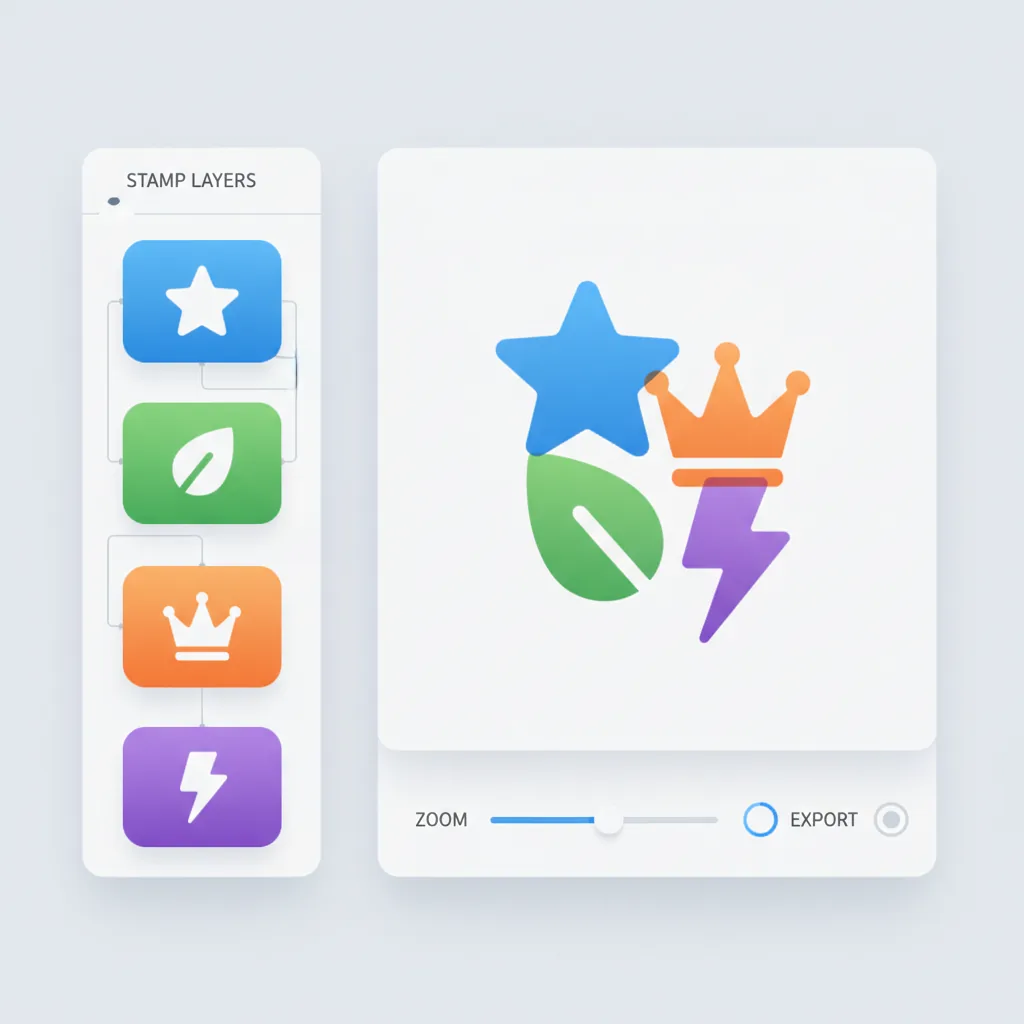
Legfelső szintű SVG elemeket független, szerkeszthető rétegekké alakít, így elrejtheted, zárolhatod, átszínezheted, átnevezheted, átrendezheted és exportálhatod őket egyetlen munkaterületen.
Upload an SVG, edit top-level layers, then export the updated file.
0 layers · 0 visible · 0 groups
Preview
viewBox: 0 0 520 360
A felső szintű <g>, <rect>, <path>, <text> és hasonló elemek azonnal szerkeszthető rétegekké válnak, amint az SVG betöltődik.
Kapcsold ki/be a láthatóságot, zárold a szerkesztést, változtasd a színt, állítsd be az átlátszóságot, húzd át az átszervezéshez, nevezd át dupla kattintással, és távolítsd el a rétegeket, amikor szükséges.
Nézd élőben az összevont eredményt, nagyíts a vásznon, vizsgáld meg a generált SVG forráskódot, és exportáld a frissített .svg fájlt.
AI Összefoglaló
Az SVG Szerkesztő a felső SVG elemeket szerkeszthető szintekre bontja, így a felhasználók át szinezhetik, átrendezhetik, átnevezhetik és exportálhatják a tisztított SVG struktúrákat további munkákhoz.
4,8(942)
Miért választják ezt a szintet a felhasználók
Az érték nem csupán SVG megnyitás, hanem annak felsőszintű struktúrával rendelkező, könnyebben ellenőrizhető, szerkeszthető és exportálható formába alakítása.
A felső szintű elemek kezelhető rétegekké válnak kézi beállítás nélkül.
Kezeld a láthatóságot, zárolási állapotot, színt, átlátszóságot és sorrendet rétegenként.
Nézd az összevont eredményt, miközben az SVG rétegszerkezetet állítod.
Hasznos az összetett SVG átadáshoz és tisztább csapatmunkához.
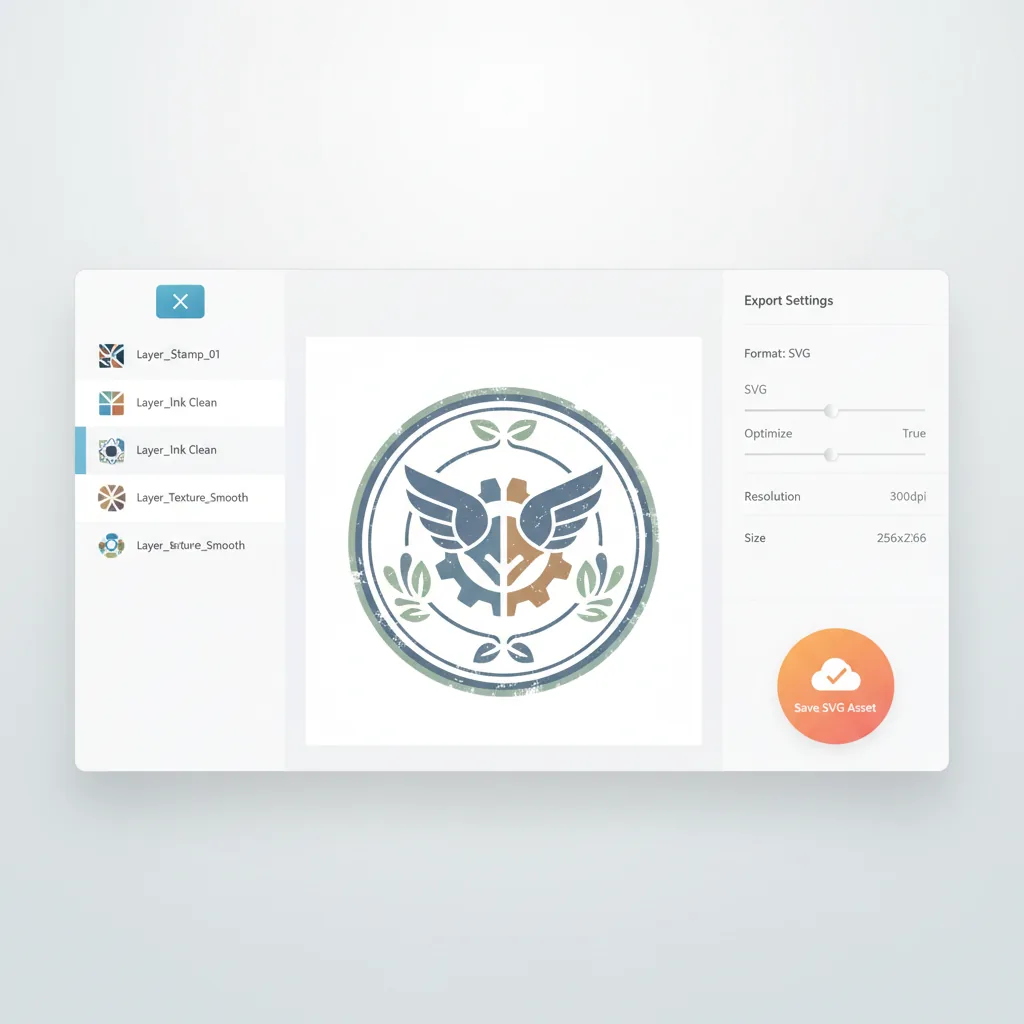
Másolj ki a frissített SVG forráskódot, vagy exportálj egy tisztított .svg fájlt.
Hasznos a keret, szöveg, embléma és dekoratív rétegek tisztításához.
Amikor egy SVG színváltásra, rétegtisztításra vagy sorrendváltásra szorul, ez a munkatér egy alapvető előnézeti eszköznél hasznosabb.
Amikor egy SVG színváltásra, rétegtisztításra vagy sorrendváltásra szorul, ez a munkatér egy alapvető előnézeti eszköznél hasznosabb.

Legjobb az SVG eszközök átszervezésére, hogy könnyebben karbantarthatók, szerkeszthetők és újra felhasználhatók legyenek a bélyeg-folyamatokban.
A felső szintű <g>, <path>, <text> és hasonló elemeket kezelhető rétegekké alakítja.
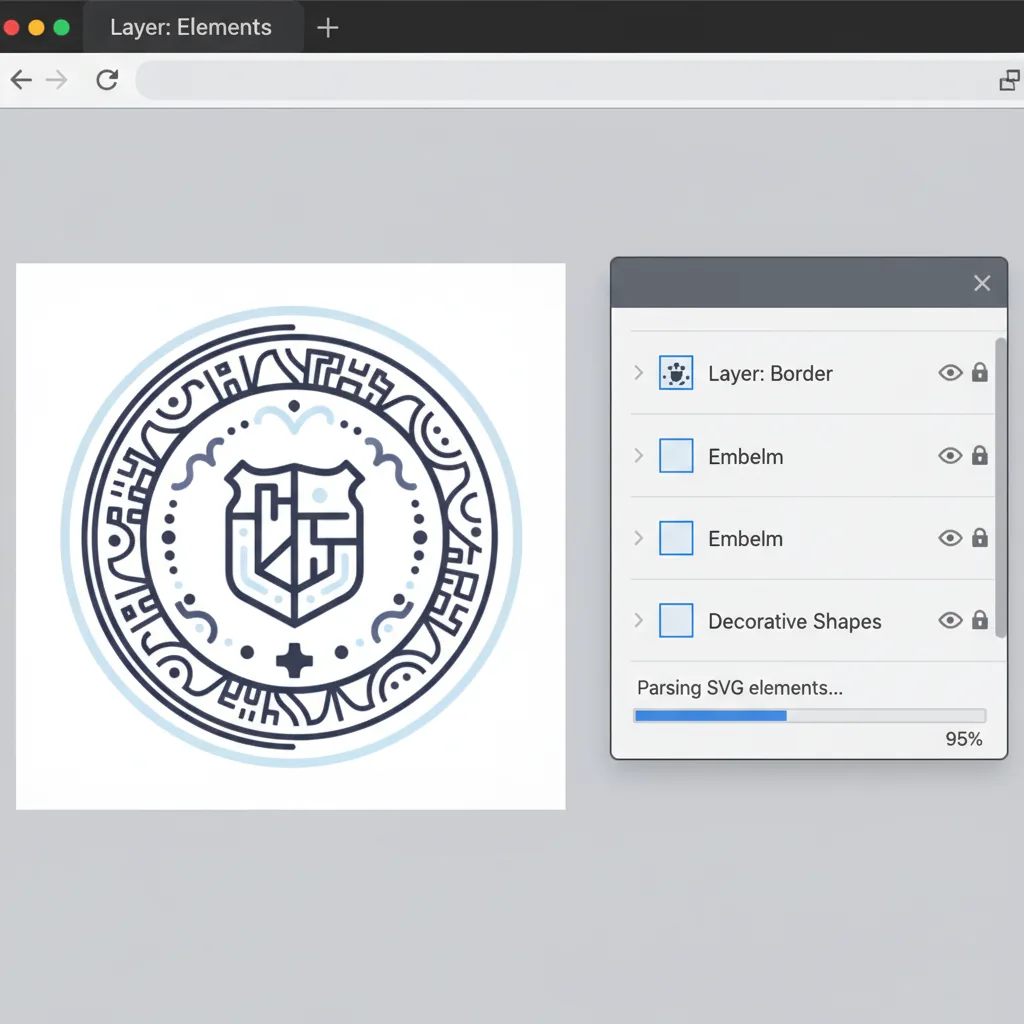
Rövid ideig rejtsd el vagy zárold a rétegeket a szerkesztés közben.
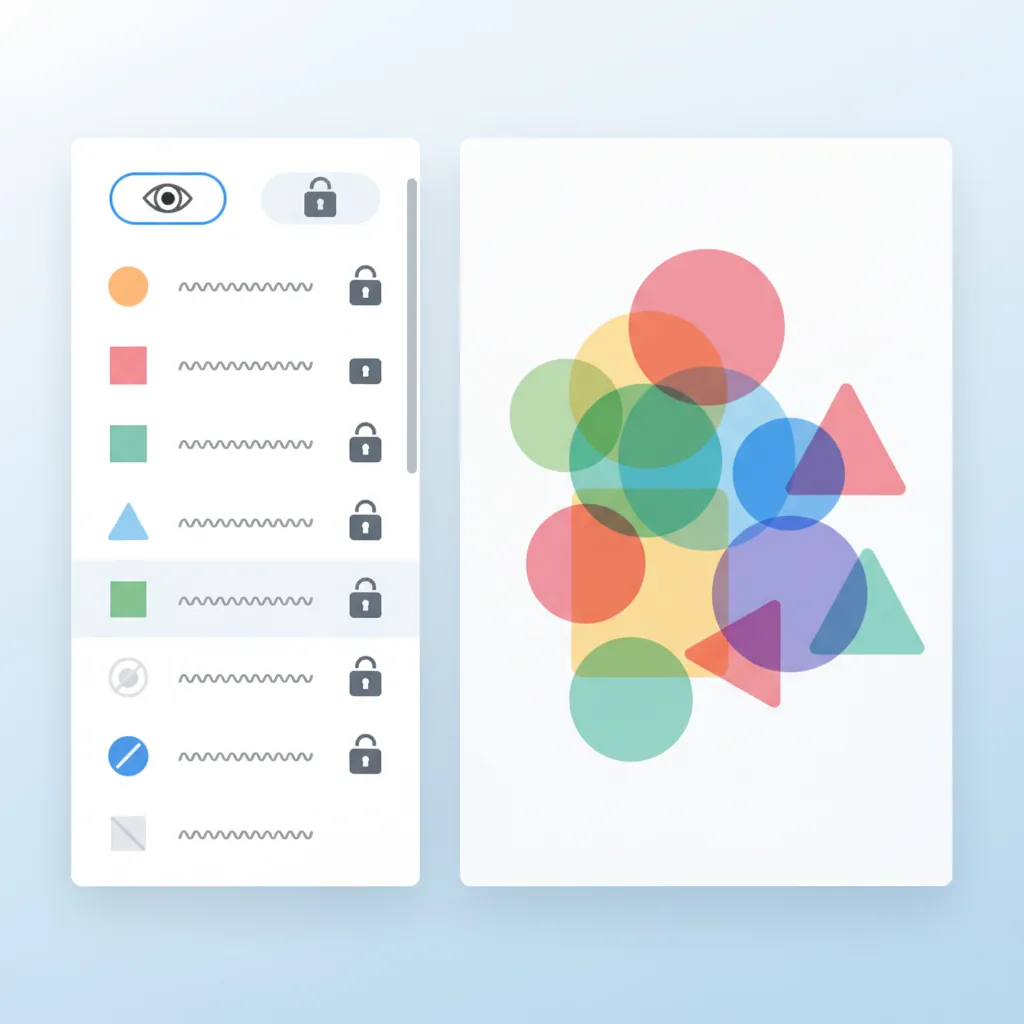
Hasznos a bélyegek egységes tónusának kialakításához és a vizuális zavar csökkentéséhez.
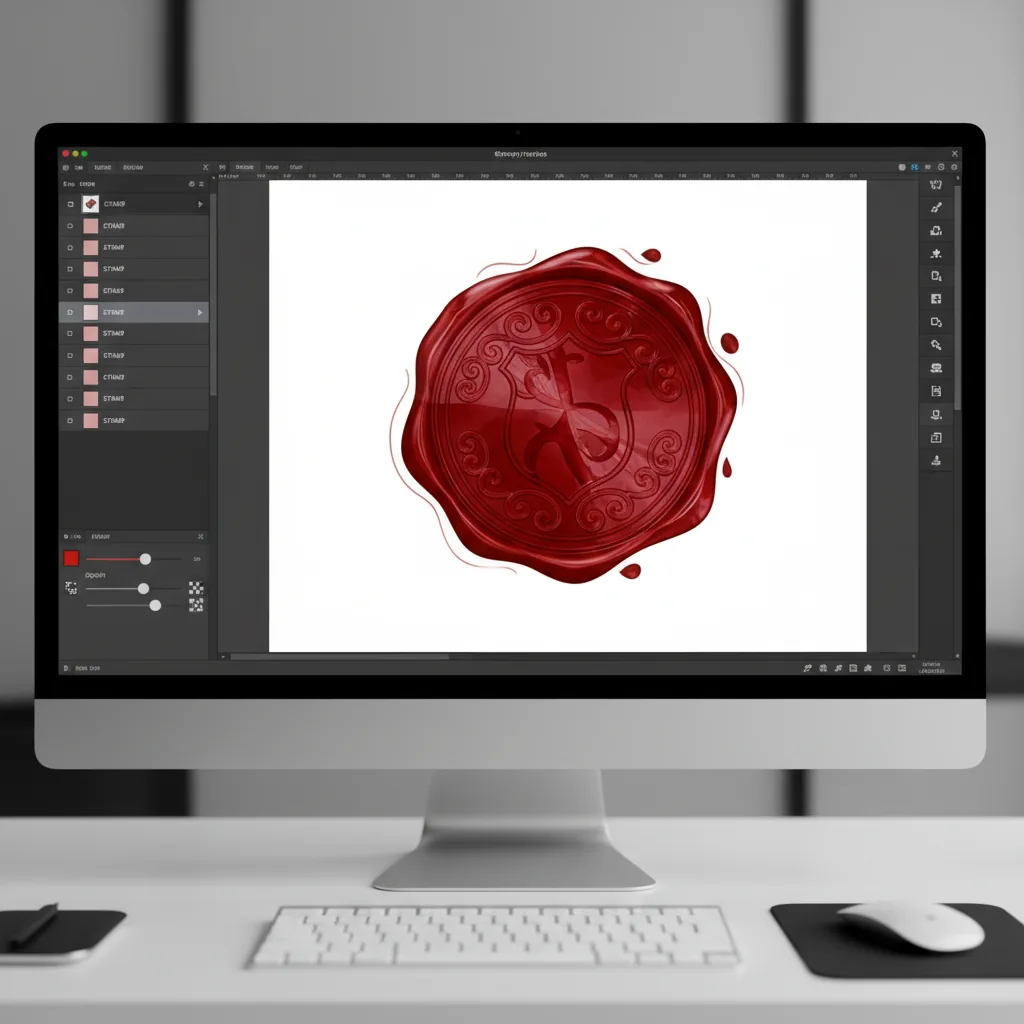
Állítsd be a keretek, szövegek és grafikai rétegek előtér-háttér kapcsolatát.
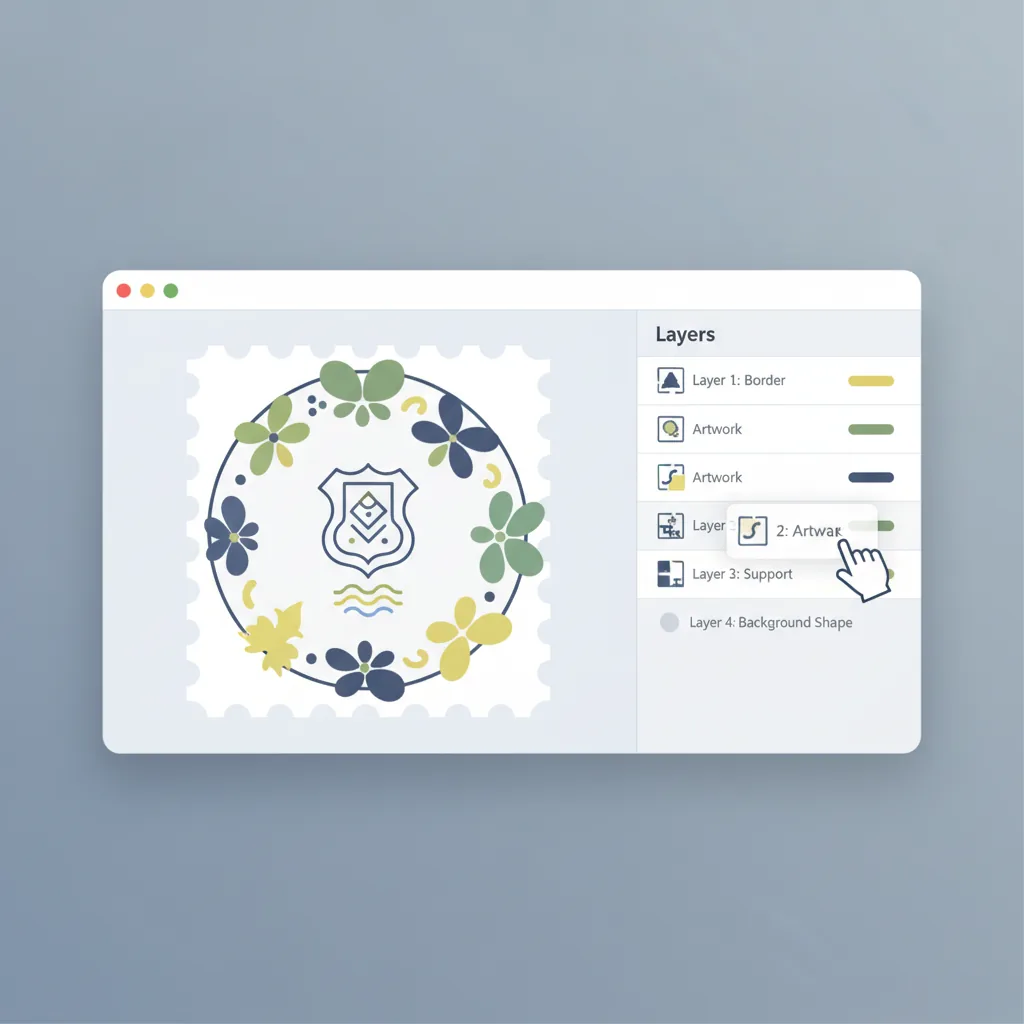
Tiszta elnevezés teszi könnyebbé az SVG átadást és a későbbi karbantartást.
Másolj ki a frissített forráskódot, vagy exportáld az átszervezett SVG fájlt.
Kinek szól
Különösen hasznos a bélyegek, jelvények, ikonok és emblémák számára, amelyek folyamatos szerkezeti tisztítást igényelnek.
Tisztítsd meg a rétegszerkezetet, mielőtt SVG eszközöket adsz át ügyfeleknek vagy csapattagoknak.

Tartsd karban a cégpecséteket, szabványos SVG jelzéseket és újrafelhasználható grafikai eszközöket.

Készítsd elő az SVG fájlokat a beágyazás előtt, oldalakba, rendszerekbe vagy tartalom-folyamatokba.
Összehasonlítás
A lényeg nem csak az SVG megnyitása, hanem annak átalakítása tisztább és könnyebben exportálható formátumra.
| Funkció | SVG Szerkesztő | Általános tervező eszköz | Asztali szoftver | Kézi szolgáltatás |
|---|---|---|---|---|
| Szint elemzés | ✅ Automatikus alap szint elemzés | ⚠️ A szerkezet nem mindig marad meg | ⚠️ A kézi értelmezéstől függ | ⚠️ A tervezői munkafolyamatoktól függ |
| Rétegenkénti vezérlés | ✅ Láthatóság, zárolás, szín, áttetszőség | ⚠️ Korlátozott SVG szerkezet munkához | ✅ Lehetséges, de nehezebb | ❌ Felülvizsgálati ciklusokat igényel |
| Rétegek átrendezése | ✅ Húzd és rendezd | ⚠️ A szerkezet elmozdulhat | ✅ Lehetséges | ❌ Lassabb felülvizsgálathoz |
| SVG export | ✅ Exportálj finomított SVG-t | ⚠️ A szerkezet megváltozhat | ⚠️ Extra ellenőrzést igényel | ⚠️ A kézbesített fájloktól függ |
| Általános hatékonyság | ✅ Kifejezetten a rétegek tisztítására kialakítva | ⚠️ Több általános célú | ⚠️ Hatékonyabb, de nehezebb | ❌ Több kommunikációs terhet jelent |
Kérdések az SVG rétegszerkesztéssel kapcsolatban
Importálj, válassz szét, rendezz, exportálj
Ideális bélyeg SVG-ekhez, emblémákhoz és újrafelhasználható többrétegű eszközökhöz, további tisztításra szorulóknak.
Konvertáld a raszteres bélyeget SVG-vé először, majd folytasd a finomítást rétegszerkesztéssel
Try PNG bélyegről SVG →Vedd a finomított bélyegeszközt, és helyezd PDF oldalakra rétegek szerkesztésével
Try Bélyeg hozzáadása PDF-hez →