
3-step PDF stamping flow
Stamp PDFs in seconds
Upload a PDF, add stamps, signatures, or marks, and export a ready-to-send file in one flow.
Get Started
Upload and stamp your PDF
Choose Upload PDF for your file, or Try sample PDF to experience the full flow instantly.
No signup requiredProcessed locally in browserInstant PDF export
Local browser editor
Add Stamp to PDF
Upload a PDF, place stamps, signatures, shapes, and sketch marks directly on top, then export a new PDF.
0 Pages0 Marks
Get started in 3 steps
Upload a PDF, choose a stamp preset, click anywhere to place it, then download the result.
01
Step 1 Upload PDF
Upload your local PDF and let the workspace render pages.
02
Step 2 Add stamp
Choose a stamp/signature preset, click to place, drag to adjust.
03
Step 3 Download
Export a new stamped PDF in one click.
Drop a PDF here, or click to upload
Local processing, no server upload
Works with multi-page PDFs
Export stamped PDF instantly
How to start in 10 seconds
Click "Choose PDF" in the workspace, then pick a stamp preset and click on the page to place it.
Why Stamp Maker
- Result-first flow: place a stamp first, fine-tune later.
- Built for multi-page invoices, contracts, and approvals.
- Local processing helps reduce privacy concerns.
Popular use cases
InvoicesContractsApproval docsReceiptsSigned formsInternal review
Need a custom seal first? Design it in Stamp Generator, then return to stamp your PDF.
Open Stamp GeneratorThree-column PDF workspace
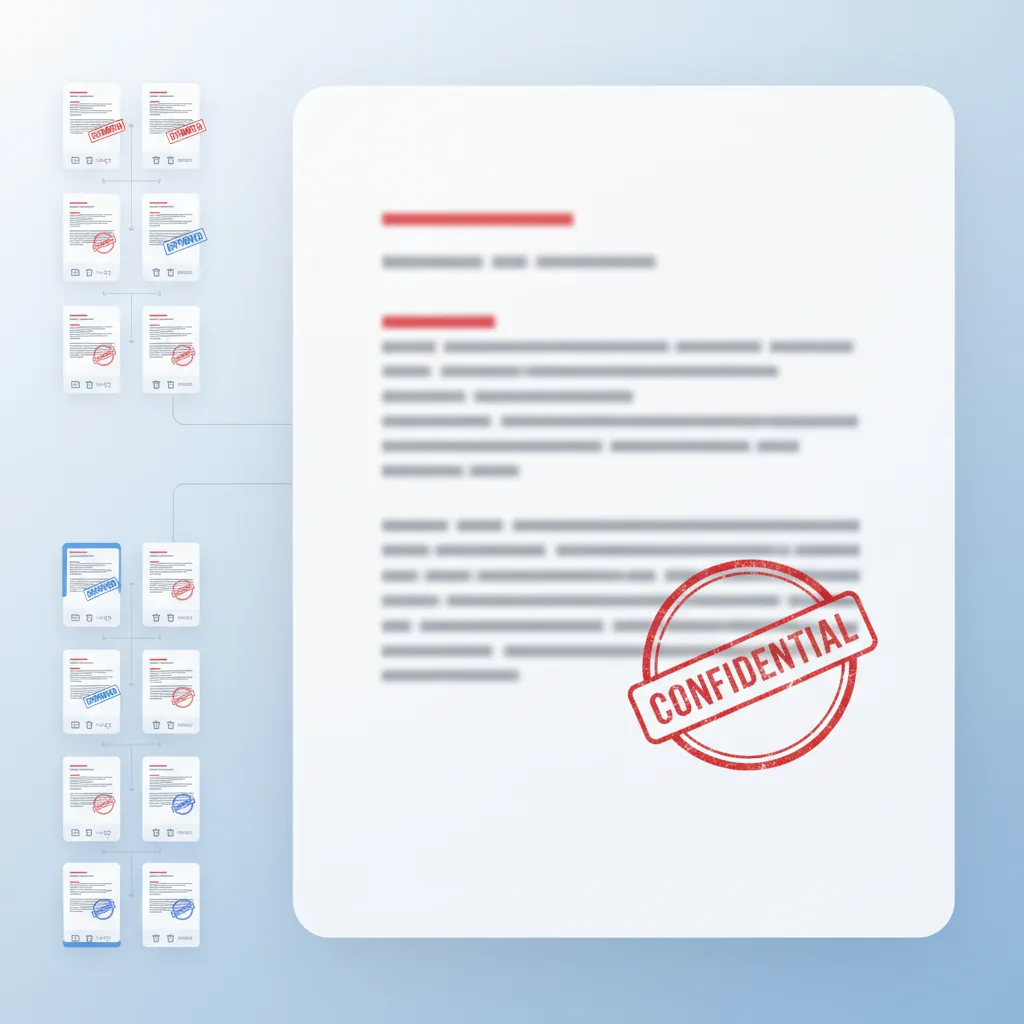
Page previews stay on the left, editing stays in the middle, and page-level layer groups stay on the right.
Stamp, sign, shape, sketch
Mix approval stamps, signatures, shape callouts, and freehand review marks in one flow.
Simple page edits
Duplicate or remove pages, keep overlays grouped by page, and export the revised PDF order.
AI
AI Summary
Add Stamp to PDF is a free browser tool that lets you add stamps, signatures, and annotations to PDFs in seconds. Features include a three-column workspace with page thumbnails, a central editing canvas, and per-page layer management for precise stamp placement. No signup required—upload, stamp, and export directly from your browser with local processing for privacy.
4.9(1893)
Why users trust this PDF stamping tool
Built for reliable PDF stamp workflows
From upload to stamped export, everything stays in one browser flow.
💸
Free to start
Upload PDFs and add stamps without upfront cost.
⚡
No forced signup
Try the stamping workflow before committing to an account.
🧠
AI-assisted positioning
Smart stamp placement and layer management for faster workflows.
🔒
Local processing
PDFs are processed in your browser, keeping documents private.
✅
Clean outputs
Export stamped PDFs without watermarks or quality loss.
👀
Instant preview
See stamp changes immediately before final export.
Use Cases
Common PDF stamping workflows
From contract approval to invoice stamping, these are the most common ways users apply stamps to PDF documents.


Contract approval workflows
Place company seals and approval stamps on contracts and agreements before final export.
Invoice and receipt stamping
Apply finance stamps and approval marks to invoices, receipts, and payment documents.
Document annotation and review
Add signatures, shape callouts, and freehand marks for document review and feedback.
Multi-page stamp application
Apply stamps across multiple pages with per-page layer management and preview.
Why professionals choose this PDF stamping tool
A complete PDF annotation workspace built for real business results
Don't just place stamps randomly. Our three-column interface helps you manage stamps, signatures, and annotations with per-page precision.
Why professionals choose this PDF stamping tool
Don't just place stamps randomly. Our three-column interface helps you manage stamps, signatures, and annotations with per-page precision.
Page thumbnails on the left, editing in the middle, and layer management on the right for complete control.

More than just basic PDF stamping
A workflow that carries through to final delivery
Combine stamps, signatures, and annotations in one interface for complete PDF document preparation.
More than just basic PDF stamping
Combine stamps, signatures, and annotations in one interface for complete PDF document preparation.
- Upload any PDF and start placing stamps immediately with no setup required.
- Mix approval stamps, signatures, shape callouts, and freehand annotations in one flow.
- Manage layers per page so each PDF page has its own organized stamp set.
- Export the final PDF with all stamps applied, ready for signing or distribution.

Core PDF stamping capabilities
The features users rely on most
From contract approval to invoice stamping, these capabilities cover the most common PDF annotation workflows.
PDF upload and preview
Upload PDFs and preview each page before adding stamps and annotations.
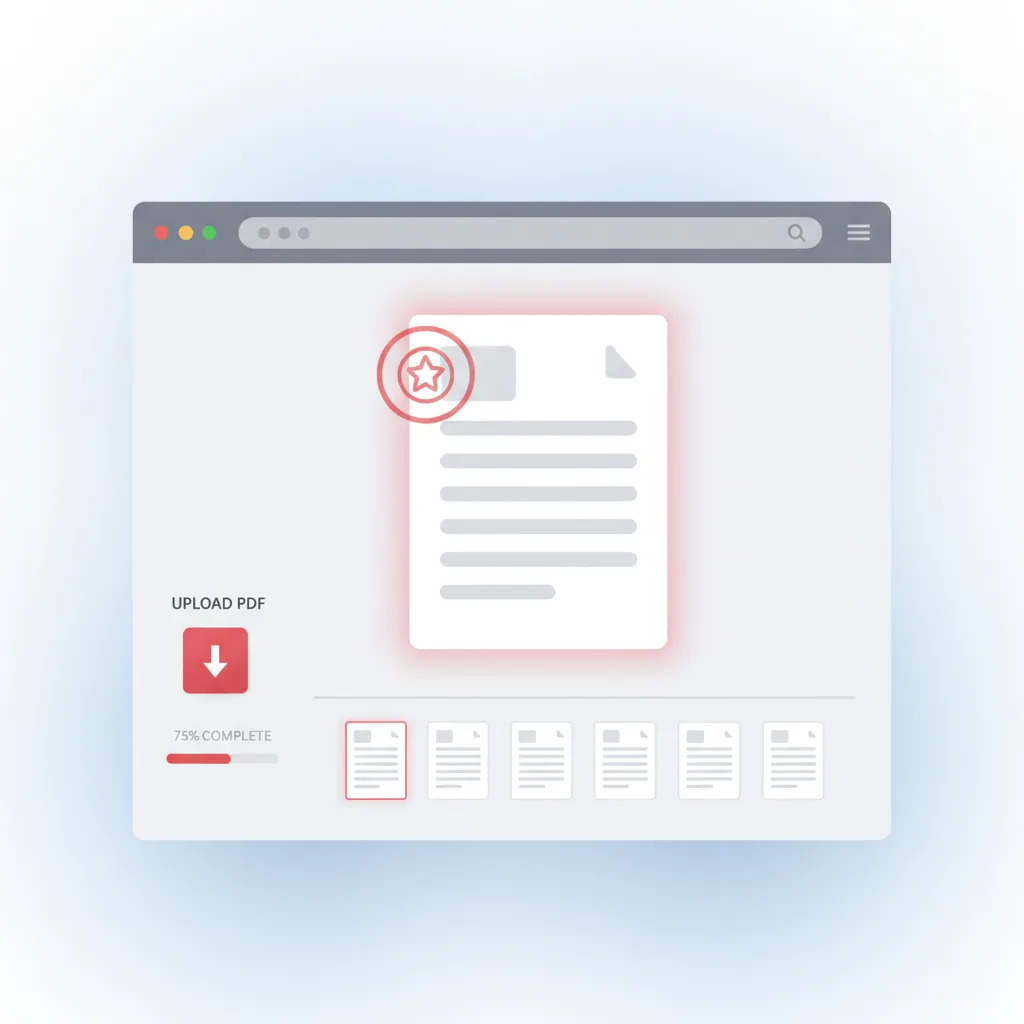
Stamp placement
Position stamps, signatures, and shapes precisely on any PDF page.
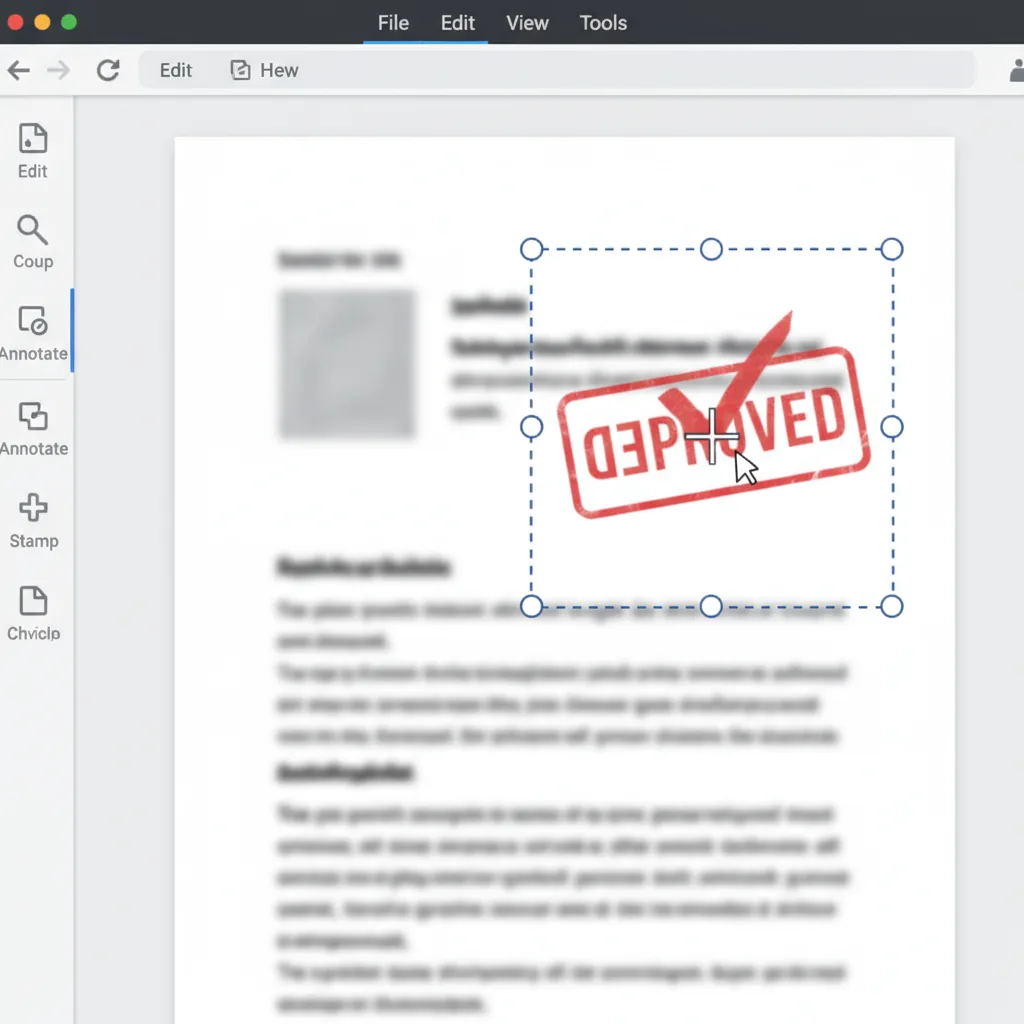
Layer management
Organize stamps in layers with independent control for each element.
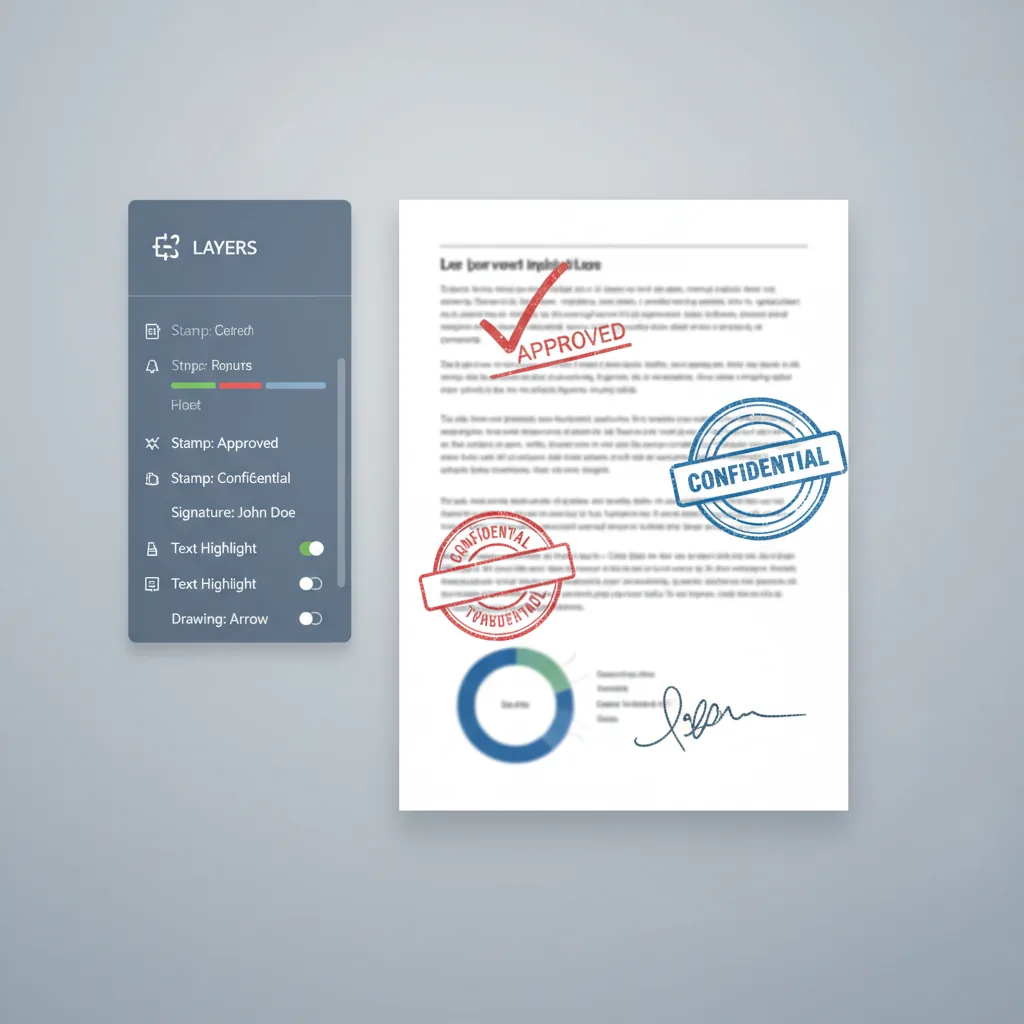
Freehand drawing
Add freehand annotations, review marks, and custom sketches to documents.
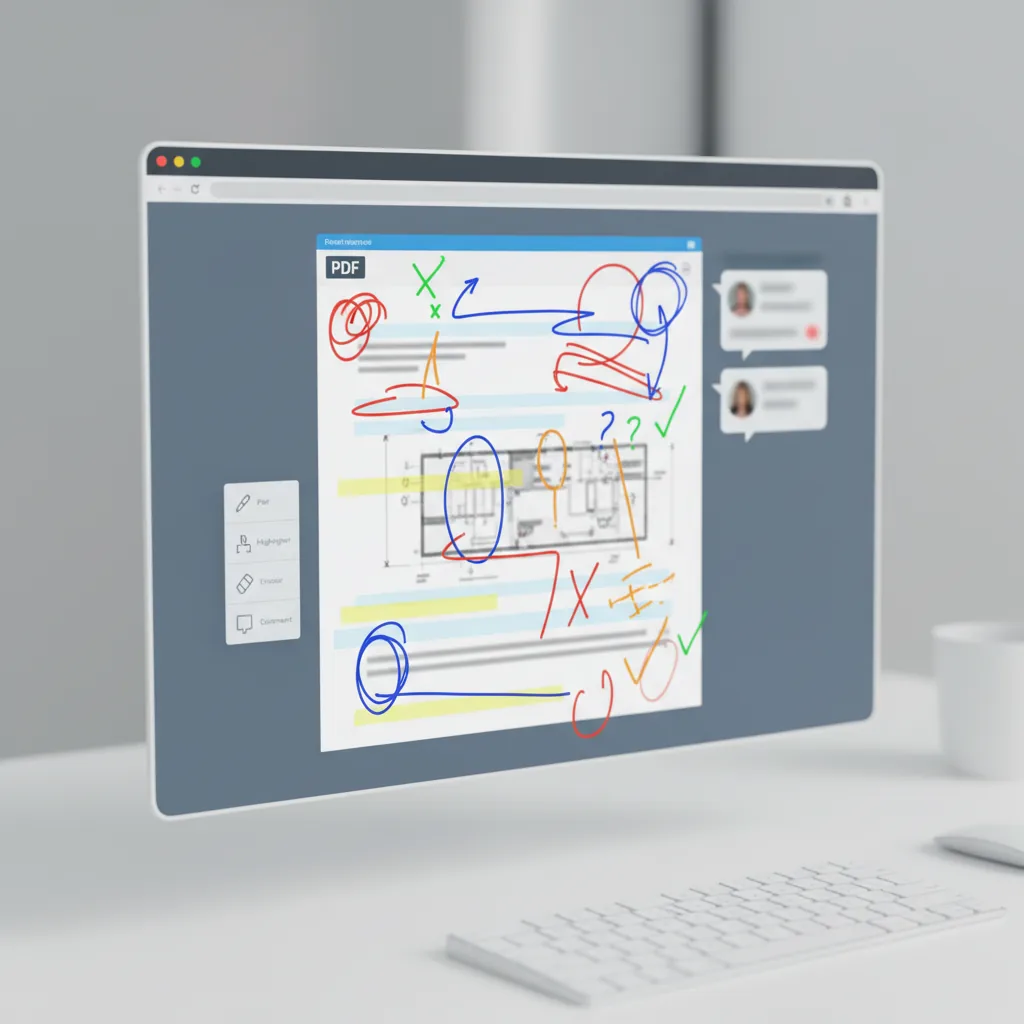
Page operations
Duplicate, delete, or reorder pages before exporting the final PDF.
PDF export
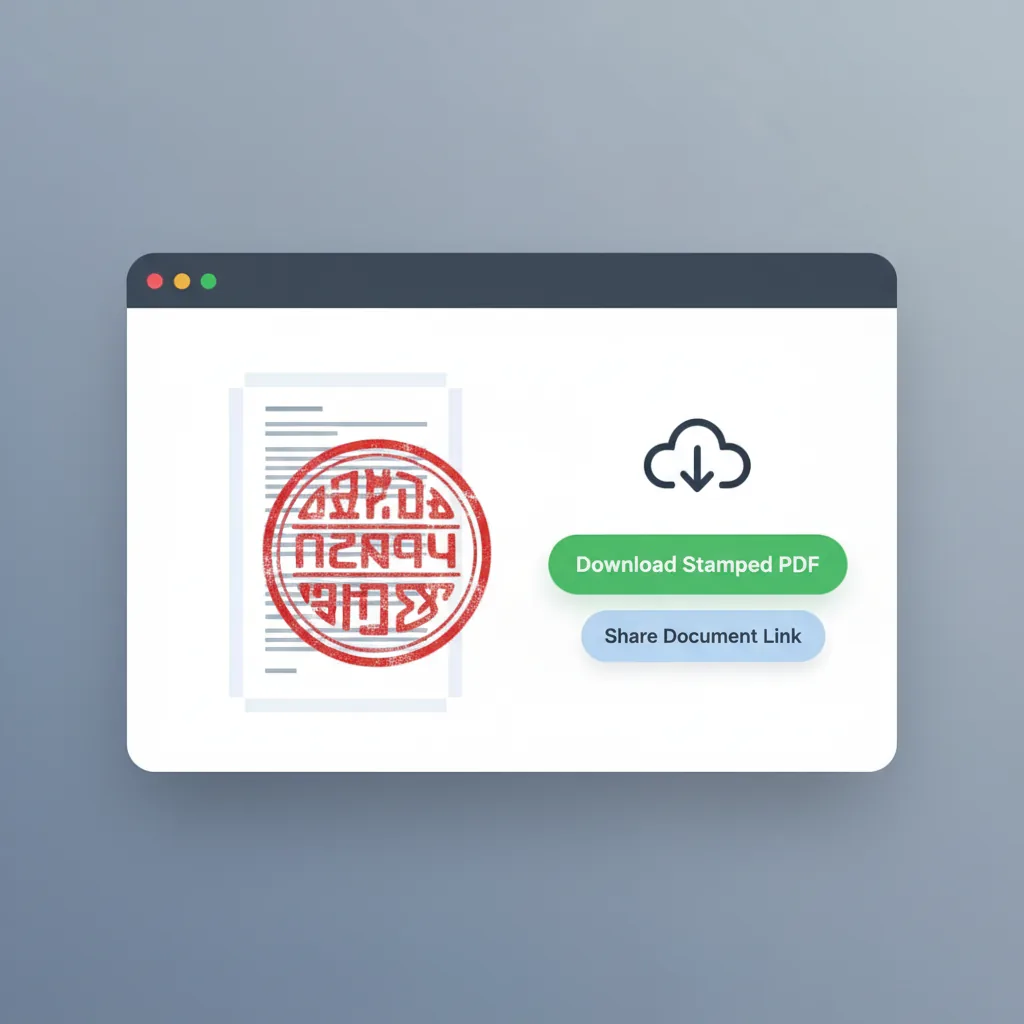
Export the stamped PDF with all annotations applied and ready for use.
Who it is for
Teams and individuals who stamp PDFs regularly
The tool fits people who need to add stamps, signatures, and annotations to PDF documents.
Contract managers
Add company seals and approval stamps to contracts and agreements before final export.
- Company seal placement
- Contract approval workflows
- Multi-page stamp application
- Consistent document branding
Finance teams
Apply approval stamps and signatures to invoices, receipts, and payment documents.
- Invoice stamping
- Receipt approval marks
- Batch document processing
- Finance workflow integration
Legal professionals
Add signatures and legal stamps to agreements, confirmations, and legal documents.
- Document signing
- Legal stamp application
- Agreement annotation
- Compliance marking
Office administrators
Stamp official documents, internal forms, and company correspondence efficiently.
- Official document stamping
- Internal form annotation
- Correspondence marking
- Record keeping support
Document reviewers
Add review marks, comments, and annotations to documents during approval processes.
- Review annotations
- Approval mark placement
- Feedback highlighting
- Version control support
Small business owners
Apply business stamps and signatures to quotes, orders, and customer documents.
- Quote stamping
- Order confirmation marks
- Customer document branding
- Quick signature addition
Comparison
How this PDF stamping tool differs from alternatives
The difference is not just placing stamps, but managing the full annotation workflow with per-page control.
| Feature | Add Stamp to PDF | Generic PDF editor | Desktop software | Manual service |
|---|---|---|---|---|
| Getting started | ✅ Upload and start immediately | ⚠️ Often requires account | ❌ Software installation | ⚠️ Wait for service provider |
| Three-column workspace | ✅ Thumbnails + edit + layers | ⚠️ Single view mostly | ⚠️ Custom setup needed | ❌ No direct control |
| Multiple stamp types | ✅ Stamps + signatures + shapes + freehand | ⚠️ Limited stamp options | ✅ Possible with effort | ⚠️ Depends on provider |
| Per-page layer control | ✅ Independent layer groups per page | ❌ Basic layer support | ⚠️ Manual management | ❌ No transparency |
| Page operations | ✅ Duplicate, delete, reorder pages | ⚠️ Basic page control | ⚠️ Not PDF-focused | ⚠️ Requires communication |
| Instant preview | ✅ Real-time stamp preview | ✅ Usually good | ✅ Yes | ❌ Revision delays |
| Privacy | ✅ Local browser processing | ⚠️ Cloud-based | ✅ Local processing | ❌ Shared with provider |
| Cost | ✅ Free to start | ⚠️ Freemium limits | ❌ Subscription required | ❌ Per-document cost |
| PDF export | ✅ Direct PDF export with stamps | ⚠️ May need conversion | ⚠️ Export settings needed | ⚠️ Delivery format varies |
| Overall efficiency | ✅ Purpose-built for PDF stamping | ⚠️ General-purpose tool | ⚠️ Powerful but complex | ❌ Slower turnaround |
How teams use PDF stamping
Real workflows from users who stamp PDFs regularly
C
Contract Manager
Legal and agreementsThe ability to place company seals on contracts and manage them by page saves hours compared to manual printing and scanning.
F
Finance Coordinator
Invoices and receiptsWe stamp hundreds of invoices monthly. The per-page layer management makes batch processing much cleaner.
O
Operations Lead
Document workflowsAdding signatures and approval marks directly in the browser without installing software is exactly what our team needed.
C
Contract Manager
Legal and agreementsThe ability to place company seals on contracts and manage them by page saves hours compared to manual printing and scanning.
F
Finance Coordinator
Invoices and receiptsWe stamp hundreds of invoices monthly. The per-page layer management makes batch processing much cleaner.
O
Operations Lead
Document workflowsAdding signatures and approval marks directly in the browser without installing software is exactly what our team needed.
* These represent typical workflow scenarios rather than specific user endorsements.
Frequently asked questions
Common questions about adding stamps to PDF documents
Start stamping your PDFs today
Upload, stamp, and export
No registration required. Upload your PDF, add stamps and signatures, and download the stamped result.
Related Tools
AI Stamp Generator
Generate an approval stamp, company seal, or name stamp before placing it on the PDF
Try AI Stamp Generator →Stamp Extractor
Extract a clean transparent stamp image from scans before using it in your PDF workflow
Try Stamp Extractor →