
Quy trình đóng dấu PDF 3 bước
Đóng dấu PDF trong vài giây
Tải lên PDF, thêm dấu, chữ ký hoặc dấu hiệu, sau đó xuất tệp sẵn sàng gửi trong quy trình duy nhất.
Bắt đầu
Tải lên và đóng dấu PDF của bạn
Chọn Tải lên PDF cho tệp của bạn, hoặc Thử PDF mẫu để trải nghiệm quy trình đầy đủ ngay lập tức.
Không cần đăng kýXử lý cục bộ trong trình duyệtXuất PDF tức thì
Local browser editor
Add Stamp to PDF
Upload a PDF, place stamps, signatures, shapes, and sketch marks directly on top, then export a new PDF.
0 Pages0 Marks
Get started in 3 steps
Upload a PDF, choose a stamp preset, click anywhere to place it, then download the result.
01
Step 1 Upload PDF
Upload your local PDF and let the workspace render pages.
02
Step 2 Add stamp
Choose a stamp/signature preset, click to place, drag to adjust.
03
Step 3 Download
Export a new stamped PDF in one click.
Drop a PDF here, or click to upload
Local processing, no server upload
Works with multi-page PDFs
Export stamped PDF instantly
Cách bắt đầu trong 10 giây
Nhấp vào 'Chọn PDF' trong không gian làm việc, sau đó chọn preset dấu và nhấp vào trang để đặt nó.
Tại sao Stamp Maker
- Quy trình tập trung vào kết quả: đặt dấu trước, tinh chỉnh sau.
- Được xây dựng cho hóa đơn đa trang, hợp đồng và phê duyệt.
- Xử lý cục bộ giúp giảm lo ngại về quyền riêng tư.
Trường hợp sử dụng phổ biến
Hóa đơnHợp đồngTài liệu phê duyệtBiên laiBiểu mẫu đã kýXem xét nội bộ
Cần dấu tùy chỉnh trước? Thiết kế trong Trình tạo Dấu, sau đó quay lại đóng dấu PDF của bạn.
Mở Trình tạo DấuKhông gian làm việc PDF ba cột
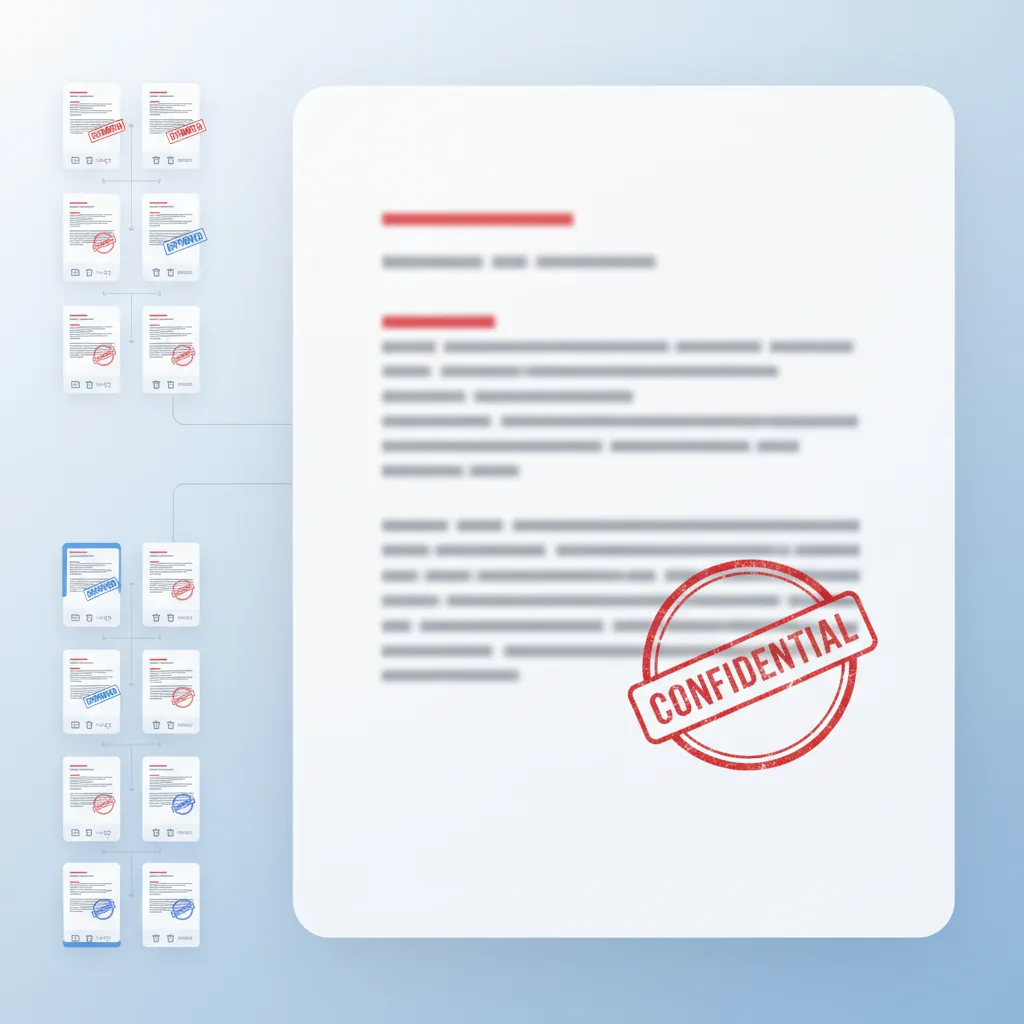
Xem trước trang vẫn ở bên trái, chỉnh sửa vẫn ở giữa và nhóm lớp cấp trang vẫn ở bên phải.
Dấu, chữ ký, hình dạng, phác thảo
Trộn dấu phê duyệt, chữ ký, chú thích hình dạng và dấu hiệu xem xét viết tay trong một quy trình.
Chỉnh sửa trang đơn giản
Nhân bản hoặc xóa trang, giữ lớp phủ được nhóm theo trang và xuất thứ tự PDF đã sửa đổi.
AI
Tóm tắt AI
Thêm Dấu vào PDF là công cụ trình duyệt miễn phí cho phép bạn thêm dấu, chữ ký và chú thích vào PDF trong vài giây. Các tính năng bao gồm không gian làm việc ba cột với hình thu nhỏ trang, canvas chỉnh sửa trung tâm và quản lý lớp từng trang để đặt dấu chính xác. Không cần đăng ký—tải lên, đóng dấu và xuất trực tiếp từ trình duyệt của bạn với xử lý cục bộ để bảo mật.
4.9(1893)
Tại sao người dùng tin tưởng công cụ đóng dấu PDF này
Được xây dựng cho quy trình đóng dấu PDF đáng tin cậy
Từ tải lên đến xuất đã đóng dấu, mọi thứ vẫn nằm trong quy trình trình duyệt duy nhất.
💸
Miễn phí để bắt đầu
Tải lên PDF và thêm dấu mà không có chi phí trước.
⚡
Không bắt buộc đăng ký
Thử quy trình đóng dấu trước khi cam kết với tài khoản.
🧠
Định vị được hỗ trợ bởi AI
Đặt dấu thông minh và quản lý lớp để quy trình làm việc nhanh hơn.
🔒
Xử lý cục bộ
PDF được xử lý trong trình duyệt của bạn, giữ tài liệu riêng tư.
✅
Đầu ra sạch
Xuất PDF đã đóng dấu không có hình mờ hoặc mất chất lượng.
👀
Xem trước tức thì
Xem các thay đổi dấu ngay lập tức trước khi xuất cuối cùng.
Trường hợp Sử dụng
Quy trình đóng dấu PDF phổ biến
Từ phê duyệt hợp đồng đến đóng dấu hóa đơn, đây là những cách phổ biến nhất người dùng áp dụng dấu cho tài liệu PDF.


Quy trình phê duyệt hợp đồng
Đặt dấu công ty và dấu phê duyệt lên hợp đồng và thỏa thuận trước khi xuất cuối cùng.
Đóng dấu hóa đơn và biên lai
Áp dụng dấu tài chính và dấu hiệu phê duyệt cho hóa đơn, biên lai và tài liệu thanh toán.
Chú thích và xem xét tài liệu
Thêm chữ ký, chú thích hình dạng và dấu hiệu viết tay để xem xét tài liệu và phản hồi.
Áp dụng dấu đa trang
Áp dụng dấu trên nhiều trang với quản lý lớp từng trang và xem trước.
Tại sao chuyên nghiệp chọn công cụ đóng dấu PDF này
Không gian làm việc chú thích PDF hoàn chỉnh được xây dựng cho kết quả kinh doanh thực
Đừng chỉ đặt dấu ngẫu nhiên. Giao diện ba cột của chúng tôi giúp bạn quản lý dấu, chữ ký và chú thích với độ chính xác từng trang.
Tại sao chuyên nghiệp chọn công cụ đóng dấu PDF này
Đừng chỉ đặt dấu ngẫu nhiên. Giao diện ba cột của chúng tôi giúp bạn quản lý dấu, chữ ký và chú thích với độ chính xác từng trang.
Hình thu nhỏ trang ở bên trái, chỉnh sửa ở giữa và quản lý lớp ở bên phải để kiểm soát hoàn toàn.

Hơn là chỉ đóng dấu PDF cơ bản
Quy trình làm việc tiếp tục đến giao hàng cuối cùng
Kết hợp dấu, chữ ký và chú thích trong một giao diện để chuẩn bị tài liệu PDF hoàn chỉnh.
Hơn là chỉ đóng dấu PDF cơ bản
Kết hợp dấu, chữ ký và chú thích trong một giao diện để chuẩn bị tài liệu PDF hoàn chỉnh.
- Tải lên bất kỳ PDF nào và bắt đầu đặt dấu ngay lập tức mà không cần thiết lập.
- Trộn dấu phê duyệt, chữ ký, chú thích hình dạng và chú thích viết tay trong một quy trình.
- Quản lý lớp từng trang để mỗi trang PDF có bộ dấu được tổ chức riêng.
- Xuất PDF cuối cùng với tất cả dấu được áp dụng, sẵn sàng để ký hoặc phân phối.

Khả năng đóng dấu PDF cốt lõi
Các tính năng người dùng tin tưởng nhiều nhất
Từ phê duyệt hợp đồng đến đóng dấu hóa đơn, các khả năng này bao gồm quy trình chú thích PDF phổ biến nhất.
Tải lên và xem trước PDF
Tải lên PDF và xem trước mỗi trang trước khi thêm dấu và chú thích.
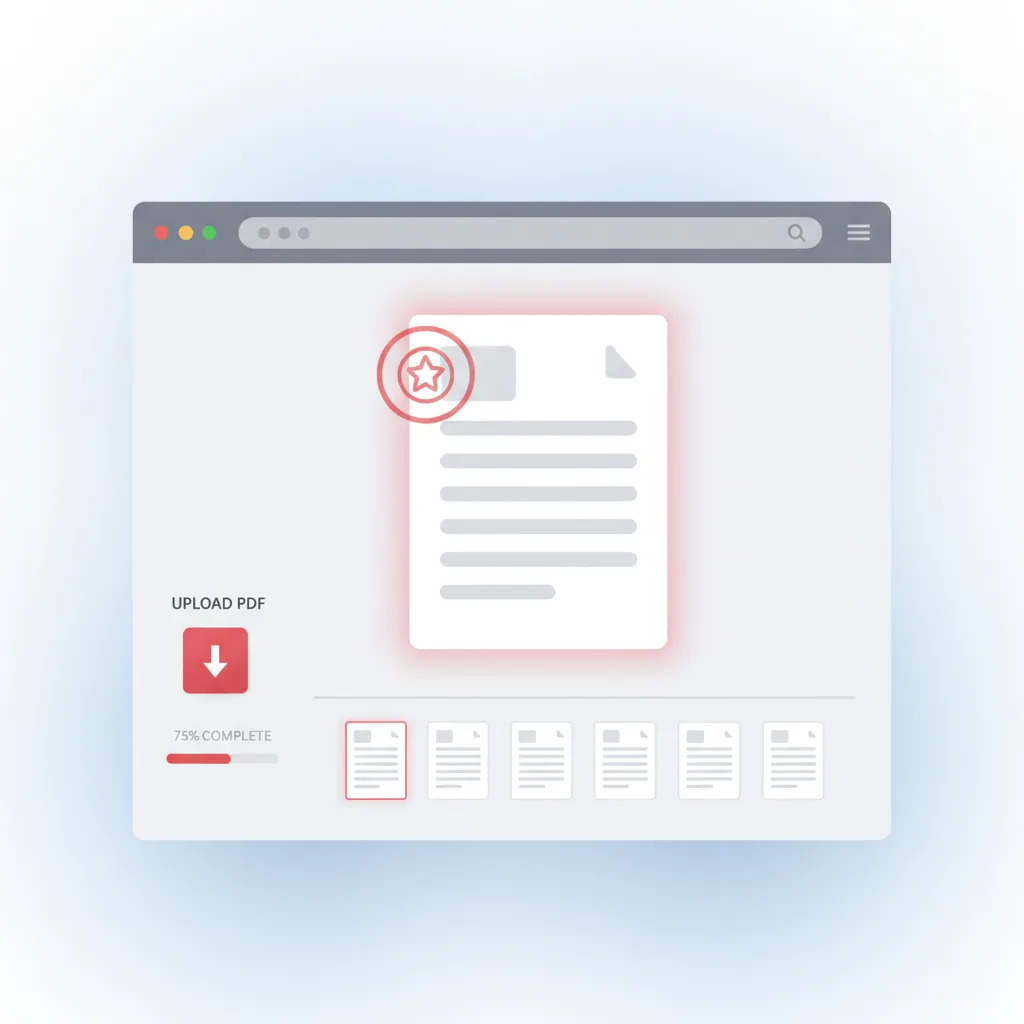
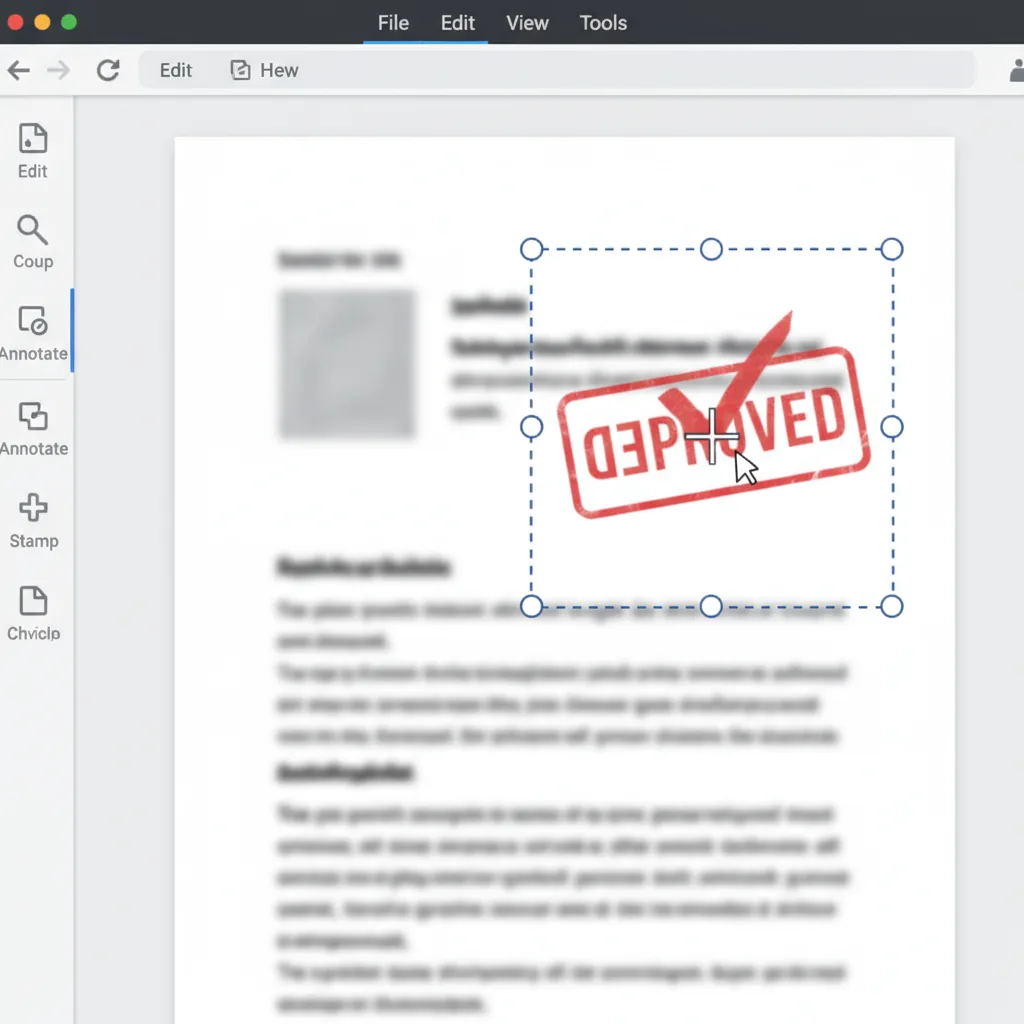
Đặt dấu
Định vị dấu, chữ ký và hình dạng chính xác trên bất kỳ trang PDF nào.
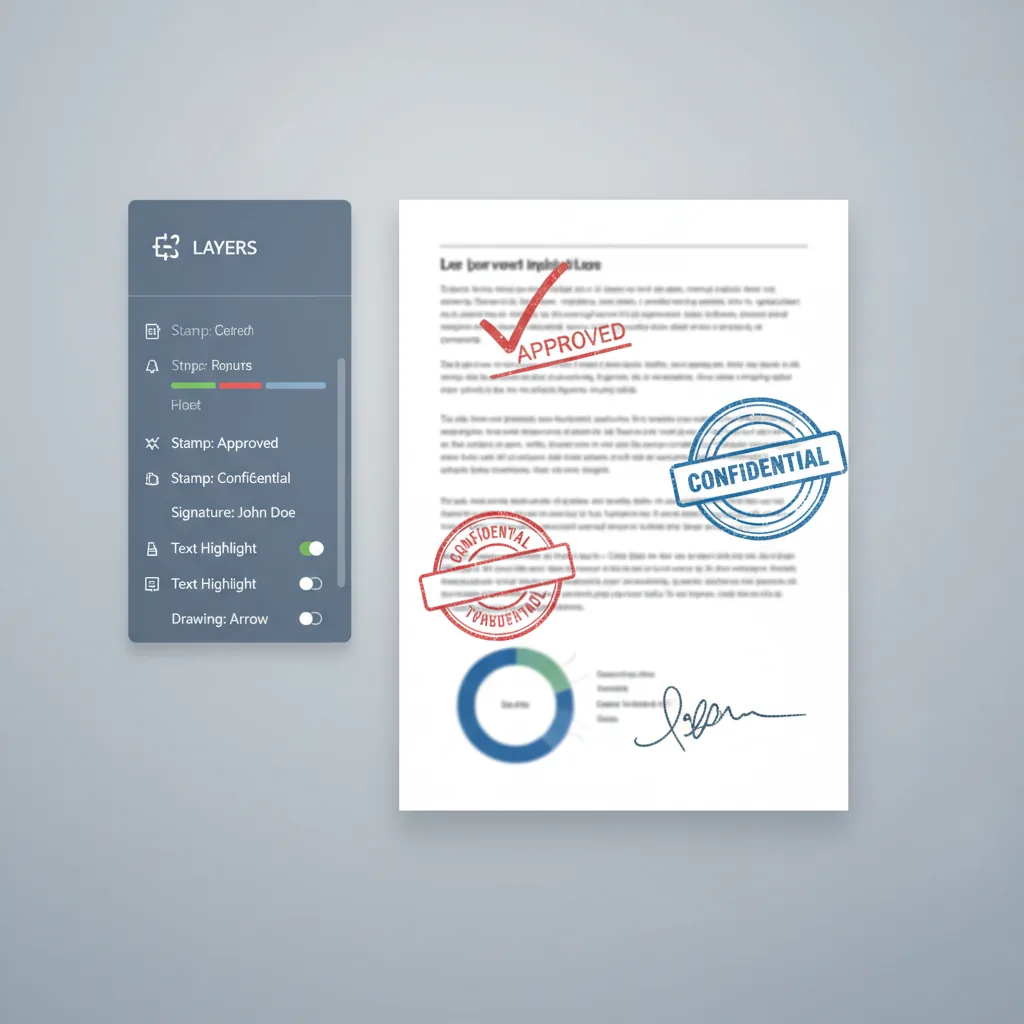
Quản lý lớp
Tổ chức dấu trong các lớp với kiểm soát độc lập cho mỗi phần tử.
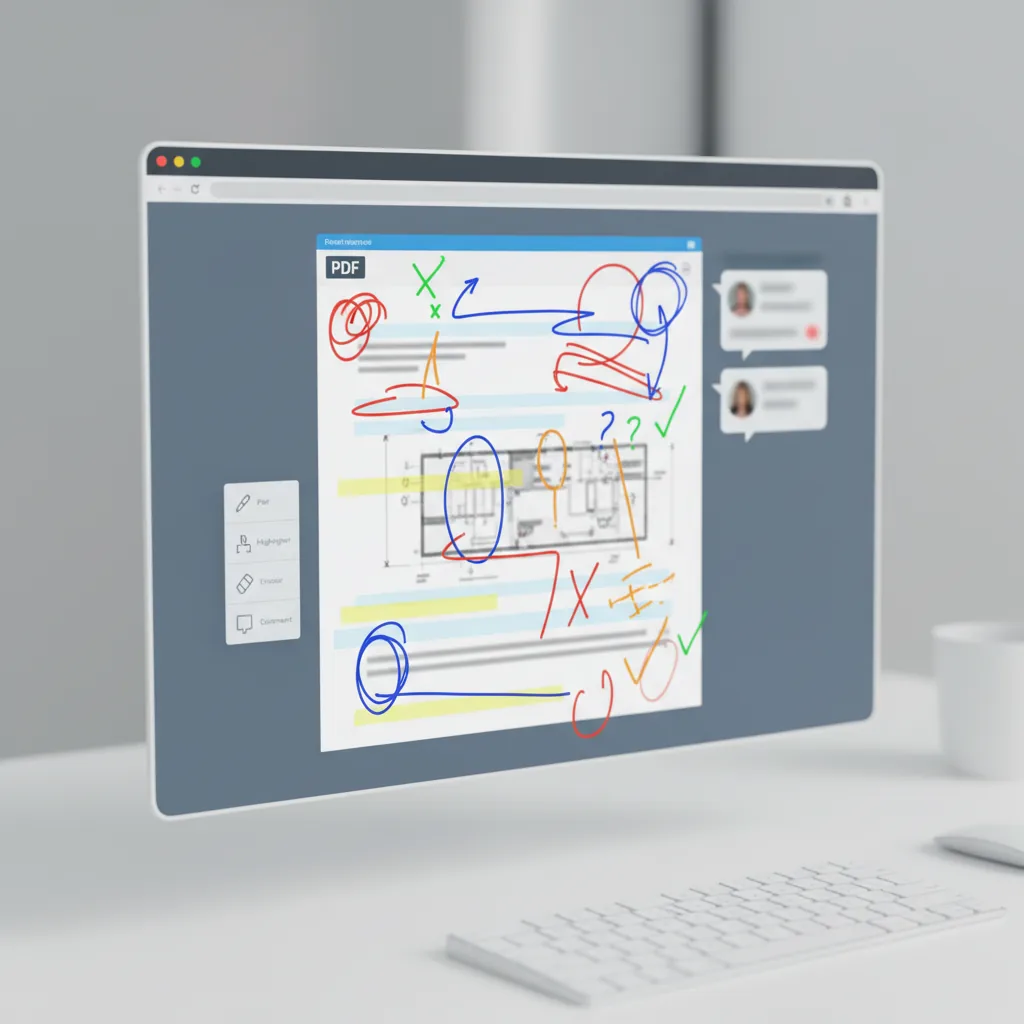
Vẽ viết tay
Thêm chú thích viết tay, dấu hiệu xem xét và phác thảo tùy chỉnh vào tài liệu.
Hoạt động trang
Nhân bản, xóa hoặc sắp xếp lại trang trước khi xuất PDF cuối cùng.
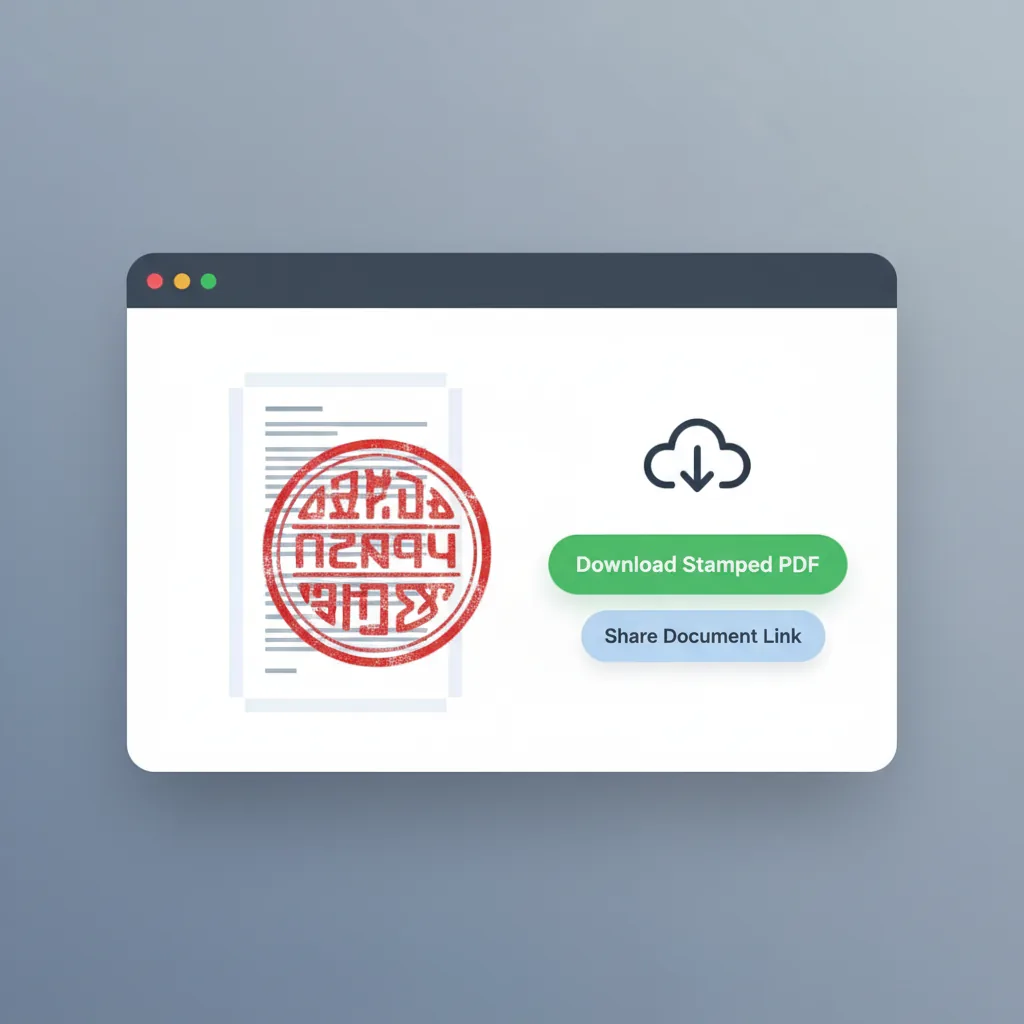
Xuất PDF
Xuất PDF đã đóng dấu với tất cả chú thích được áp dụng và sẵn sàng sử dụng.
Dành cho ai
Nhóm và cá nhân thường xuyên đóng dấu PDF
Công cụ này phù hợp với những người cần thêm dấu, chữ ký và chú thích vào tài liệu PDF.
Quản lý hợp đồng
Thêm dấu công ty và dấu phê duyệt vào hợp đồng và thỏa thuận trước khi xuất cuối cùng.
- Đặt dấu công ty
- Quy trình phê duyệt hợp đồng
- Áp dụng dấu đa trang
- Thương hiệu tài liệu nhất quán
Nhóm tài chính
Áp dụng dấu phê duyệt và chữ ký cho hóa đơn, biên lai và tài liệu thanh toán.
- Đóng dấu hóa đơn
- Dấu hiệu phê duyệt biên lai
- Xử lý tài liệu hàng loạt
- Tích hợp quy trình tài chính
Chuyên gia pháp lý
Thêm chữ ký và dấu pháp lý vào thỏa thuận, xác nhận và tài liệu pháp lý.
- Ký tài liệu
- Áp dụng dấu pháp lý
- Chú thích thỏa thuận
- Đánh dấu tuân thủ
Quản trị viên văn phòng
Đóng dấu tài liệu chính thức, biểu mẫu nội bộ và thư từ công ty một cách hiệu quả.
- Đóng dấu tài liệu chính thức
- Chú thích biểu mẫu nội bộ
- Đánh dấu thư từ
- Hỗ trợ lưu trữ hồ sơ
Người xem xét tài liệu
Thêm dấu hiệu xem xét, bình luận và chú thích vào tài liệu trong quá trình phê duyệt.
- Chú thích xem xét
- Đặt dấu hiệu phê duyệt
- Làm nổi bật phản hồi
- Hỗ trợ kiểm soát phiên bản
Chủ sở hữu doanh nghiệp nhỏ
Áp dụng dấu kinh doanh và chữ ký cho báo giá, đơn đặt hàng và tài liệu khách hàng.
- Đóng dấu báo giá
- Dấu hiệu xác nhận đơn đặt hàng
- Thương hiệu tài liệu khách hàng
- Thêm chữ ký nhanh
So sánh
Công cụ đóng dấu PDF này khác với lựa chọn thay thế như thế nào
Sự khác biệt không chỉ là đặt dấu, mà là quản lý quy trình chú thích hoàn chỉnh với kiểm soát từng trang.
| Tính năng | Thêm Dấu vào PDF | Trình chỉnh sửa PDF chung | Phần mềm máy tính để bàn | Dịch vụ thủ công |
|---|---|---|---|---|
| Bắt đầu | ✅ Tải lên và bắt đầu ngay lập tức | ⚠️ Thường yêu cầu tài khoản | ❌ Cài đặt phần mềm | ⚠️ Chờ nhà cung cấp dịch vụ |
| Không gian làm việc ba cột | ✅ Hình thu nhỏ + chỉnh sửa + lớp | ⚠️ Chủ yếu xem đơn | ⚠️ Cần thiết lập tùy chỉnh | ❌ Không có kiểm soát trực tiếp |
| Nhiều loại dấu | ✅ Dấu + chữ ký + hình dạng + viết tay | ⚠️ Tùy chọn dấu hạn chế | ✅ Có thể với nỗ lực | ⚠️ Phụ thuộc vào nhà cung cấp |
| Kiểm soát lớp từng trang | ✅ Nhóm lớp độc lập từng trang | ❌ Hỗ trợ lớp cơ bản | ⚠️ Quản lý thủ công | ❌ Không có độ trong |
| Hoạt động trang | ✅ Nhân bản, xóa, sắp xếp lại trang | ⚠️ Kiểm soát trang cơ bản | ⚠️ Không tập trung vào PDF | ⚠️ Cần giao tiếp |
| Xem trước tức thì | ✅ Xem trước dấu thời gian thực | ✅ Thường tốt | ✅ Có | ❐️ Trì hoãn sửa đổi |
| Quyền riêng tư | ✅ Xử lý trình duyệt cục bộ | ⚠️ Dựa trên đám mây | ✅ Xử lý cục bộ | ❌ Chia sẻ với nhà cung cấp |
| Chi phí | ✅ Miễn phí để bắt đầu | ⚠️ Giới hạn freemium | ❌ Yêu cầu đăng ký | ❌ Chi phí mỗi tài liệu |
| Xuất PDF | ✅ Xuất PDF trực tiếp với dấu | ⚠️ Có thể cần chuyển đổi | ⚠️ Cần cài đặt xuất | ⚠️ Định dạng giao hàng khác nhau |
| Hiệu quả tổng thể | ✅ Được xây dựng đặc biệt cho đóng dấu PDF | ⚠️ Công cụ mục đích chung | ⚠️ Mạnh nhưng phức tạp | ❁️ Thời gian quay vòng chậm hơn |
Cách các nhóm sử dụng đóng dấu PDF
Quy trình làm việc thực tế từ người dùng thường xuyên đóng dấu PDF
Q
Quản lý Hợp đồng
Pháp lý và thỏa thuậnKhả năng đặt dấu công ty lên hợp đồng và quản lý chúng theo trang tiết kiệm hàng giờ so với in và quét thủ công.
P
Phối Tài chính
Hóa đơn và biên laiChúng tôi đóng dấu hàng trăm hóa đơn mỗi tháng. Quản lý lớp từng trang làm cho xử lý hàng loạt sạch hơn nhiều.
T
Trưởng Vận hành
Quy trình tài liệuThêm chữ ký và dấu hiệu phê duyệt trực tiếp trong trình duyệt mà không cần cài đặt phần mềm là chính xác những gì nhóm của chúng tôi cần.
Q
Quản lý Hợp đồng
Pháp lý và thỏa thuậnKhả năng đặt dấu công ty lên hợp đồng và quản lý chúng theo trang tiết kiệm hàng giờ so với in và quét thủ công.
P
Phối Tài chính
Hóa đơn và biên laiChúng tôi đóng dấu hàng trăm hóa đơn mỗi tháng. Quản lý lớp từng trang làm cho xử lý hàng loạt sạch hơn nhiều.
T
Trưởng Vận hành
Quy trình tài liệuThêm chữ ký và dấu hiệu phê duyệt trực tiếp trong trình duyệt mà không cần cài đặt phần mềm là chính xác những gì nhóm của chúng tôi cần.
* Đây đại diện cho tình huống quy trình điển hình thay vì xác nhận người dùng cụ thể.
Câu hỏi thường gặp
Câu hỏi phổ biến về thêm dấu vào tài liệu PDF
Bắt đầu đóng dấu PDF của bạn ngay hôm nay
Tải lên, đóng dấu và xuất
Không cần đăng ký. Tải lên PDF của bạn, thêm dấu và chữ ký, sau đó tải xuống kết quả đã đóng dấu.
Công cụ Liên quan
Trình tạo Dấu AI
Tạo dấu phê duyệt, dấu công ty hoặc dấu tên trước khi đặt nó lên PDF
Try Trình tạo Dấu AI →Trích xuất Dấu
Trích xuất hình ảnh dấu trong suốt sạch từ bản quét trước khi sử dụng trong quy trình PDF của bạn
Try Trích xuất Dấu →