 Free template
Blank / round
Online Stamp Creator - Custom Round Rubber Stamp Template
Create custom round online stamp with editable text and professional design. The actual blueprint uses #1B49AC ink and combines 1 curved text band, 3 straight text lines, and 3 border elements.
- Source ink
- #1B49AC
- Visible layers
- 7
- Text layers
- 4
Start from the supplied layers; review every placeholder before export.
01 / Context
Use cases
- Create custom round online stamp with editable text and professional design.
- Flexible layouts ready for your text.
- A practical starting point for work involving custom stamps and circle.
Design specifications
These values come from the template blueprint currently opened by the editor.
- Composition
- round
7 visible layers in the editable blueprint
- Ink
- #1B49AC
Default colour stored in the source design
- Text
- 4 text layers
Includes “CITY”, “MEXICO”, and “SA DE CV”
- Typefaces
- Times New Roman and Days
3 structural elements
Pick · Edit · Download
The steps adapt to the text, border, and graphic layers present in this design.
Replace “CITY”, “MEXICO”, and “SA DE CV” across 4 editable text layers.
Keep the source ink colour #1B49AC, or choose a different colour to match the final document or brand.
Fine-tune 3 border elements without rebuilding the composition from scratch.
Preview the finished round layout and check every name, number, date, and symbol before export.
Frequently asked questions
What is included in Online Stamp Creator - Custom Round Rubber Stamp Template?
Online Stamp Creator - Custom Round Rubber Stamp Template contains 1 curved text band, 3 straight text lines, and 3 border elements. Its default ink colour is #1B49AC, with Times New Roman and Days typography.
Can I edit Online Stamp Creator - Custom Round Rubber Stamp Template?
7 visible layers can be adjusted in the supplied editor blueprint, including 4 text layers. Review the preview after replacing the supplied wording.
Can I change the ink colour?
The source file opens with #1B49AC as its ink colour. When editing is available, you can change the colour while keeping the original layer arrangement.
What should I review before using Online Stamp Creator - Custom Round Rubber Stamp Template?
Replace every placeholder, check spelling and alignment, and confirm that the final colour and proportions suit where the stamp will appear.
Continue exploring
Browse stamp templates
Suggestions are selected from related use cases, shapes, and design tags.
 Free template
Round Rubber Stamp Creator with Custom Text - №1228
 Free template
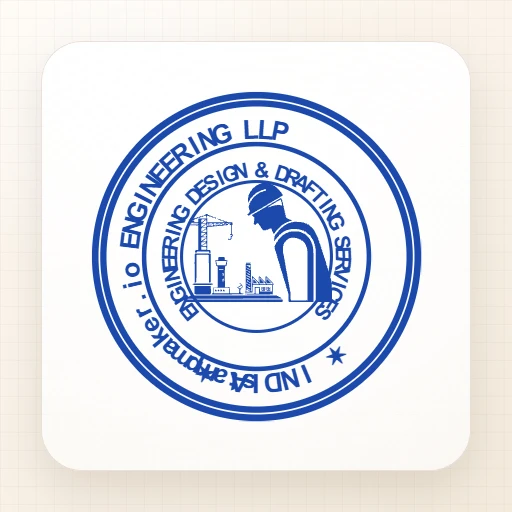
Design a Circular Engineer's Stamp with 4 Borders, Builder Logo, and Custom Text - №793096
 Free template
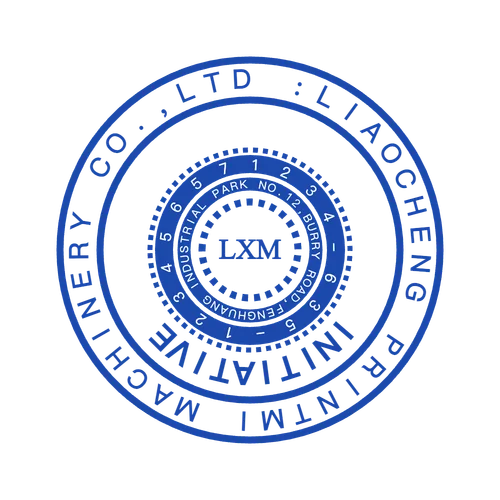
Design a Round Stamp with Interrupted Border - №780552
 Free template
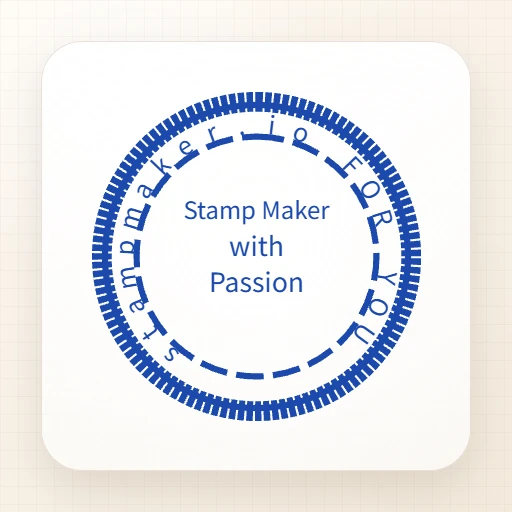
Design a Round Stamp with Multiple Rings and Abbreviated Text - №437526
 Free template
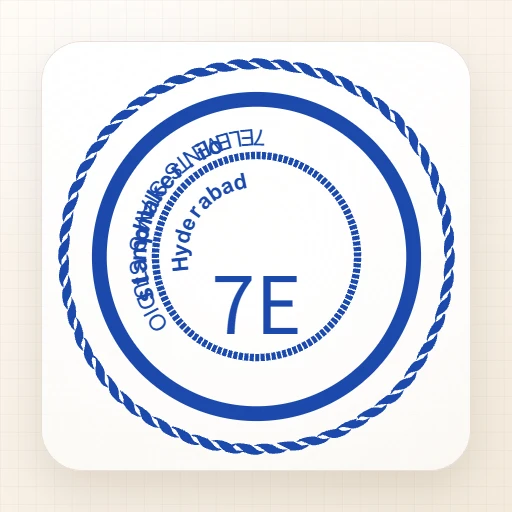
Stamp Maker - Round Custom Rubber Stamp Template with Editable Text
 Free template