
Stamp Extractor - Remove Background from Stamp Images
Online stamp extractor with private browser processing for simple backgrounds and optional AI segmentation for complex document backgrounds.
Use fast local extraction for simple backgrounds or AI mask segmentation for stamps on text, tables, shadows, and complex documents.
Transparent PNG output
Upload a stamp image
Choose local extraction for simple backgrounds or AI segmentation for complex document content. Supports PNG, JPG, and WEBP.
Extraction controls
The detector isolates the dominant colored stamp ink and removes black document text. Adjust these controls when the paper tone or stamp edges need refinement.
For unusual ink colors, activate the picker and click a solid stamp stroke in the original image, or use the color control.
28
Higher values remove more paper tint and faint background noise.
34
Higher values keep softer ink edges and lighter stamp transitions.
20px
Controls the empty transparent margin around the extracted stamp.
Original image
Waiting for an upload
Start by uploading a stamp image on a white or light background.
Extracted result
The transparent result will appear here
After upload, the page will automatically extract and crop the stamp.
Source size
—
Output size
—
Background sample
—
Stamp coverage
—
Tips
- White or light-background images produce the most reliable transparent results.
- If the edges look too thin, raise Edge Preserve before lowering Background Cleanup.
- If the source image includes shadows or strong paper texture, repair it first.
Built for White Backgrounds
This workflow is tuned for stamp images on white paper, off-white scans, and other light backgrounds.
Edge-Friendly Cleanup
Samples the background color and keeps softer ink edges, lighter red transitions, and thinner stamp strokes.
Transparent PNG Export
Crops excess transparent space and exports a ready-to-use PNG for PDFs, contracts, and layout work.
AI
AI Summary
Stamp Extractor offers private local processing for simple backgrounds and optional AI mask segmentation for complex documents, while preserving original pixels in transparent PNG output.
Why users trust this stamp extractor
Built for reliable stamp extraction
From upload to transparent PNG, everything is optimized for stamp images.
💸
Free to start
Extract stamp images without upfront cost.
⚡
No forced signup
Try the extraction workflow before committing to an account.
🧠
Local + AI segmentation
Use local color analysis for simple backgrounds or AI masks for complex documents.
🔒
Clear privacy choices
Local mode stays in your browser; AI mode uploads only after explicit confirmation.
✅
Clean outputs
Download transparent PNGs without watermarks.
👀
Instant preview
See extraction results immediately with adjustable settings.
Use Cases
Common stamp extraction workflows
From scanned documents to photographed stamps, these are the most common ways users extract transparent stamp images.


Document stamp extraction
Extract stamp impressions from scanned contracts, certificates, and official documents.
Rubber stamp digitization
Convert physical rubber stamp impressions into clean transparent PNG files.
Certificate stamp cleanup
Isolate stamps from certificates and awards for digital archiving and reuse.
Archive stamp processing
Extract stamps from historical document collections for cleaner digital archiving.
More than just background removal
A workflow that carries through to final delivery
Combine intelligent extraction with fine-tuning controls for perfect transparent stamp images.
More than just background removal
Combine intelligent extraction with fine-tuning controls for perfect transparent stamp images.
- Upload any stamp image from scans, photos, or existing digital files.
- Let the tool automatically sample the background and extract the stamp artwork.
- Adjust cleanup strength and edge preservation to fine-tune the result.
- Download the transparent PNG ready for use in documents and designs.

Core stamp extraction capabilities
The features users rely on most
From document scans to photographed stamps, these capabilities cover the most common extraction workflows.
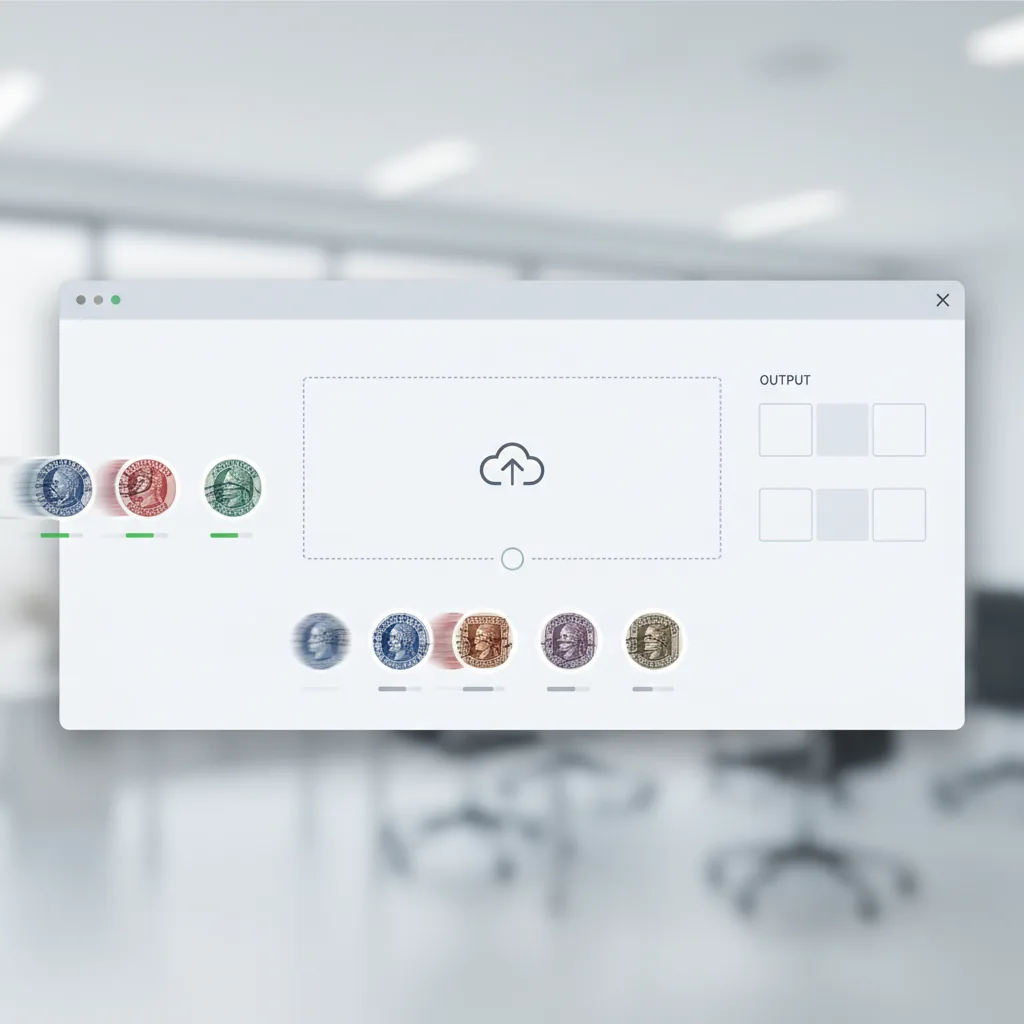
Image upload
Upload stamp images from scans, photos, or digital files.
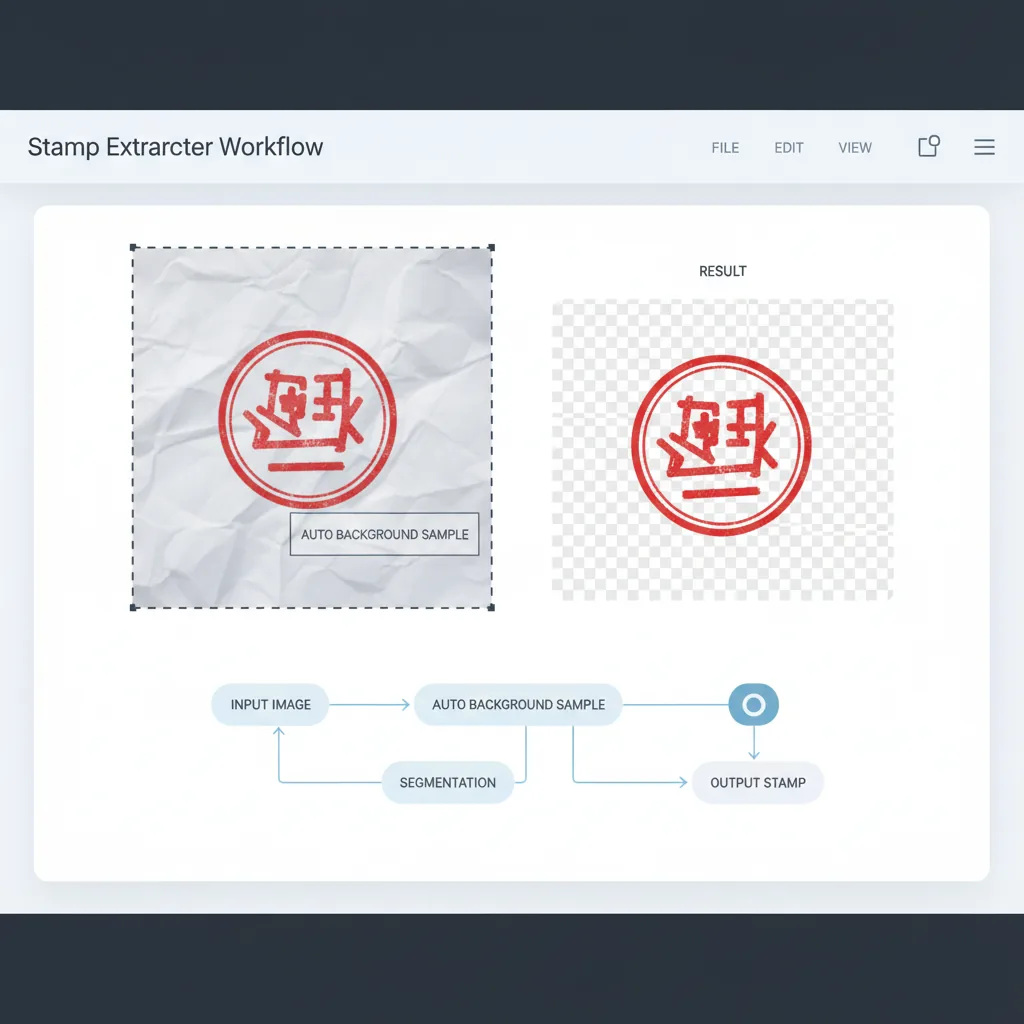
Background sampling
Automatic detection of background color for accurate extraction.
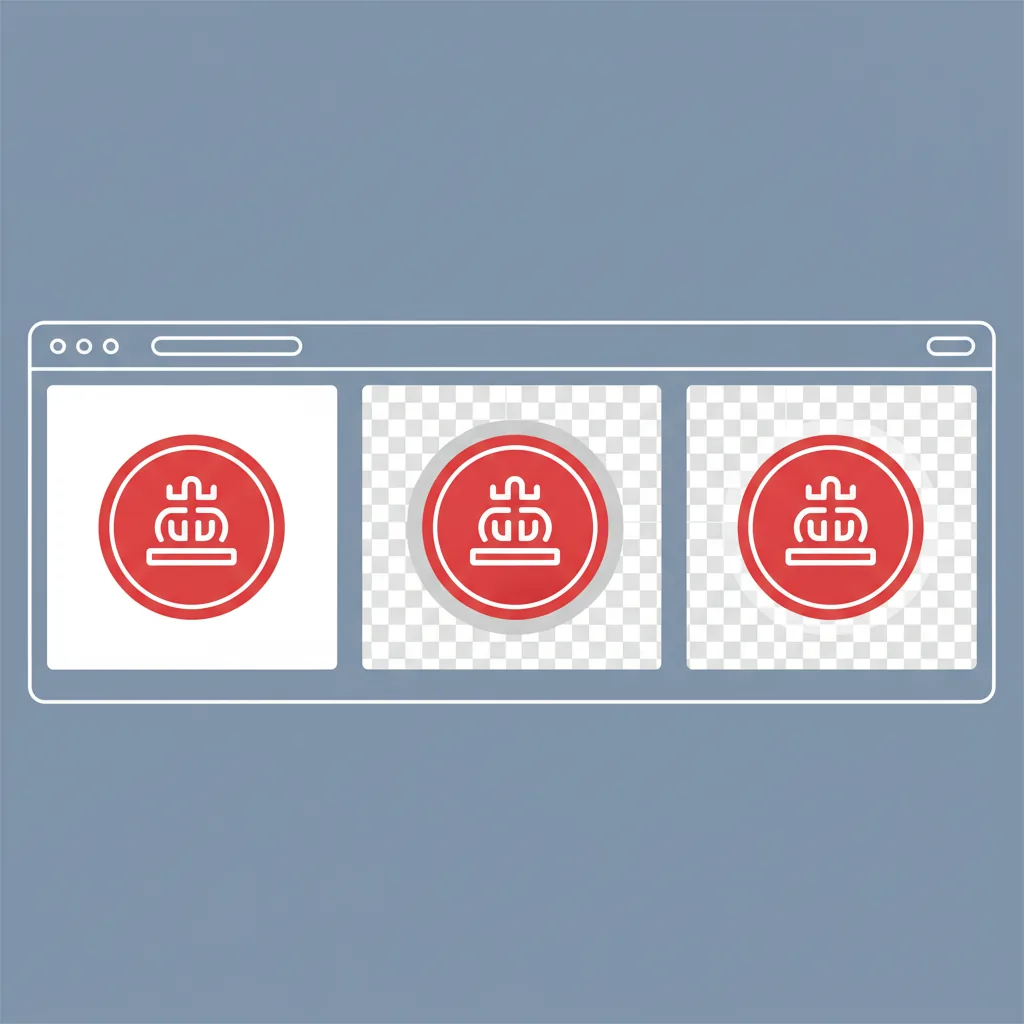
Alpha generation
Create transparency channel while preserving stamp details.
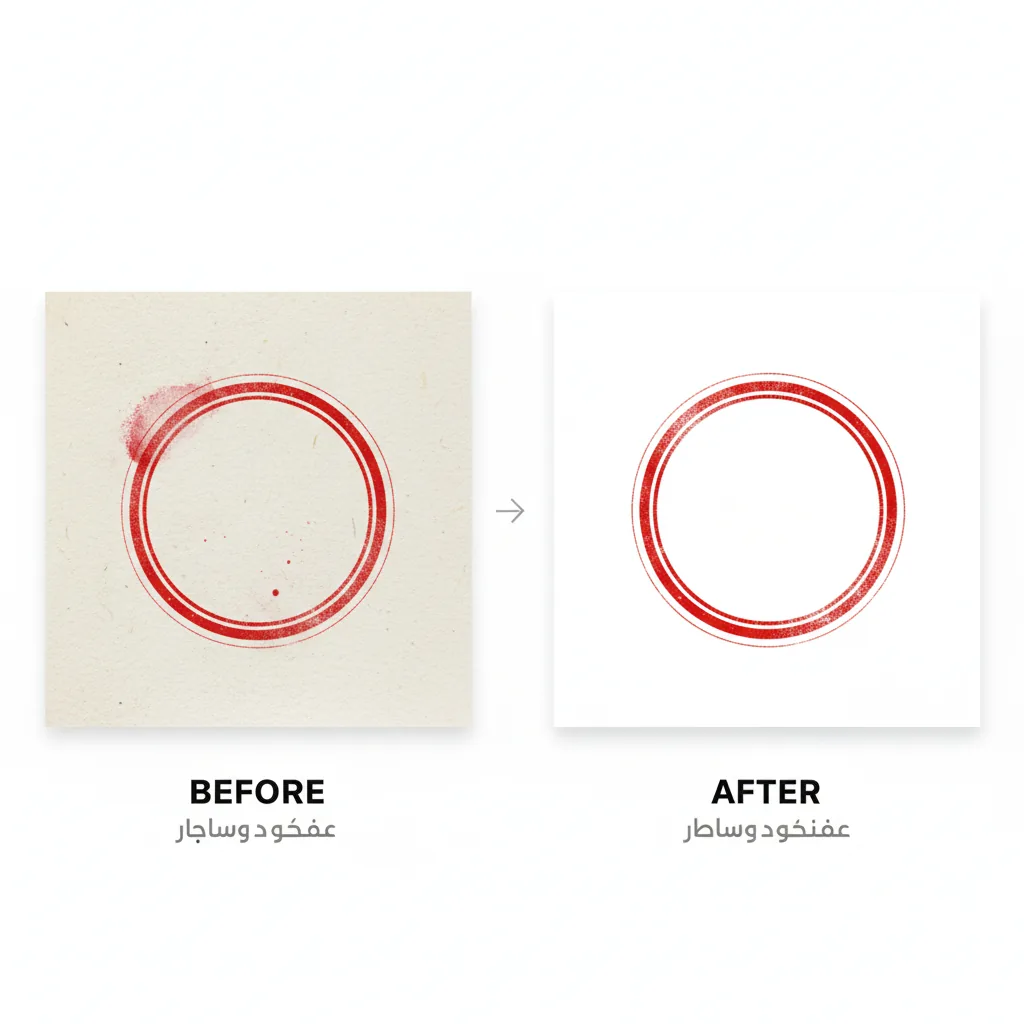
Edge cleanup
Remove background artifacts while keeping stamp edges sharp.
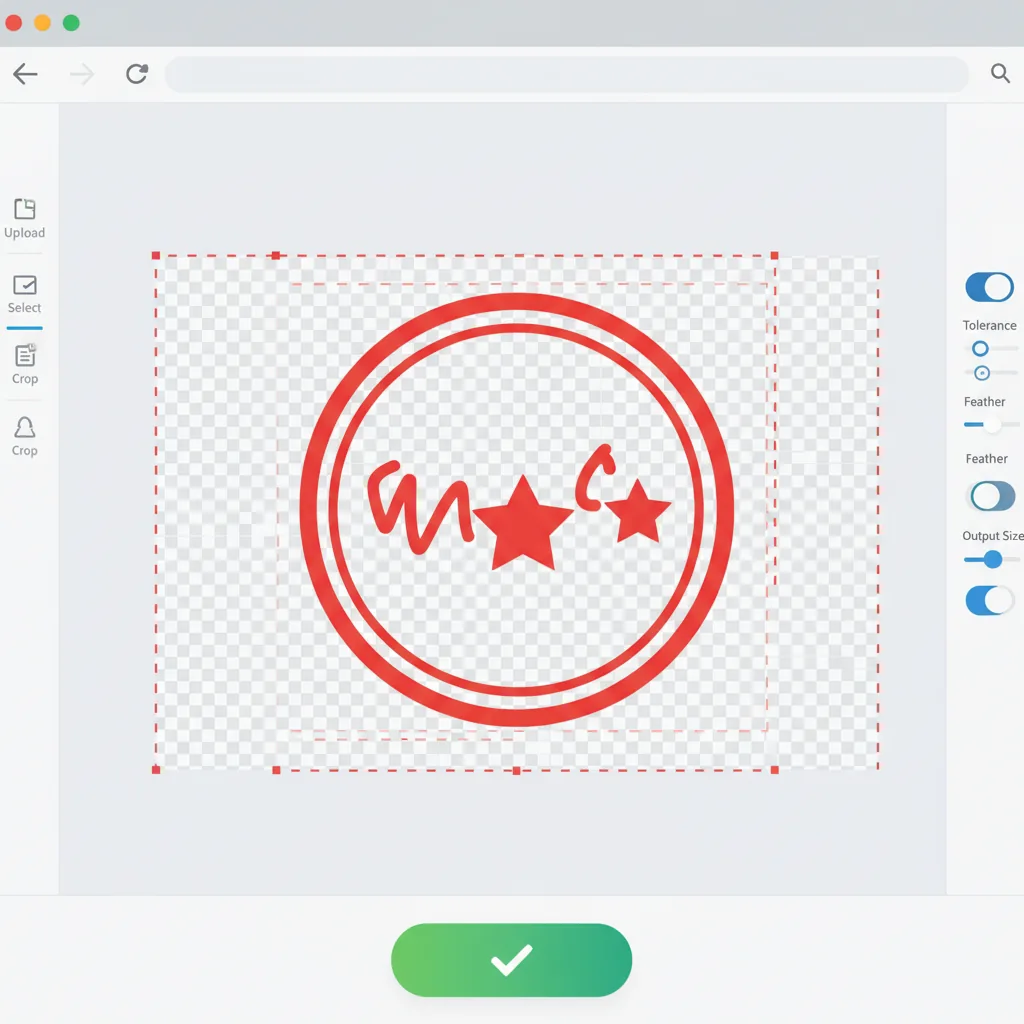
Smart crop
Automatically crop excess transparent space from the output.
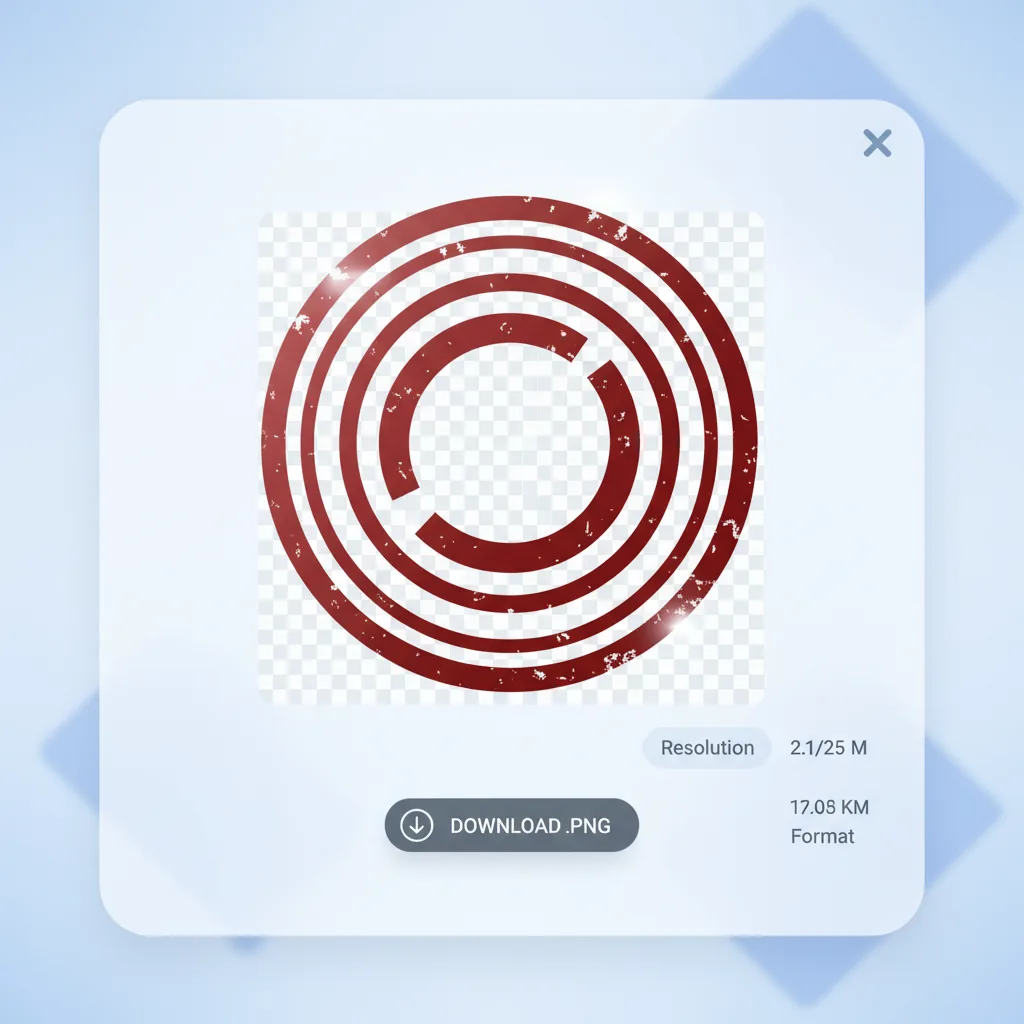
PNG export
Download the transparent stamp as a ready-to-use PNG file.
Who it is for
Users who extract stamp images
The tool fits people who need to isolate stamp artwork from documents and images.
Document managers
Extract stamps from contracts, certificates, and official documents.
- Contract stamp extraction
- Certificate processing
- Document digitization
- Archive management
Business administrators
Digitize company stamps for modern document workflows.
- Company seal digitization
- Stamp management
- Digital document preparation
- Workflow integration
Legal professionals
Process stamps from legal documents and contracts.
- Contract processing
- Legal document handling
- Evidence preparation
- Archive digitization
Design professionals
Extract stamp artwork for design and creative projects.
- Stamp asset creation
- Design integration
- Creative projects
- Brand consistency
Archive specialists
Process historical stamp collections for digital preservation.
- Historical document processing
- Collection digitization
- Archive preservation
- Digital backup creation
Personal users
Extract personal stamps for digital use and sharing.
- Personal stamp digitization
- Document preparation
- Sharing and backup
- Personal projects
Comparison
How this stamp extractor differs from alternatives
The difference is not just removing backgrounds, but preserving the fine details that make stamps authentic.
| Feature | Stamp Extractor | Generic background remover | Desktop software | Manual service |
|---|---|---|---|---|
| Getting started | ✅ Upload and extract immediately | ⚠️ Requires design skills | ❌ Software installation | ⚠️ Wait for designer |
| Stamp-optimized | ✅ Built specifically for stamp images | ❌ General background removal | ⚠️ Manual setup needed | ⚠️ Depends on designer |
| Edge preservation | ✅ Keeps soft ink edges intact | ⚠️ May cut off fine details | ⚠️ Requires skill | ⚠️ Depends on designer |
| Auto background sampling | ✅ Detects paper color automatically | ⚠️ Manual selection often needed | ⚠️ Manual tools | ⚠️ Manual process |
| Fine-tuning controls | ✅ Cleanup, edge, padding settings | ❌ Limited adjustment options | ✅ Full control | ⚠️ Revision requests |
| Instant preview | ✅ Real-time before/after | ✅ Usually good | ✅ Yes | ❌ Revision delays |
| Privacy | ✅ Browser-based processing | ⚠️ Cloud-based | ✅ Local processing | ❌ Shared with designer |
| Cost | ✅ Free to start | ⚠️ Freemium limits | ❌ Subscription required | ❌ Per-image cost |
| Overall efficiency | ✅ Purpose-built for stamp extraction | ⚠️ General-purpose tool | ⚠️ Powerful but complex | ❌ Slower turnaround |
Frequently asked questions
Common questions about stamp extraction
Start extracting your stamps today
Upload, extract, download
Local extraction needs no registration. AI extraction for complex backgrounds requires sign-in and explicit upload consent.
More Tools
AI Stamp Image Repair
Repair faded or noisy stamp images before extracting the transparent stamp artwork
Try AI Stamp Image Repair →Stamp-to-url Converter
Upload the transparent stamp result and turn it into a direct shareable URL
Try Stamp-to-url Converter →