
Signature Extractor
Online signature extractor for isolating handwritten signatures from white-paper scans, screenshots, and other light-background images into transparent PNG assets.
Built for scanned signatures and light-background handwriting. Remove the paper background, preserve thin strokes, and export a transparent PNG.
Transparent signature PNG
Upload a signature on a light background
Works best with PNG, JPG, and WEBP signatures on white paper, scanned pages, or other light backgrounds.
Extraction controls
Adjust these controls when the paper tone is too visible, the source has soft shadows, or the signature strokes are very thin.
24
Higher values remove more paper tint, pale gray texture, and background noise.
58
Higher values keep thinner pen strokes, lighter ink, and softer edges.
24px
Controls the amount of empty transparent space around the extracted signature.
Original image
Waiting for an upload
Start by uploading a signature image on a white or light background.
Extracted result
The transparent result will appear here
After upload, the page will automatically extract and crop the signature.
Source size
—
Output size
—
Paper sample
—
Ink coverage
—
Tips
- White or light-background images produce the most stable transparent results.
- If thin strokes disappear, raise Stroke Preserve before reducing Paper Cleanup.
- If the image includes heavy shadows or perspective distortion, crop it tighter before upload.
Built for Signature Workflows
Tuned for contract screenshots, scanned sign-off pages, and white-paper signatures instead of general-purpose background removal.
Preserves Fine Strokes
Keeps lighter ink transitions, thin pen lines, and softer signature edges more reliably than aggressive paper cleanup.
Document-Ready PNG Export
Exports a cropped transparent PNG that is easy to place into PDFs, approval flows, templates, and documents.
AI
SignatureExtractor.page.aiSummary.label
SignatureExtractor.page.aiSummary.content
SignatureExtractor.page.trustSignals.rating.value(SignatureExtractor.page.trustSignals.rating.count)
SignatureExtractor.page.trustSignals.eyebrow
Built for clean, document-ready signature extraction
From scanned pages to transparent PNG output, the workflow is tuned for signature quality instead of generic background removal.
🆓
Free to start
Upload and extract signatures without paying upfront.
⚡
Fast workflow
Move from upload to transparent PNG in a focused browser flow.
🖋️
Signature-aware cleanup
Built to preserve thin strokes, light ink, and handwritten edges.
🔒
Private processing
Useful for sensitive contract and approval signatures.
✅
Clean output
Export a transparent PNG without extra branding or watermarks.
👀
Instant feedback
Adjust cleanup and stroke preserve settings while previewing the result.
Use Cases
Common signature extraction workflows
From contract signatures to approval stamps, these are the most common ways users extract and prepare signature assets.


Contract signature extraction
Extract signatures from scanned contract pages for digital reuse and document preparation.
Approval stamp preparation
Prepare handwritten approval marks and sign-offs for placement on digital documents.
Form signature digitization
Convert paper form signatures into transparent PNGs for digital form processing.
Signature library creation
Build a personal library of transparent signatures for quick document signing.
More than just background removal
A workflow that understands document signing needs
Extract signatures while preserving the stroke quality needed for professional document placement.
More than just background removal
Extract signatures while preserving the stroke quality needed for professional document placement.
- Upload any signature on white or light paper and start extracting immediately.
- Fine-tune paper cleanup and stroke preservation for perfect results every time.
- Preview changes in real-time without re-uploading or starting over.
- Export a transparent PNG ready for contracts, PDFs, and digital documents.

Core signature extraction capabilities
The features users rely on most
From contract preparation to form digitization, these capabilities cover the most common signature workflows.
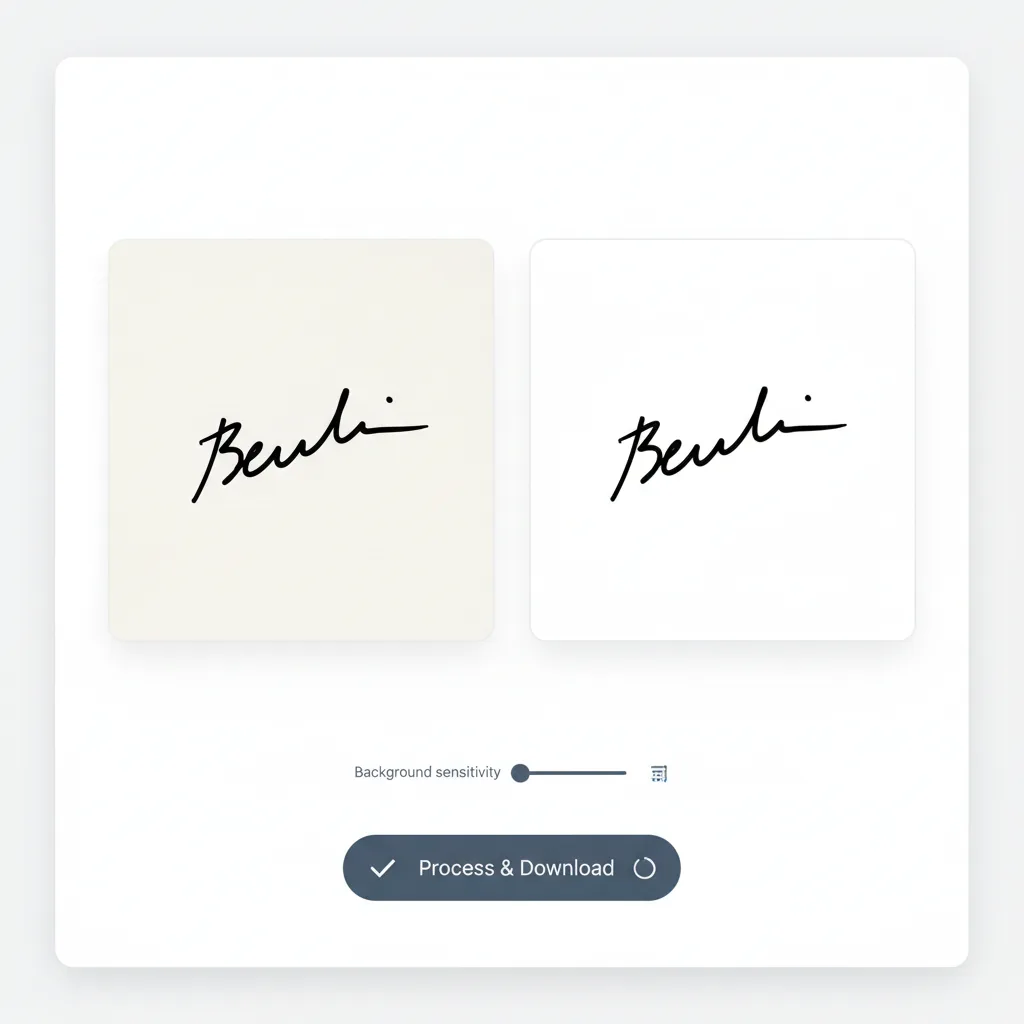
White paper extraction
Remove white or light paper backgrounds while preserving signature strokes.
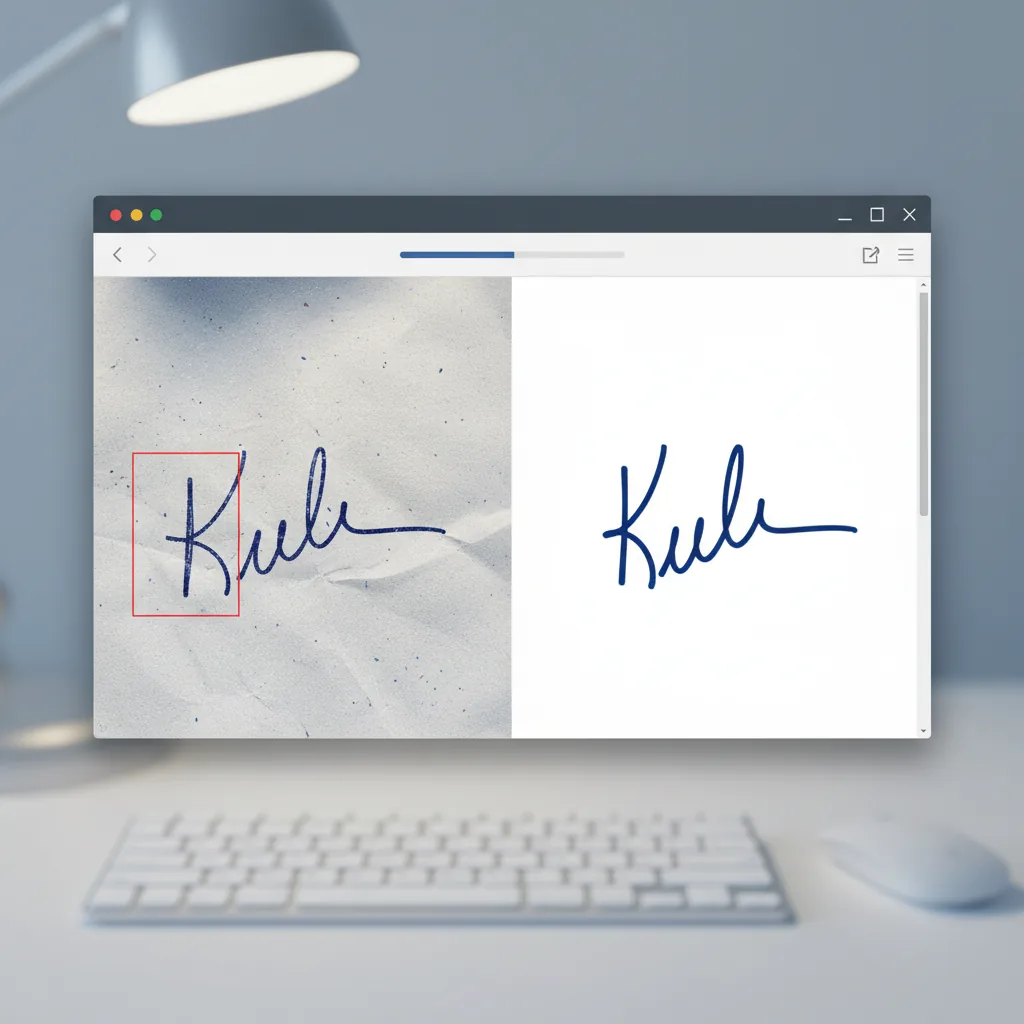
Scan cleanup
Handle scanned document signatures with automatic noise and shadow removal.
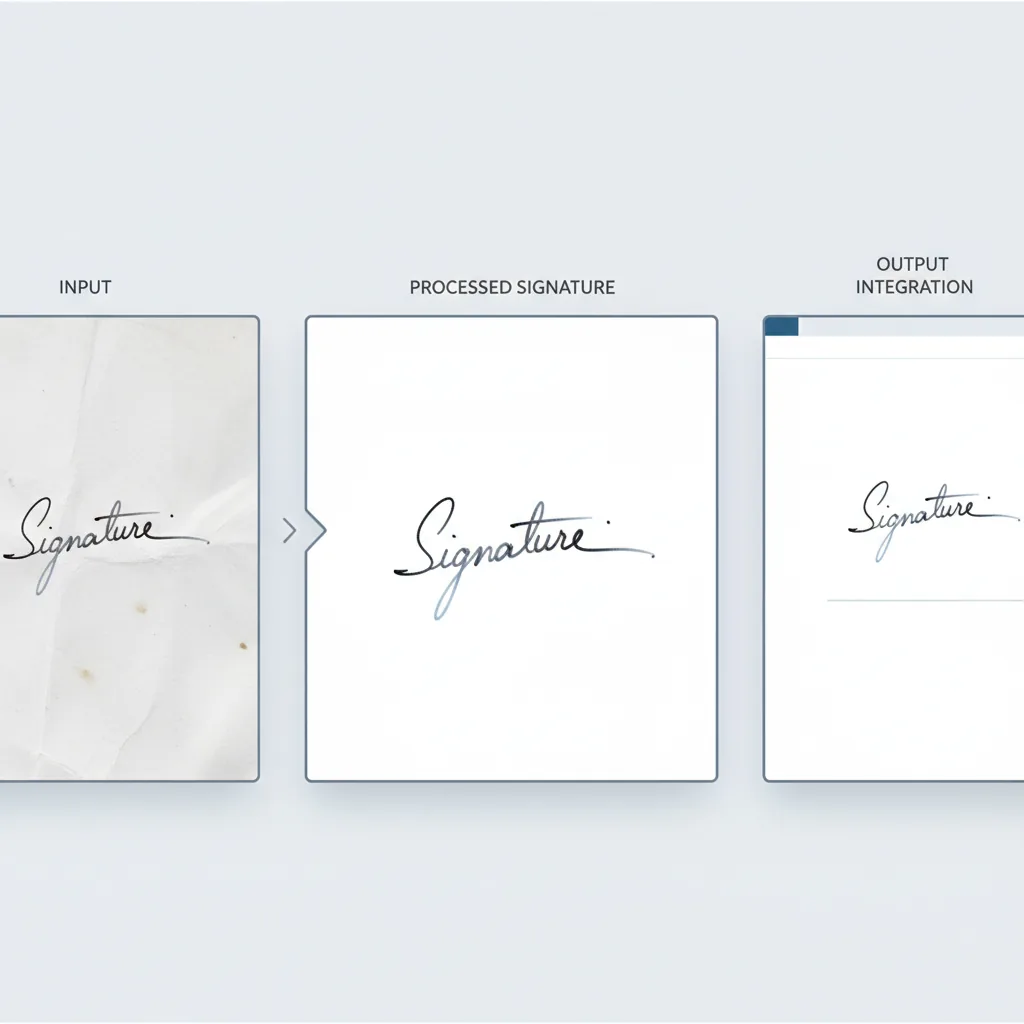
Stroke preservation
Keep fine pen lines, light ink, and signature details intact.
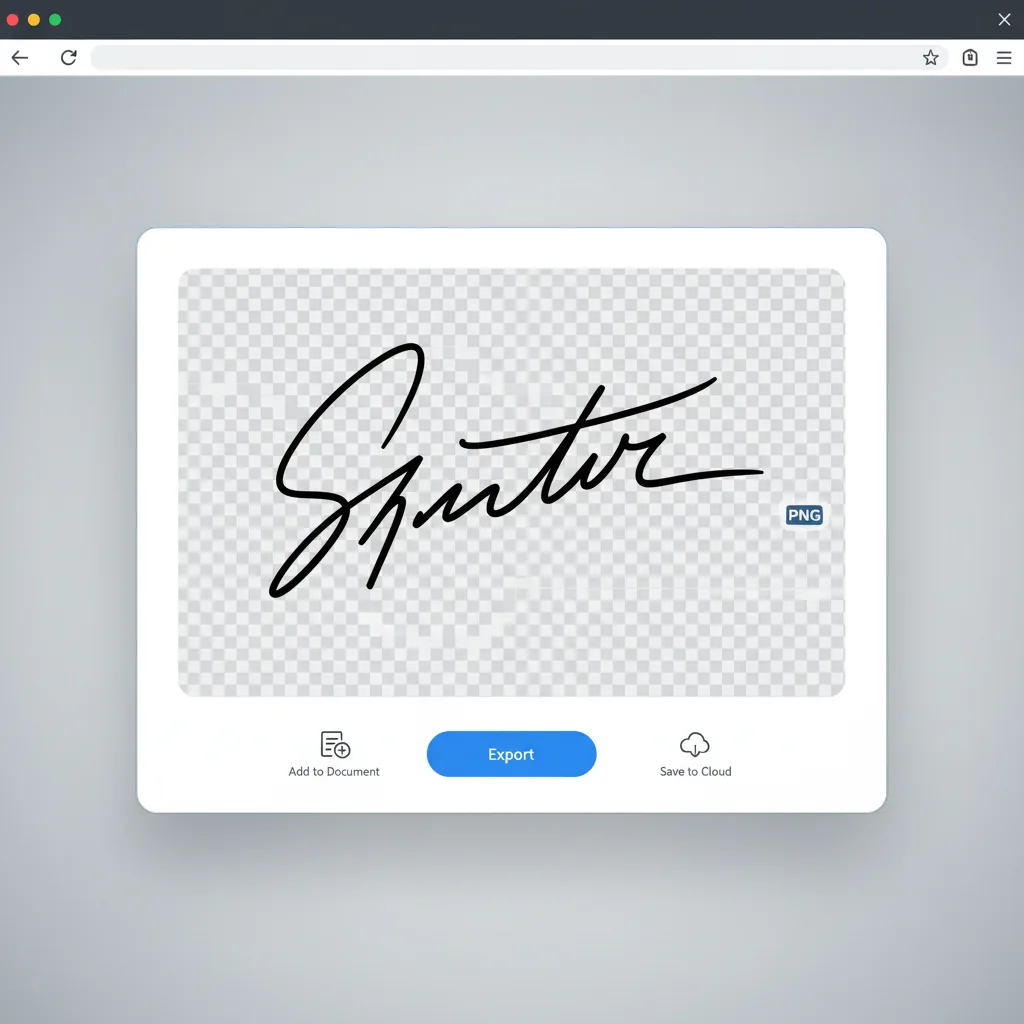
Transparent export
Download PNG with transparent background ready for any document.
Auto cropping
Automatically detect and crop to signature boundaries.
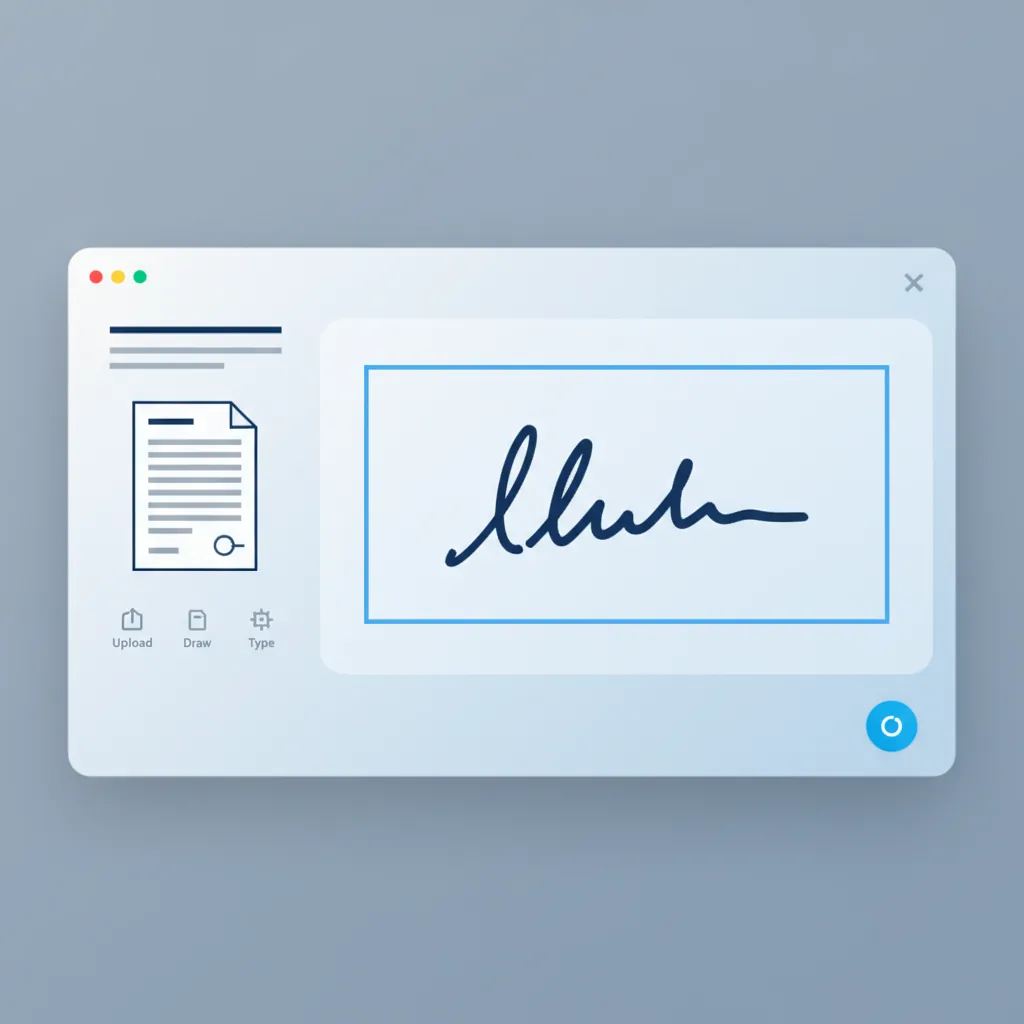
Document placement ready
Export a clean transparent signature asset that drops neatly into contracts, PDFs, approval forms, and reusable templates.
SignatureExtractor.page.userPersonas.eyebrow
Built for professionals who work with documents
From legal professionals to office administrators, this tool fits various document signing scenarios.
Legal professionals
Extract signatures from contracts, agreements, and legal documents for digital workflows.
- Contract signature extraction
- Legal document preparation
- Signature verification support
- Document digitization
Business administrators
Prepare signature assets for company documents, approvals, and correspondence.
- Approval stamp preparation
- Corporate document signing
- Form processing support
- Quick signature digitization
Office managers
Create signature libraries for team use and standardize document signing processes.
- Team signature library
- Standardized signing workflow
- Document template preparation
- Batch signature processing
Form processors
Digitize signatures from paper forms for electronic form systems and databases.
- Paper form digitization
- Electronic form preparation
- Database signature storage
- Batch processing support
Individual professionals
Create personal signature assets for contracts, emails, and professional correspondence.
- Personal signature library
- Email signature preparation
- Contract signing ready
- Quick document placement
Document specialists
Prepare signature assets for archival, compliance, and document management systems.
- Archive preparation
- Compliance documentation
- Document management integration
- Quality signature assets
Comparison
How this signature extraction tool differs from alternatives
The difference is not just removing backgrounds, but preserving the signature quality needed for professional documents.
| Feature | Signature Extractor | Generic background remover | Desktop software | Manual service |
|---|---|---|---|---|
| Getting started | ✅ Upload and extract immediately | ⚠️ Often requires account | ❌ Software installation | ⚠️ Wait for service provider |
| Signature-optimized algorithm | ✅ Built for signatures specifically | ⚠️ General purpose removal | ⚠️ Manual adjustment needed | ⚠️ Depends on provider |
| Thin stroke preservation | ✅ Adjustable stroke preserve control | ❌ Often loses fine strokes | ⚠️ Requires skill to preserve | ✅ Depends on provider skill |
| Real-time preview | ✅ Instant adjustment feedback | ⚠️ Basic preview only | ✅ Full preview | ❌ Revision delays |
| Auto cropping | ✅ Automatic boundary detection | ⚠️ Manual crop required | ⚠️ Manual selection | ✅ Usually included |
| Scan handling | ✅ Optimized for scanned documents | ⚠️ Basic noise handling | ⚠️ Manual cleanup needed | ✅ Depends on provider |
| Output format | ✅ Transparent PNG ready for documents | ⚠️ May need format conversion | ✅ Multiple format options | ⚠️ Format varies by provider |
| Privacy | ✅ Browser-based processing | ⚠️ Cloud-based | ✅ Local processing | ❌ Shared with provider |
| Cost | ✅ Free to start | ⚠️ Freemium limits | ❌ Subscription required | ❌ Per-image cost |
| Overall efficiency | ✅ Purpose-built for signatures | ⚠️ General-purpose tool | ⚠️ Powerful but complex | ❌ Slower turnaround |
Frequently asked questions
Common questions about signature extraction
Ready to extract your signature?
Get a transparent PNG in seconds
Upload your signature image and get a clean, transparent PNG ready for documents, contracts, and PDFs.
Related Tools
Add Stamp to PDF
Place the transparent signature directly onto PDF pages and export a new file
Try Add Stamp to PDF →AI Signature Maker
Generate a clean white-background signature first if you still need a signature sample
Try AI Signature Maker →