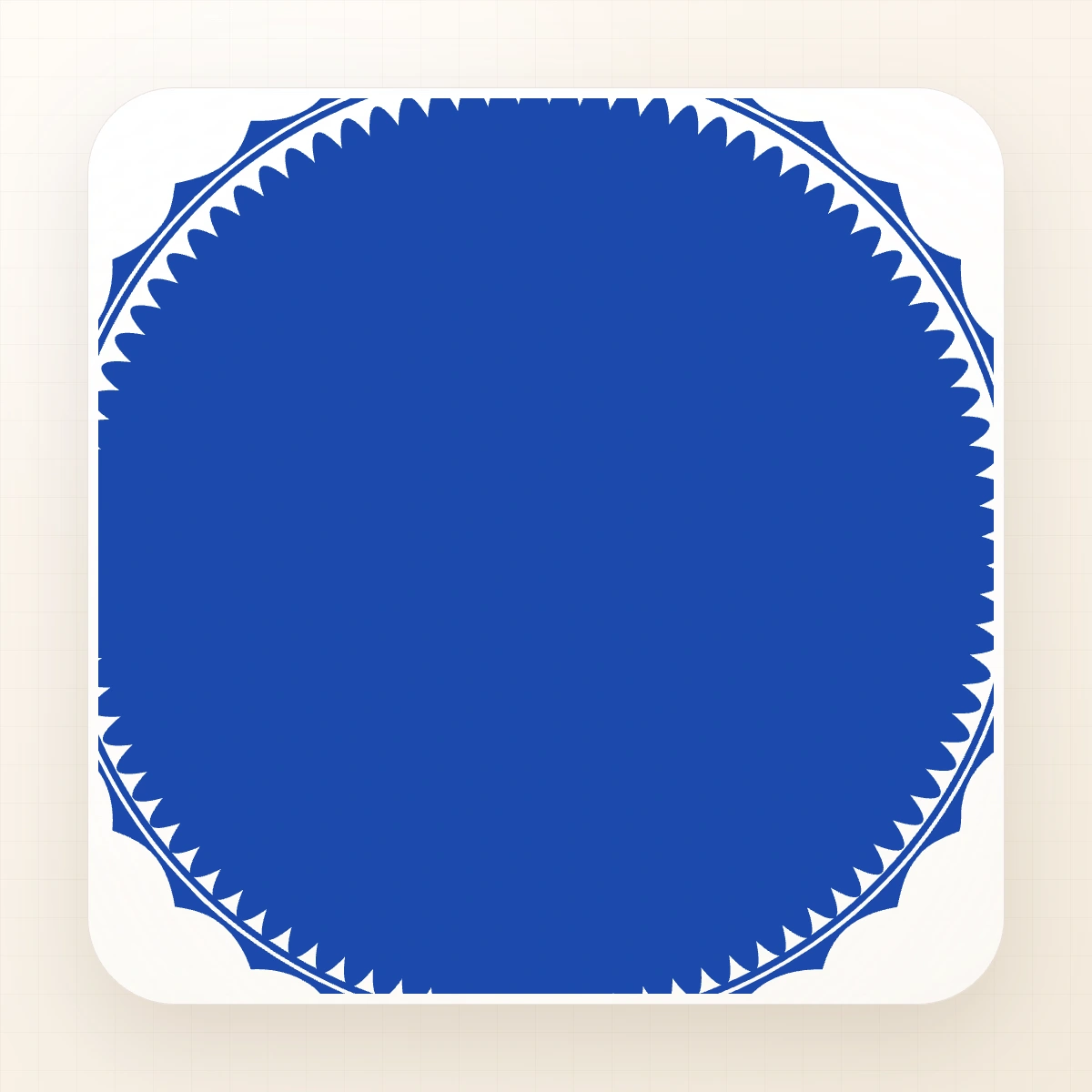
 Free template
Company / round
stampmaker.io Worldwide Company Seal - stamp maker
Worldwide stamp maker service company seal template. The actual blueprint uses #1B49AC ink and combines 1 curved text band, 3 straight text lines, 1 border element, and 2 graphic elements.
- Source ink
- #1B49AC
- Visible layers
- 7
- Text layers
- 4
Start from the supplied layers; review every placeholder before export.
01 / Context
Use cases
- Worldwide stamp maker service company seal template.
- Business seals and official company marks.
- A practical starting point for work involving company seals and circle.
Design specifications
These values come from the template blueprint currently opened by the editor.
- Composition
- round
7 visible layers in the editable blueprint
- Ink
- #1B49AC
Default colour stored in the source design
- Text
- 4 text layers
Includes “STAMP SEAL” and “STAMP MAKER SERVICE WORLDWIDE”
- Typefaces
- Arial
1 structural element
Pick · Edit · Download
The steps adapt to the text, border, and graphic layers present in this design.
Replace “STAMP SEAL” and “STAMP MAKER SERVICE WORLDWIDE” across 4 editable text layers.
Keep the source ink colour #1B49AC, or choose a different colour to match the final document or brand.
Fine-tune 1 border element and 2 graphic elements without rebuilding the composition from scratch.
Preview the finished round layout and check every name, number, date, and symbol before export.
Frequently asked questions
What is included in stampmaker.io Worldwide Company Seal - stamp maker?
stampmaker.io Worldwide Company Seal - stamp maker contains 1 curved text band, 3 straight text lines, 1 border element, and 2 graphic elements. Its default ink colour is #1B49AC, with Arial typography.
Can I edit stampmaker.io Worldwide Company Seal - stamp maker?
7 visible layers can be adjusted in the supplied editor blueprint, including 4 text layers. Review the preview after replacing the supplied wording.
Can I change the ink colour?
The source file opens with #1B49AC as its ink colour. When editing is available, you can change the colour while keeping the original layer arrangement.
Does stampmaker.io Worldwide Company Seal - stamp maker guarantee official acceptance?
No. This page describes the supplied design, not its legal status. Replace every placeholder and verify the wording, required fields, and acceptance rules with the relevant organisation or authority.
Continue exploring
Browse stamp templates
Suggestions are selected from related use cases, shapes, and design tags.
 Free template
Business Logo Stamp Online Template - №82560
 Free template
Custom Stamp Online Design - №33815
 Free template
Professional Stamp Maker for Business Use - №4786791
 Free template
Signature Stamp Maker Template (Customizable) - №6910482
 Free template
Legal Company Stamp Maker Online - №7709571
 Free template